How AI Agents see the Web
AI agents fail on web pages because screenshots, DOM dumps, and selectors all break after a deploy. Here's what agents need to target elements reliably.


I keep watching demos where an AI agent navigates a browser, fills out a form, clicks a button, and everyone in the room acts like the problem is solved. The agent found the element. It performed the action. Ship it.
Then I watch the same agent run the same task on the same page after a deploy, and it clicks the wrong button. Or it clicks nothing. Or it clicks the right button but in the wrong state, because the page loaded differently this time and the agent had no way to know.
The demo was real. The reliability was not.
What agents actually see
When an AI agent looks at a webpage, it does not see what you see. You see a page. You see layout, hierarchy, relationships, context. You know that the orange button in the hero is the primary CTA because you understand the visual grammar of the page. You know that the dropdown is closed because you saw it close. You know that the element you care about is inside a modal because you opened the modal to get to it.
An agent sees one of three things, depending on how it was built: a screenshot, a DOM dump, or a selector. Each one carries real information. None of them carry enough.

The screenshot trap
The most common way to give an agent visual context is a screenshot. Take a capture of the page, pass it to a vision model, ask it to find the element you described.
This works surprisingly well on simple pages. A vision model can identify a prominent button in a clean hero section. It can find a search bar at the top of the page. It can locate a navigation menu. For the demos, this is enough.
The problems start when the page gets real.
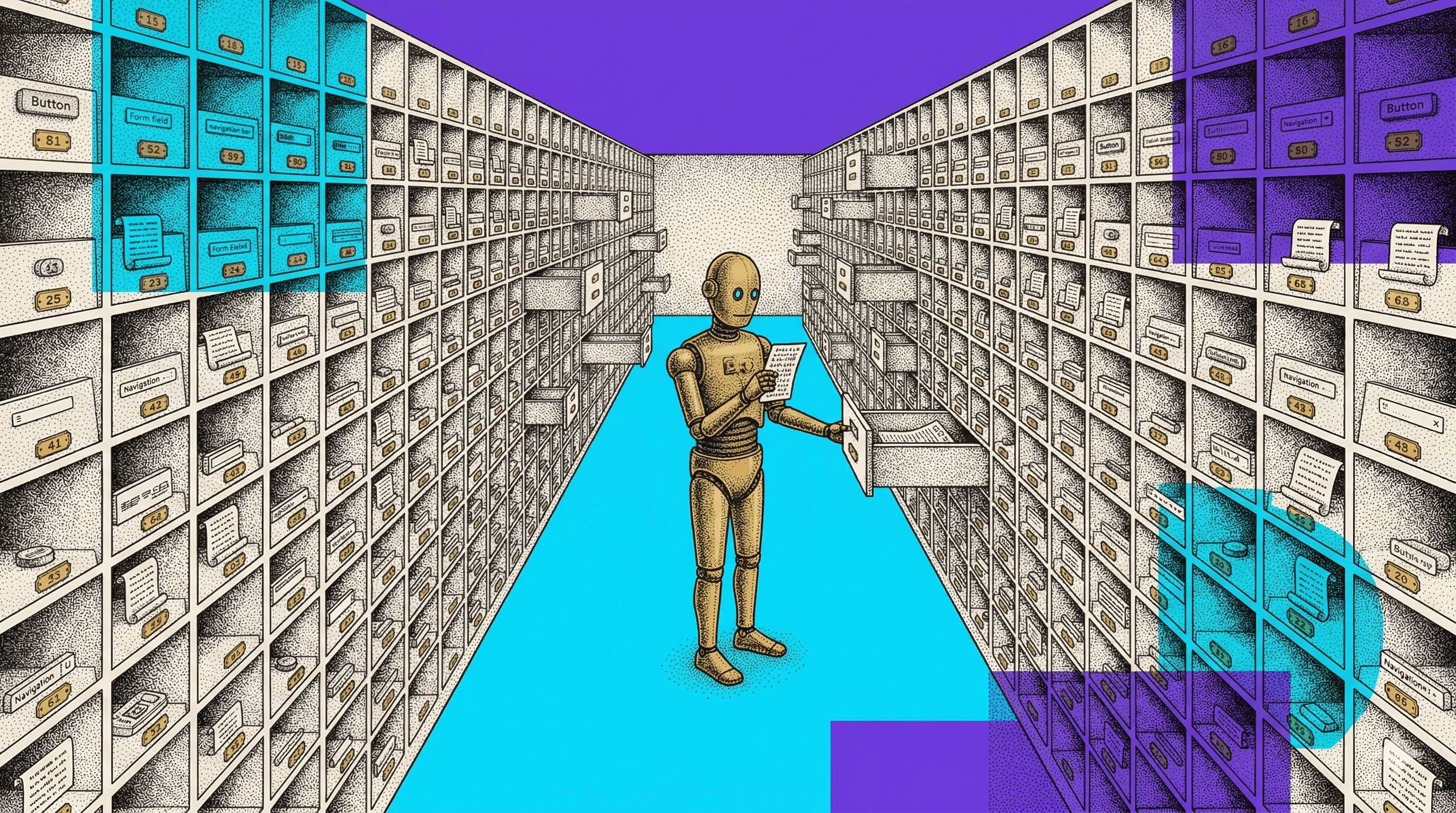
A screenshot is a grid of pixels with no structure. The agent does not know that the blue rectangle at coordinates (340, 580) is a button. It infers that it is a button because it looks like one. But "looks like a button" is not the same as "is a button." A decorative element can look like a button. A disabled button can look like an active one. Two buttons can look identical but be different elements with different behaviors, one submits a form and one opens a modal.
Worse, vision models do not just miss things. They sometimes invent them. Anti-aliasing artifacts, compression noise, and overlapping elements can cause a model to "see" a button that does not exist. The model is not lying. It is pattern-matching on pixel data, and pixel data is noisy. A hallucinated element is indistinguishable from a real one in the model's output.
The vision model is doing pattern matching on pixels. It is not reading the DOM. It does not know the element's tag, its role, its event listeners, or its position in the page hierarchy. It does not know whether the element is inside an iframe, behind a modal overlay, or rendered by a client-side framework that has not finished hydrating.
And the screenshot is one moment. If the agent needs to interact with an element that only appears after a hover, or after scrolling past the fold, or after a specific sequence of clicks, the screenshot does not contain it. The agent has to guess when to take the next screenshot, what action might reveal the target, and whether the thing it sees after the action is the thing it was looking for.
The screenshot is a photograph of a moment. The agent needs a map of a system.
The DOM dump problem
Some agent frameworks skip the visual approach and work directly with the DOM. They serialize the page's HTML, pass it to a language model, and ask it to find the right element by reading the markup.
This sounds more precise, and sometimes it is. The model can see element tags, attributes, class names, IDs. It can reason about hierarchy. It can identify a button by its tag name and its text content.
To their credit, modern agent frameworks are getting smarter about this. Tools like Playwright and Puppeteer can tap into the Accessibility Tree (AOM), which strips away presentational noise and surfaces semantic roles like button "Add to Cart" instead of raw div soup. This is a real improvement. But the AOM is only as good as the page's accessibility markup, and most production pages have gaps, unlabeled elements, generic roles, and interactive components that the accessibility layer simply does not describe.
But a real page's DOM is enormous. A typical e-commerce product page has thousands of nodes. A modern React application renders deeply nested component trees with generated class names, data attributes from a dozen libraries, and wrapper divs that exist only for layout. The signal-to-noise ratio is terrible.
When you hand a language model a serialized DOM with 4,000 nodes and ask it to find "the add to cart button," it is doing the same thing your teammate does when they get a vague Slack message: scanning, inferring, guessing. The model might find three elements that could be the add-to-cart button. It picks one. If it picks right, the demo works. If it picks wrong, the workflow breaks silently, because the wrong button still does something, just not the right something.
And the DOM dump captures structure but not state. It does not tell the agent what the page looked like before the current render. It does not capture scroll position, authentication status, or which elements have been interacted with. Two identical DOM snapshots can represent completely different user experiences depending on the state that produced them.
The selector gamble
The third approach is selectors. Give the agent a CSS selector or an XPath expression and tell it to find the element at that address.
This is the most precise input you can give an agent. A selector points at exactly one element (if it is written correctly). No visual guessing. No scanning thousands of nodes. Just go to this address and act.
The problem is that selectors are fragile.
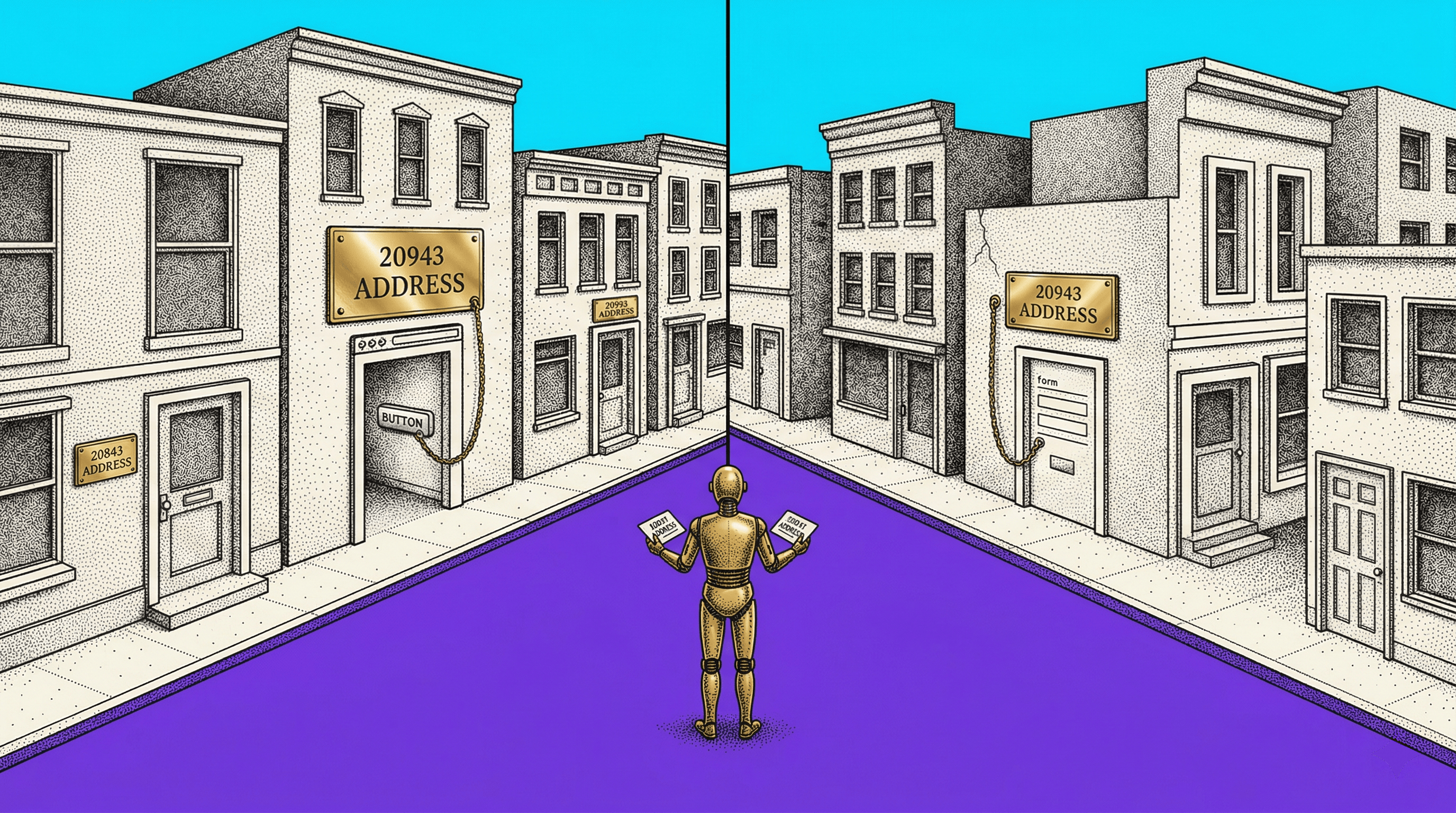
On any site using CSS-in-JS, the class names are hashed at build time. The selector .css-a7k2x9 points at the right element today and at a completely different element, or nothing at all, after the next deploy. The code did not change. The hash did.
On sites with dynamic rendering, elements are created and destroyed by JavaScript. A selector that matches an element after the page finishes loading might match nothing if the agent tries to use it before a framework finishes hydrating. Or it might match a skeleton placeholder that looks like the target but is not.
Even stable selectors can be ambiguous. button.primary might match one element today and three elements tomorrow, after someone adds a new section to the page. The selector was not wrong when it was written. The page changed around it.
And then there are the true boss fights: Shadow DOM and iframes. A standard CSS selector literally cannot reach into a closed Shadow Root. The element is there, the vision model can see the pixels, but no selector you write from the outside will touch it. Iframes create the same wall. The agent has to know the element lives inside an encapsulated boundary and switch contexts to reach it. Most agent frameworks do not handle this, and the ones that try do it inconsistently.
Some platforms claim to solve selector fragility with "self-healing" selectors, where AI finds the button even if the ID changes. This sounds reassuring until you run it in production. Self-healing is guessing with a safety net. When the selector breaks, the AI scans the page and picks what looks closest. Sometimes it picks right. Sometimes it picks the wrong button with the right label, or the right button in the wrong state. In a demo, a 90% match rate feels impressive. In a production pipeline running thousands of actions, a 10% miss rate is a disaster. Self-healing is not deterministic targeting. It is a fallback that papers over fragility instead of solving it.
Agents that depend on selectors are brittle in the same way that hardcoded tests are brittle. They work until the environment changes, and the environment always changes.
What agents need but cannot ask for
Here is what an agent actually needs to reliably target a specific element on a specific page:
A stable reference that survives deploys
Not a hashed class name, not a position-based XPath, but a reference that identifies the element by its semantic role and structural position. Something that says "the primary submit button inside the checkout form in the main content area" in a way that resolves to a single node even after the page has been rebuilt.
The element's context in the page hierarchy
Is it inside a modal? Inside an iframe? Inside a shadow DOM? Inside a dynamically loaded section that appears only after user interaction? The agent needs to know where the element lives, not just what it looks like or what its current class name is.
The page state that produced the current view
Is the user logged in? What scroll position reveals this element? Which prior interactions were necessary to make it visible? The agent needs this context delivered with the reference.
The page state that produced the current view
If the target only appears after opening a dropdown, scrolling past a section, and clicking a tab, the agent needs that sequence as structured data. Not as a paragraph of instructions. Not as a video to watch. As a sequence of actions it can execute or verify.
This is the same list. The same four things a developer needs to act on a bug report without guessing. The same precision gap that causes human teams to spend 20 minutes on a call clarifying which element they meant.
State blindness
The most underappreciated part of this problem is state.
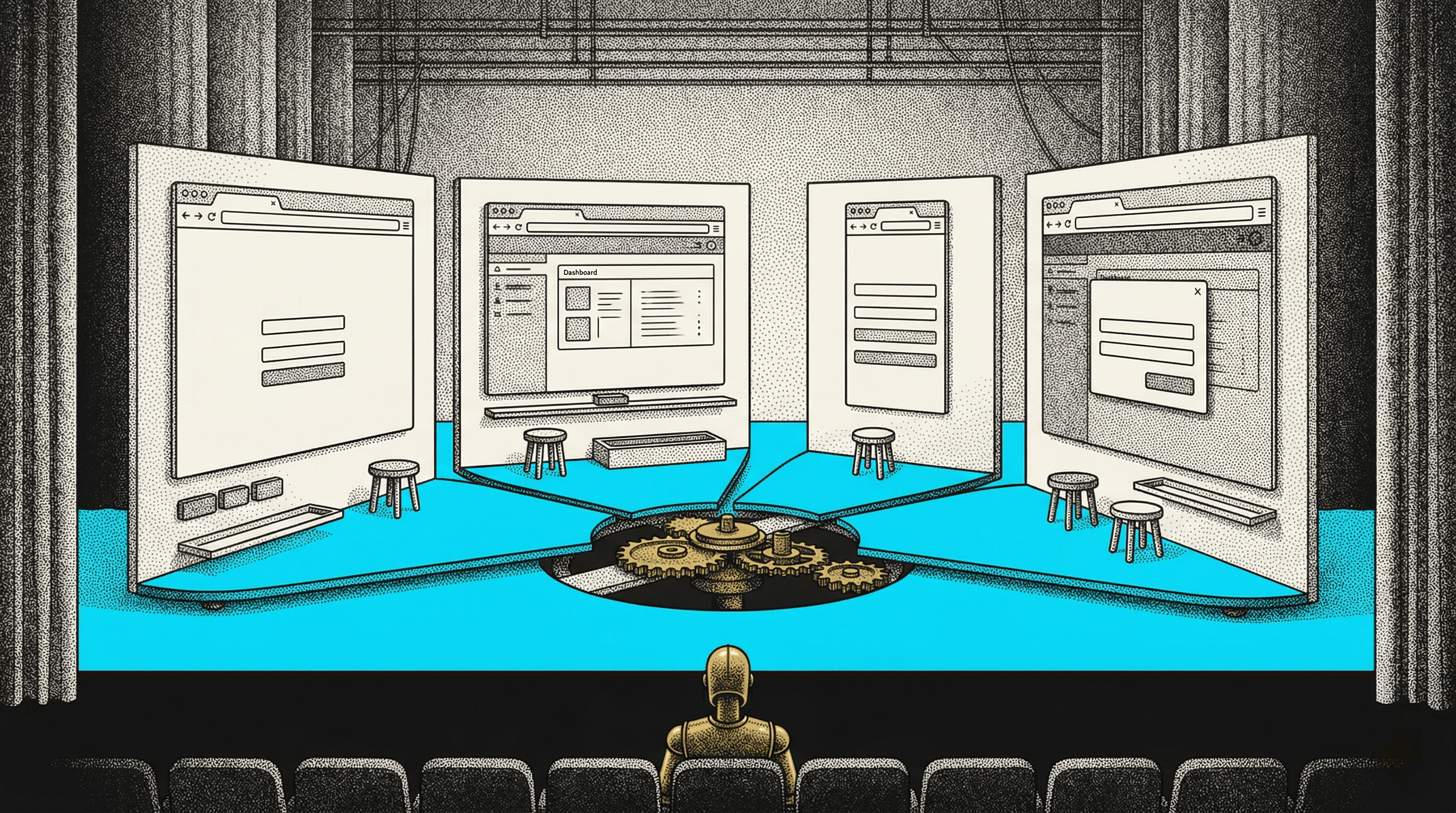
A webpage is not a document. It is a running application. The same URL, at the same moment, can present entirely different layouts depending on who is logged in, what device they are using, what they have done previously on the site, and what third-party scripts have loaded.
A screenshot captures one state. A DOM dump captures one state. A selector is state-independent, but the element it points at might only exist in one state.
When a human encounters a page in an unexpected state, they adapt. They recognize that the layout has changed, they look for the element in a new location, they understand that the dropdown is already open because someone else interacted with it. This adaptation is effortless for humans and difficult for agents.
An agent that was trained or prompted to find an element at a specific position, with a specific appearance, or with a specific selector will fail silently when the state changes. It does not know the state changed. It does not know what state it expected. It sees the page as it is right now and tries to match its instructions against what is there. If the match is close enough, it acts. If the match is wrong, it acts anyway, because "close enough" and "wrong" look the same to a vision model working from a screenshot.
There is also a timing dimension to state that most frameworks ignore. Race conditions kill agent reliability. The agent sees a button, sends the click command, but a JavaScript callback moves the element or covers it with a loading spinner 10 milliseconds before the click registers. The agent did everything right. The page changed between observation and action. This is not a vision problem or a selector problem. It is a state synchronization problem, and no amount of better screenshots will fix it.
State blindness is why agent demos work on staging and break in production. Staging is controlled. Production is not.
Why this matters now
This is not a theoretical problem for 2028. Teams are adopting agent-based workflows today. QA automation agents, testing agents, monitoring agents, content agents. Every one of them hits the same wall: the agent can read the page, but it cannot reliably identify a specific element in a specific state with enough confidence to act without supervision.
The workaround is human oversight. Someone watches the agent, corrects it when it targets the wrong element, restarts the workflow when the page state confuses it. This works for demos. It does not scale. The entire point of an agent is that it works without someone watching.
And the problem compounds as teams add more agents. One agent that occasionally targets the wrong element is a nuisance. Five agents each making independent targeting decisions on the same page, with no shared understanding of what the elements are, is a coordination failure. The agents are not talking to each other. They are each working from their own screenshot, their own DOM dump, their own selector. They are five team members who each received the same vague Slack message and each guessed differently about which element it meant.
The human version of this problem already costs teams hours per week. The agent version will cost more, because agents, usually, do not pause to ask. They act on their best guess and keep going.

The bridge between humans and agents
The fix is the same fix for both problems: structured element context that identifies, not describes.
When you give a human team member a precise element reference, one that includes a stability-scored selector, full DOM hierarchy, page state metadata, and an interaction replay showing how to reach the element, they stop guessing. They open the reference, see the exact element in its full context, and act. No follow-up. No clarification call.
When you give an agent the same structured element context, it stops guessing too. It does not need to infer from a screenshot. It does not need to scan a 4,000-node DOM dump. It does not need to hope the selector still works. It has a stable reference, a hierarchical context, a state description, and an interaction path. It can find the element, verify the state, and act with confidence.
The context that makes human handoffs precise is the same context that makes agent targeting reliable. The teams that solve the "which element?" problem for their human workflows are simultaneously building the infrastructure their agents will need.
What to do about it
If you are evaluating agent-based workflows, or already running them, here is the honest assessment.
Step 1
Test your agent on the same page across three deploys. If it targets the right element all three times, your selectors are stable enough for now. If it misses once, you have a fragility problem that will get worse as the site evolves.
Step 2
Test your agent across page states. Logged in, logged out, different viewport, after a specific interaction sequence. If the agent only works in the default state, it will fail in production, because production users are never in the default state.
Step 3
Look at how your agent gets its element references. If it is working from screenshots alone, it is guessing. If it is working from raw DOM dumps, it is scanning and inferring. If it is working from hardcoded selectors, it is one deploy away from breaking. None of these are reliable at scale.
Step 4
Give the agent what a developer needs. A stable reference. Hierarchical context. State metadata. Interaction paths. Structured, inspectable, exportable data that identifies the element instead of describing it.
This gap between a guessing agent and a deterministic one is why we built Samelogic's element capture around stable, structured references. One-click capture with stability-scored selectors, full DOM hierarchy, page state, and step replays as structured data. The same artifact that eliminates clarification loops for human teams gives agents the targeting precision they need to act without guessing.
But start with step one. Run your agent three times across three deploys and see what happens. That will tell you more than any demo.
Related workflows
Move from editorial context into the selector, Playwright, and bug-reproduction pages that turn exact UI evidence into action.
 Install the Chrome Extension