The five-minute call that was supposed to be a Jira ticket
One unclear ticket per client per day costs an 8-client agency 13 hours a sprint. Here's why it happens and how to file tickets that don't need a call.

I want to walk through something that happens on every team I have ever worked with, and that most teams have stopped noticing because it feels normal.
Someone finds an issue on a client's website. A button looks wrong, or a layout shifted after the last deploy. The person who found it opens a ticket. They write a title, a short description, and attach a screenshot. Total time: three minutes. Reasonable. Done.
Then the person on the other end opens the ticket and starts reading.

What the finder sees
The person who found the issue was staring at the page. They had context. They knew which page they were on, which section they were looking at, which element was wrong, what it looked like before, and what changed. They could point at it. They could hover over it. They could open DevTools and see the exact node.
None of that made it into the ticket.
What made it into the ticket was a screenshot, a sentence, and maybe a URL. The screenshot captured the page at one moment, from one viewport, in one state. The sentence said something like "the CTA button is misaligned on the pricing page." The URL pointed at the page.
In the finder's mind, this is precise. They know exactly which button, which page state, which viewport. They just wrote it down in a way that made sense to them in the moment, with all their context loaded.
I have been this person. I have filed tickets that I thought were clear and then watched a developer spend ten minutes squinting at my screenshot trying to find the thing I was pointing at. The ticket made sense to me because my brain was still standing in front of the element. The ticket made no sense to anyone else because my brain did not come attached.
What the fixer receives
The developer opens the ticket twenty minutes later. Or the next morning. Or two days later, after three other tickets.
They see the screenshot. They see the sentence. They see the URL.
They click the URL. The page asks them to log in, because the finder was authenticated and the developer is not. They log in. The page loads. It does not look like the screenshot, because the developer is on a different monitor, at a different viewport, now on a different session entirely. The "pricing page" has four sections. Each section has at least one button that could be called a CTA. Two of them are visually similar. None of them look obviously misaligned from this viewport.
The developer now has a choice. They can guess which button the ticket means and start investigating. Or they can ask.
Most developers ask. Not because they are being difficult. Because guessing costs more than asking when the guess is wrong.
The five-minute call
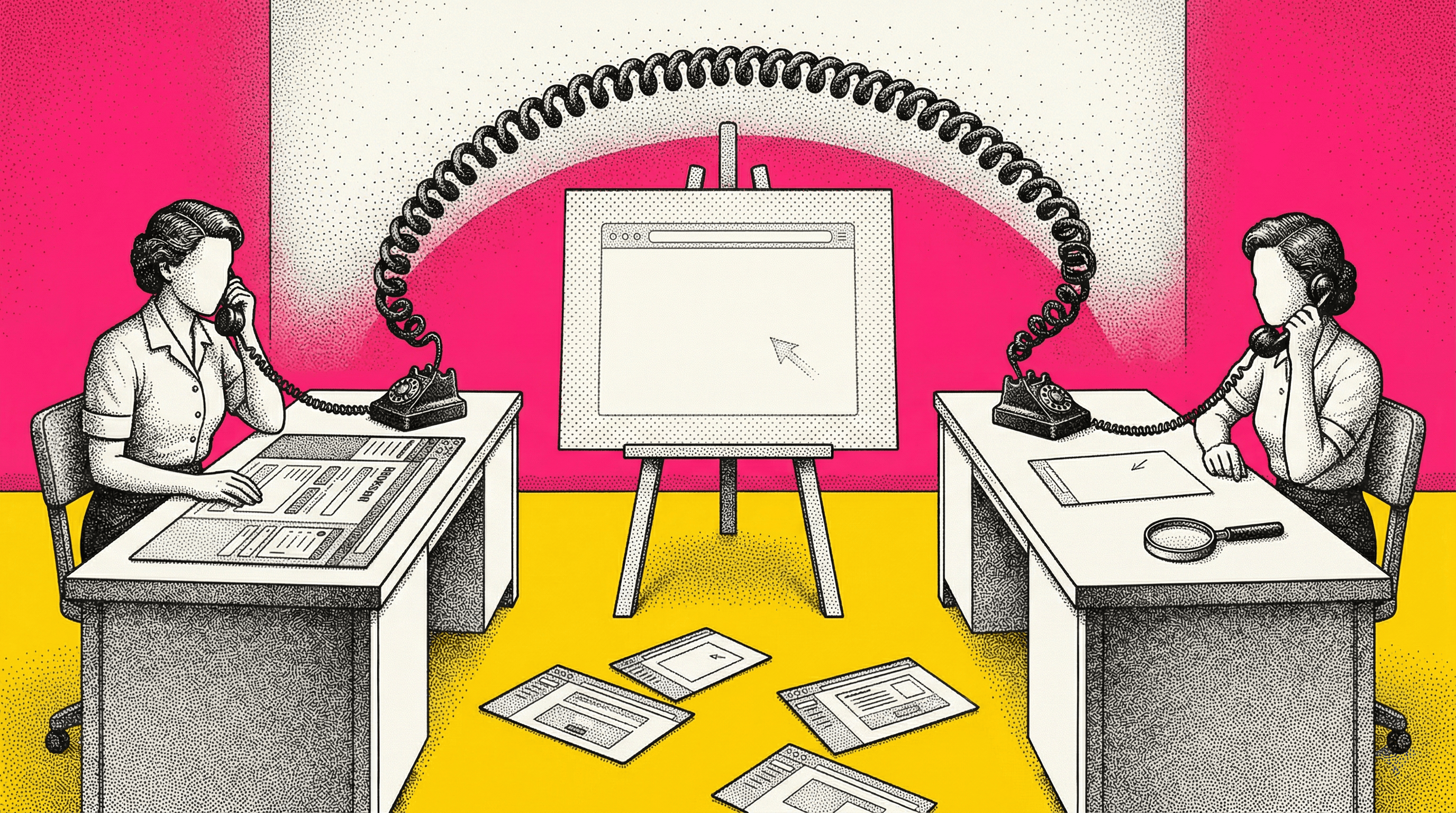
So the developer pings the person who filed the ticket. "Hey, can you hop on a quick call about that button issue?"
The call is never actually five minutes. The first two minutes are "Can you hear me?" and "Hold on, let me find the right tab." Then the finder shares their screen, navigates to the page, scrolls to the section, hovers over the element, and says "this one." The developer says "got it." The call ends.
Seven minutes. Maybe nine. No drama. No conflict. Just a brief interruption to transfer context that the ticket failed to carry.
And then both people go back to what they were doing, except neither one picks up where they left off. Gloria Mark's research at UC Irvine measured it: about 23 minutes to return to deep focus after an interruption. The call was seven minutes. The recovery is another twenty. The actual fix, once the developer knew which element to look at, took four minutes.
The call and its aftermath cost more than the fix itself. And nobody logged any of it.

Why the ticket failed
The ticket did not fail because the finder was lazy. They wrote what they saw. The ticket failed because the tools available for writing it could not carry the context.
A screenshot captures pixels but not structure. It does not encode which element in the screenshot is the subject of the ticket. Two buttons that look identical in a screenshot are two completely different nodes in the page, and the screenshot cannot tell you which one the finder meant.
A URL captures a page but not a state. Half the time, the URL lands on a login screen because the finder was authenticated and the developer is not. The other half, it loads a version of the page that looks different because of viewport, session, or a deploy that went out between filing and fixing. The URL says "here is a page." It says nothing about the element or the conditions that made the issue visible.
A sentence captures intent but not precision. "The CTA button on the pricing page" is specific enough for the person who wrote it and ambiguous enough for everyone else. How many buttons are on the pricing page? Which one is "the CTA"? The sentence does not say. It felt precise when they typed it. It is not.
The finder had all of the context. The ticket format stripped it away.
Where the time actually goes
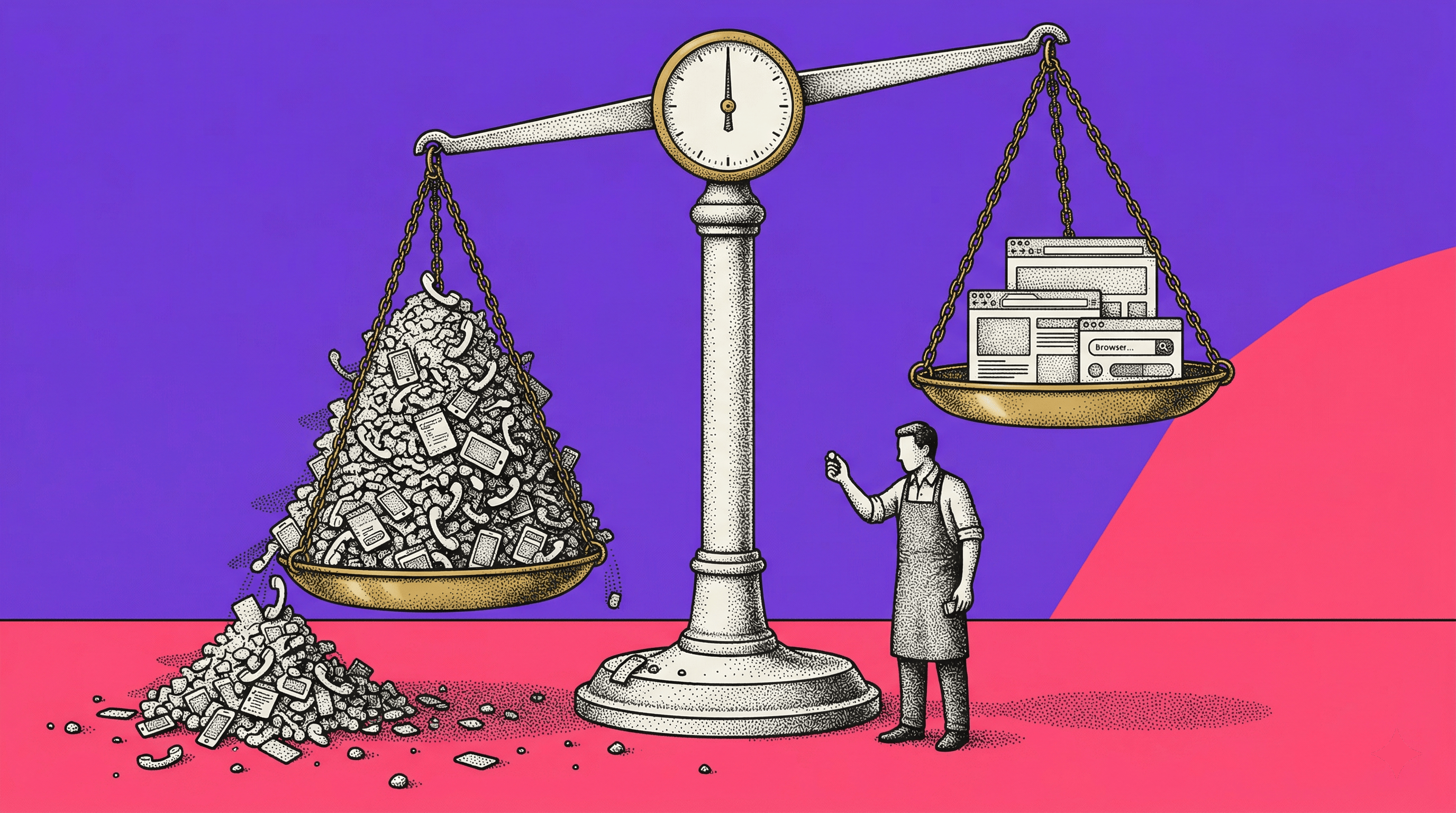
This is not a seven-minute problem. This is a seven-minute problem that repeats.
A CRO agency managing eight client accounts has experiment handoffs, QA reviews, and bug reports flowing constantly. Each one that lacks element-level precision either triggers a clarification loop or a wrong guess. The clarification loop costs 10 to 15 minutes per instance, more when you count the deep-work recovery on both sides. The wrong guess costs even more, because someone does work on the wrong element before discovering the error.
One unclear handoff per client per day, across eight clients, is 80 clarification loops per two-week sprint. At 10 minutes each, that is over 13 hours of time that produced nothing except the context transfer that should have happened in the ticket.
Nobody tracks this. It does not show up in sprint retros. It does not have a Jira label. It lives in the space between "ticket filed" and "work started," and everyone treats it as the normal cost of collaboration.
But the ticket format is what's broken, not the people filing them.

What a ticket that does not need a call looks like
Instead of screenshotting a page and describing a region, you capture the element itself, with all the context that makes it unambiguous.
Here is what changes.
What the fixer gets today | What the fixer actually needs |
|---|---|
A screenshot of the full page | The specific DOM node, highlighted, with its tag, attributes, and computed styles |
A URL that may land on a login screen | The page state at capture: viewport, scroll position, auth context, open modals |
"The CTA button on the pricing page" | The element's position in the hierarchy: which section, which container, which sibling elements |
A paragraph of steps-to-reproduce | A structured replay the fixer can follow click-by-click to arrive at the exact view |
Picture this: the developer clicks a link in the ticket. Their browser opens to the pricing page, already scrolled to the third pricing tier, with the "Buy Now" button highlighted in context. The element's selector, hierarchy, and state are all there. The developer does not need to search, scroll, or guess. They see the element, verify the issue, and start the fix.
No screenshot squinting. No "which one did you mean?" No call.
I keep thinking about how many hours I would have gotten back early in my career if tickets had worked this way. Probably not dramatic hours. But a lot of ten-minute blocks that I would rather have spent writing code.
The compound cost for agencies
For a single team, the five-minute call is a minor friction. For an agency managing multiple clients, it compounds into a margin problem.
Every client account has its own pages, its own elements, its own deploy cadence. The agency team context-switches between clients constantly. When a handoff is ambiguous, the clarification loop is not just 10 minutes. It is 10 minutes plus the cost of reloading all the context about that specific client's site, which the team member had to set down to take the call.
Agency founders know this feeling. The team is technically skilled. The work quality is high. But the throughput is lower than it should be because a surprising amount of time goes into figuring out what the work is, not doing the work.
The five-minute call is the most visible symptom. The invisible cost is the hundred small moments where someone almost asked, guessed instead, and guessed wrong. I do not know how to quantify that part. I just know every team I have worked with has it.
What to do about it
If you recognize this pattern on your team, try a No-Call Sprint. Here is how.
Count the clarification pings this week. Every "which element?" in Slack. Every "can you jump on a quick call?" about a ticket. Every "I think you mean this one, right?" in a thread. Count them. Multiply by 10 minutes each. That is the time your handoff format is costing you, and the number is usually larger than anyone expects.
Then look at the ticket that triggered the last call. What was missing? The element identity? The page state? The reproduction path? Figure out the gap between what the finder knew and what the fixer received.
Then file one ticket with full element context. Capture the element with its hierarchy, its state, and a reproduction path. Send it as the ticket. See if the fixer asks a follow-up question. If they do not, you have your answer about where the problem was. Roll it out for the sprint and track how many clarification pings go to zero.
This is what we built Samelogic to do. One-click element capture in the browser. The capture includes the exact element with stability-scored selectors, full DOM hierarchy, page state, and a step replay showing how to reach it. The result is an artifact that carries the context a ticket cannot, so the fixer never has to decode what the finder meant.
We did not set out to kill the five-minute call. We set out to make tickets that actually work. The calls just stopped happening.
Start with the count. See what the five-minute call is actually costing your team.
Related workflows
Move from editorial context into the selector, Playwright, and bug-reproduction pages that turn exact UI evidence into action.
 Install the Chrome Extension