The most expensive question in your Slack is "which element?"
The "which element?" question hides $8,100 in annual salary burn across a 10-client agency. A breakdown of where the time goes, free fixes, and when tooling is justified.

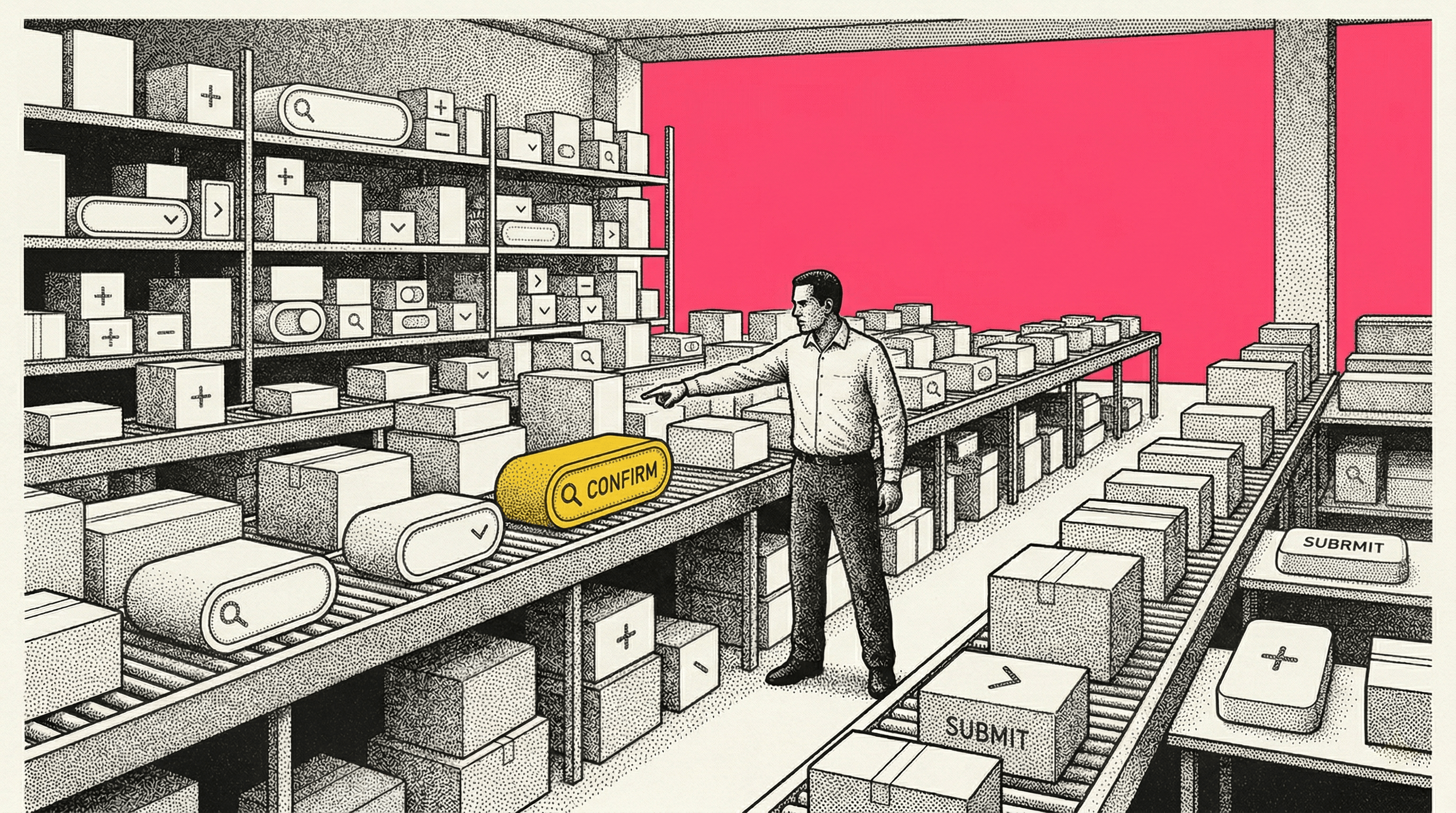
Nobody tracks it. That is the problem.
It shows up as a Slack message at 10:14am: "which element are you talking about?" It shows up as a 5-minute Loom that the developer watches and still has a question about. It shows up as "can we just hop on a quick call?" at 2pm on a Tuesday when both people had the same page open the whole time.
The question costs almost nothing each time it gets asked. And it gets asked constantly.
The math nobody does
Here is the thing about "which element?" conversations. They are never logged as a category. Nobody opens a spreadsheet at the end of the quarter and tallies up how many hours went to pointing at the wrong button. The time gets absorbed into Slack threads, into context switches, into calls that were supposed to be five minutes and ran thirty.
So let me do the math that nobody does.
Say your agency manages 10 client accounts. For each client, at least once a week, someone on your team references a UI element and the person on the other end needs clarification. Maybe it is the developer who got the experiment spec. Maybe it is the client who reviewed the QA report. Maybe it is the PM trying to write the ticket. One clarification loop. Once a week. Per client. Each one involves active time from at least two people. The Slack messages. The screenshot that did not capture the right state. The Loom that showed the area but not the element. The call that finally resolves it. Not all of that time is active, and I will get to that in a second. But the hands-on-keyboard, actually-dealing-with-this portion runs about 15 minutes per incident when you add both sides together.
10 clients. 1 clarification per client per week. 15 active minutes each.
That is 150 minutes of active time per week. About 2.5 hours.
2.5 hours per week, 50 weeks a year. 125 hours.
Now, the honest way to price that is at your internal cost, not your client billing rate. Nobody is losing $150/hour in billable revenue every time two teammates ping each other about a button. Your actual loaded cost per hour for the people involved is probably in the $50 to $80 range, depending on your team's seniority mix. At $65/hour average internal cost, that is roughly $8,100 a year in direct labor.
Where the time actually goes
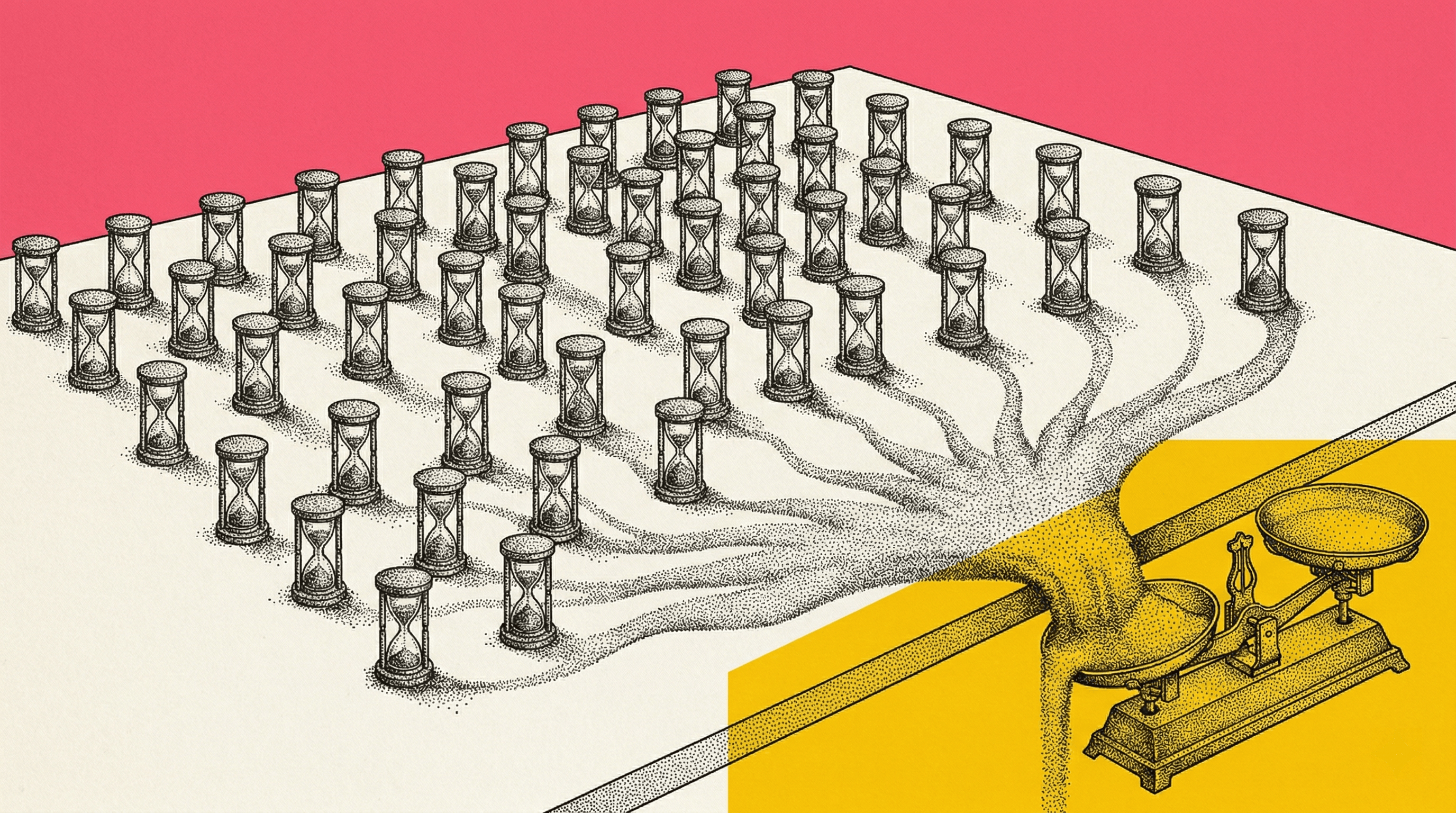
The 15 active minutes are scattered. That is what makes them invisible and what makes their true cost higher than the math above suggests.
3 minutes: writing the Slack message that references "the CTA in the hero section." You think that is specific enough.
4 minutes: on the follow-up: "do you mean the primary CTA or the secondary one below the fold?" You send a screenshot. The screenshot shows the element, but not the state, not the scroll position, not the fact that it renders differently for logged-in users.
6 minutes: on the call that resolves it. Everyone shares their screen. Someone moves their cursor around. "This one." "Oh, that one." Agreement is reached. Nothing is documented. The call answered which element, but it did not capture how to get there. The sequence of clicks, the scroll position, the navigation path, the state the page was in when the problem appeared. All of that lived in the caller's muscle memory for 30 minutes and then evaporated.
2 minutes: the next time someone needs to reference the same element and starts the cycle over, because the resolution lived in a call that nobody recorded and a Slack thread that got buried. And if the issue involves reproducing a specific interaction, not just pointing at a static element, the cycle is worse. The developer needs to know: what did you click, in what order, on what page, and what happened next? A screenshot cannot answer that. A Loom gets closer, but the developer still has to watch the video, guess which DOM node you meant, and manually reconstruct the steps.
Those are the active minutes. But between step one and step two, there is a gap. Maybe 10 minutes, maybe an hour. During that gap, both people context-switch. The person who asked the question moves to another task. The person who needs to answer breaks their focus to parse the message, look at the page, and figure out what is being referenced.
That context-switch cost is real, but it is not 10 minutes at $150/hour. It is the cognitive friction of breaking flow and coming back to a task slightly colder than when you left it. Research from the American Psychological Association suggests task-switching can reduce productive output by up to 40% in the moments around the switch. You cannot put that on a timesheet, but your developers feel it.
It is a communication problem, just not the kind you think
My first instinct was to say this is not a communication problem. That felt clean. The people are competent, the language is clear, the artifact is just too imprecise.
But that is only half true.
If a PM writes "the CTA in the hero" and does not include the URL, the viewport size, or even a screenshot with the element circled, that is a communication problem. It is sloppy ticket writing. No tool fixes that. A team that accepts vague handoffs will produce vague handoffs regardless of what software is available.
So yes, part of this is discipline. Part of it is setting a standard for what a ticket needs to contain before it gets assigned. Some teams fix a big chunk of this problem with a 15-minute training session and a ticket template that requires a URL, a marked-up screenshot, and a description of the element's location in the page. That costs nothing and it works.
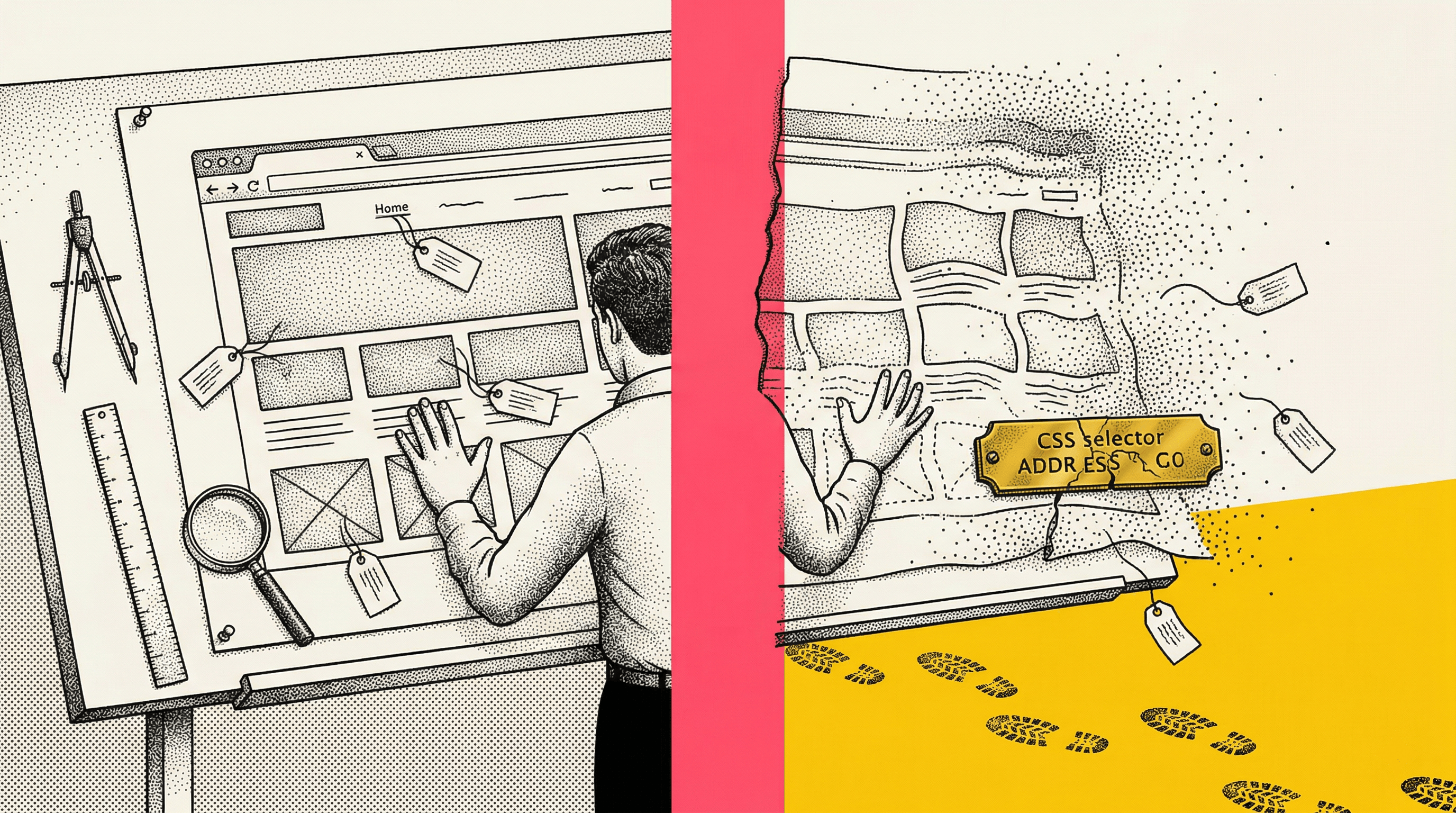
But here is where "just communicate better" runs into a wall. Even with a perfect screenshot and a detailed description, there are things a human cannot efficiently communicate in text. The CSS selector. The element's position in the DOM hierarchy. Whether the selector is stable or depends on a generated class name that will change on the next deploy. The computed styles. The scroll position. The viewport dimensions. The state of the element at the moment it was observed.
A disciplined PM can get you the screenshot, the URL, and a written description. That eliminates the laziest failures. What it does not eliminate is the technical context gap between the person who found the issue and the developer who needs to act on it. That gap exists because the browser does not make it easy to export that context, not because people are careless.
The communication problem is real. Fix it first. The artifact problem is what remains after you do.
Why it compounds for agencies
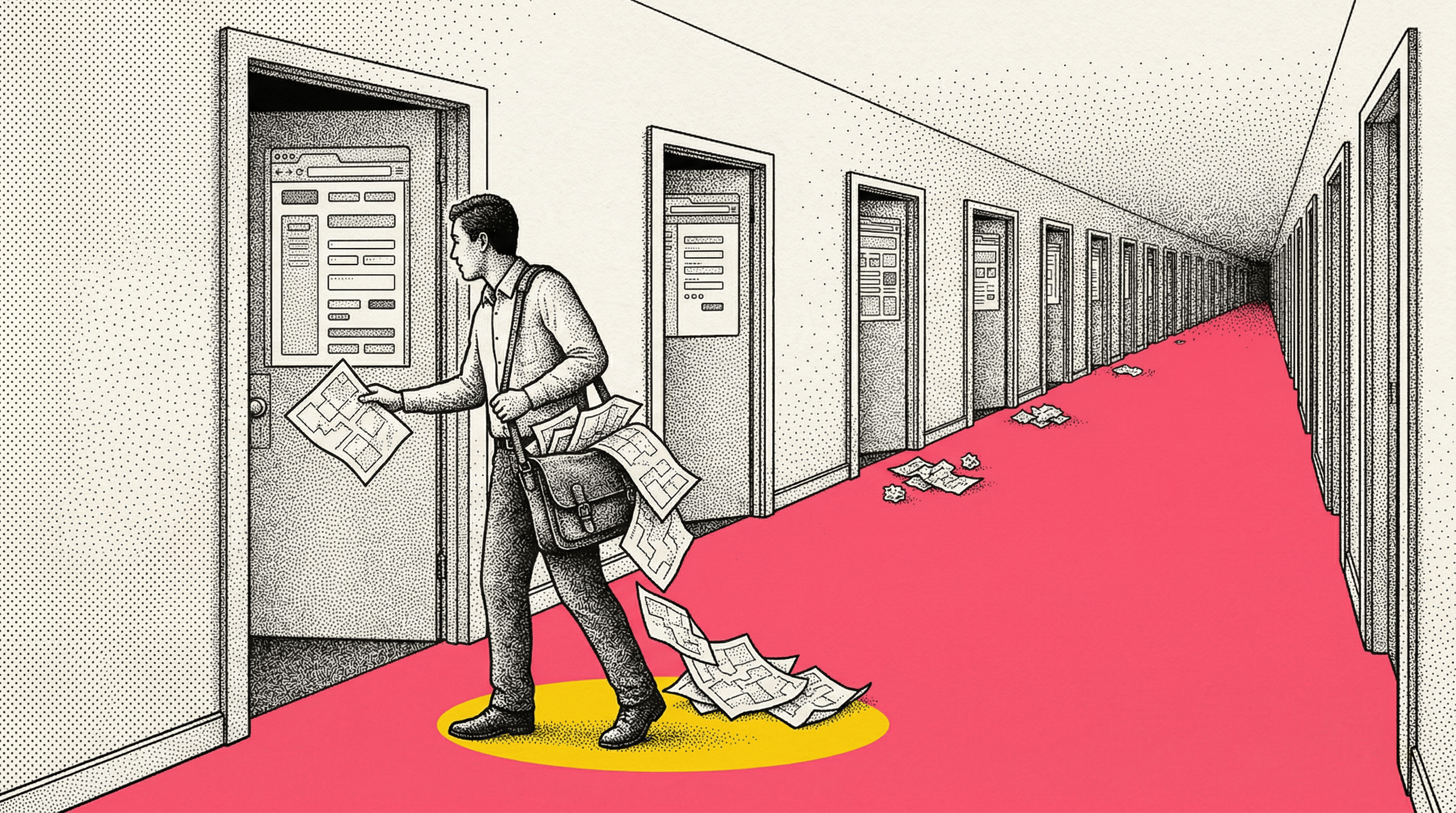
If you are an in-house team working on one product, this friction is annoying but contained. You are all looking at the same codebase, the same staging environment, the same Jira board. You build up shared shorthand over time. Agencies do not get that luxury. Every client is a different codebase, a different environment, a different set of assumptions about what "the hero section" means. The shared context resets with every new project. And you are running 10, 15, 20 of them at once.
One vague element reference per client per week is the baseline. During active experiment cycles, it is more like three or four. During QA sprints, it can spike to daily.
The cost scales linearly with your client count. The more successful your agency gets, the more you pay the "which element?" tax.
The real cost is not the salary math
$8,100 is the part you can calculate. Here is the part you cannot.
Delayed experiments
Every clarification loop pushes the implementation timeline. An experiment that should have launched Monday launches Wednesday because the spec was ambiguous and the developer needed a call. You do not lose $150/hour on the clarification. You lose two days of experiment runtime, which means two fewer days of data, which means a delayed decision on a variant that might be lifting conversions right now.
Wrong implementations
Sometimes the clarification does not happen. The developer makes their best guess, builds the variant on the wrong element, and the experiment runs for two weeks before someone notices the results look off. The cost there is not the 15 minutes of active time someone skipped. It is two weeks of wasted experiment budget, a confused client, and the re-work to do it again.
Developer frustration
This is the one nobody talks about in ROI terms because it is hard to quantify. But your developers are not being difficult when they push back on vague tickets. They are being precise in a workflow that keeps handing them imprecise inputs. Do that enough times and you get slower turnaround, lower morale, and eventually attrition. The cost of replacing a developer is somewhere between $15,000 and $50,000 depending on the role. One bad quarter of garbage-in, garbage-out task management can nudge someone toward the door.
Invisible QA
Your team does rigorous quality checks, but the only evidence is a Slack message that says "looks good." When renewal conversations come around, you have nothing to show for hundreds of hours of careful work. That is not a "which element?" cost exactly. But the same artifact gap that causes the clarification loops also causes the proof gap at renewal time.
The free version and where it stops
Before I talk about tooling, let me be clear about what you can do right now for zero dollars.
Teach your PMs and QA team to right-click, Inspect, and copy the CSS selector. Add it to the ticket alongside the screenshot. That one habit, a selector pasted into every bug report, eliminates a meaningful share of "which element?" conversations. The developer can Cmd+F in the DOM and land on the exact node. No ambiguity about which blue button you meant.
A ticket template that requires a URL, a viewport size, a screenshot with the element highlighted, and a copied selector will get you surprisingly far. If your team is not doing this already, start there. It is free, it takes one training session, and it will cut the noise.
Here is where it gets harder.
A PM can copy a selector. But if your client's site runs React, Next.js, or anything using CSS-in-JS or Tailwind with JIT compilation, that selector probably looks like `.css-1xr2bqw` or `div.tw-flex-col-x8z`. It is a hashed class name generated at build time. Tomorrow's deploy will generate a different hash, and the selector your PM carefully copied will point at nothing. Or worse, it will point at the wrong element and nobody will notice until the experiment data looks off two weeks later.
The majority of production sites your agency works on are probably generating class names that are useless as stable references. Your PM did everything right, and the selector is still garbage by Thursday.
Beyond selector stability, a PM cannot easily capture the computed styles, the element's position in the parent hierarchy, the scroll and viewport state, or the fact that the element renders differently for authenticated users. They can describe some of that in words, but at that point they are spending 10 minutes writing a ticket that a developer will spend 5 minutes re-deriving from the browser anyway.
And then there is the reproduction problem. A lot of "which element?" conversations are not really about which element. They are about what happened. The bug only shows up after you click the dropdown, scroll past the fold, and hover over the third item. A selector does not capture a sequence of interactions. A screenshot does not capture what you clicked before you took it. Even a Loom, which feels like it should solve this, is a narrated video that a developer has to watch, pause, rewind, and then manually translate into steps they can reproduce. The context is in there somewhere, buried in a 4-minute recording with no index and no technical metadata.
The free version solves the lazy failures. The hard failures, the ones involving selector stability, element state, interaction sequences, and technical context, are about information the browser makes difficult to export, regardless of how disciplined your process is.
What actually reduces the loops
I am not going to put a number on how much better artifacts reduce clarification. I do not have your data and I do not want to invent a percentage that sounds precise but is not.
What I will say is that the 15 active minutes per incident break down into three categories. The first is ambiguity about which element. A copied selector or a better screenshot fixes that. The second is missing technical context that the developer needs to act without asking questions: state, stability, DOM position, styles. The third is missing reproduction context: the developer knows which element, but not how to get there. What sequence of clicks, scrolls, and navigations produced the state where the problem is visible? That is the one a screenshot and a selector cannot touch, no matter how good your ticket template is.
Think about what a developer actually needs when someone says "this is broken." They need to see the element, yes. But they also need to walk through the interaction that triggers the problem, step by step, in their own browser. A Loom shows the walkthrough, but the developer cannot inspect it. They watch a video and then try to recreate what they saw. A DOM-level step replay is a different thing entirely. It reconstructs the actual page state at each moment, every click, scroll, input, and mutation, in a scrubbable timeline where the developer can jump to any event and inspect the DOM as it existed at that exact point. The reproduction steps are not narrated over video. They are captured as structured data the developer can act on directly.
Some teams will fix category one with process discipline alone. Some will fix category two with better tooling. Category three, the reproduction gap, is where the clarification loops are most expensive and most resistant to process fixes. It is also where step replays make the biggest difference, because they replace the 6-minute screen-share call with a shareable link that carries the full interaction sequence.
The ratio depends on how technical your non-developer team members are, how complex your clients' sites are, and how many of your clarification loops are really about reproduction rather than identification.
The honest answer is not "buy this tool and save X dollars a year." The honest answer is: figure out how much of your clarification noise is lazy communication versus genuine context gaps. Fix the communication first. Then decide if the remaining gap justifies a tool.
What to do this week
This is not the biggest problem your agency faces. Churn is bigger. Hiring is harder. Winning new business takes more energy.
But "which element?" is the kind of cost that hides in plain sight. $8,000 in salary burn, plus an unknowable amount of delayed launches, wasted experiment cycles, and developer goodwill. The direct number is modest. The downstream effects are not.
Here is what I would do if I were running a 10-client CRO agency and read this post:
This week
Track it. Every time someone on your team asks "which element?" or "can you hop on a call?" to clarify a UI reference, make a tally mark. Just count it. Do not try to fix anything yet. Get the real number for your team.
Next week
Implement the free version. Ticket template. URL, viewport, annotated screenshot, copied selector. Train the team in 15 minutes. See how much the tally drops.
After that
Look at what is left. If the remaining clarification loops are mostly about unstable selectors, missing element state, or reproduction sequences that a screenshot cannot carry, that is the gap where tooling lives. That is what we built to solve. Two things, specifically:
Element capture
One click saves the element with its DOM context, a stability-scored selector (so you know if it will survive the next deploy), computed styles, parent hierarchy, and visual state. The developer gets a shareable link, not a screenshot. They open it and see the exact element, the exact context, no guessing.
Step replays
Hit record, interact with the page for up to 30 seconds, and stop. Samelogic captures every click, scroll, text input, DOM mutation, console error, and navigation event as structured data. The result is not a video. It is a reconstructed DOM recording with a scrubbable timeline, where each event is labeled ("Clicked the Add to Cart button in the product grid") and the developer can jump to any moment to inspect the page state as it existed right then. If the developer needs to reproduce it themselves, they can export the entire replay as a Playwright test script with one click. No watching a Loom. No guessing which frame to pause on. No manually re-typing the steps into a test file.
The step replay is the part that replaces the call. Not the screenshot, not the Loom. The call. The one where two people share their screen and say "click here, then scroll down, then hover over that" for 6 minutes. That interaction sequence is now a link.
But do the first two steps before you think about the third. The free version might be enough for identification problems. If your remaining loops are reproduction problems, you will know, and the decision gets easier.
Related workflows
Move from editorial context into the selector, Playwright, and bug-reproduction pages that turn exact UI evidence into action.
 Install the Chrome Extension