Your team does not have a communication problem, they have a targeting problem
Most handoff failures are not communication problems. They are targeting problems. Learn why screenshots fail and what actually produces precise element references.

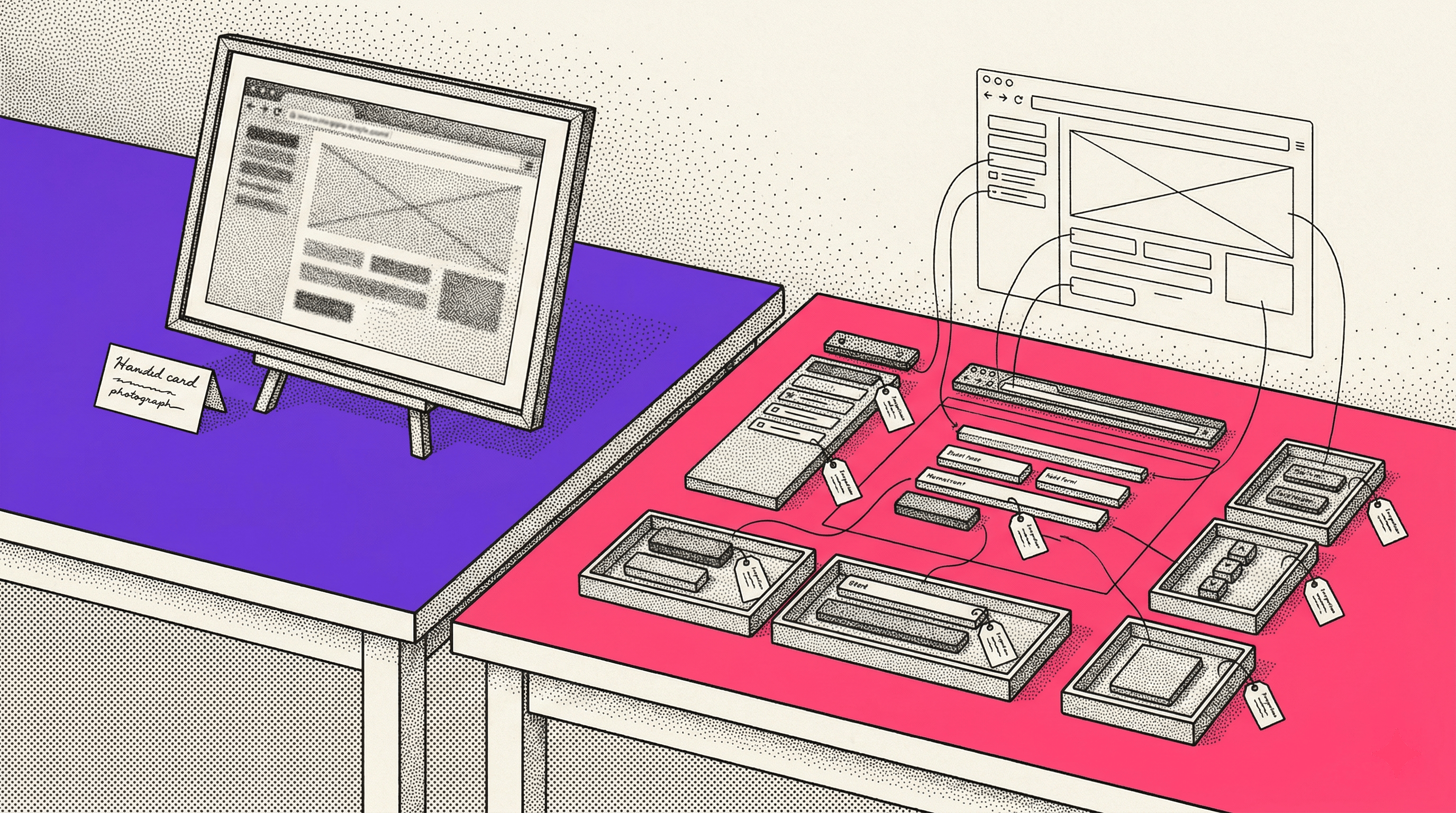
I used to think the handoff failures I kept seeing were about people not communicating well enough. Sloppy tickets. Lazy descriptions. Not enough detail.
Then I watched a team of smart, experienced people spend 20 minutes on a call, all looking at the same page, using clear language, and still walk away with two different ideas of which element they had been discussing.
The communication was fine. The targeting was not.
What targeting actually means
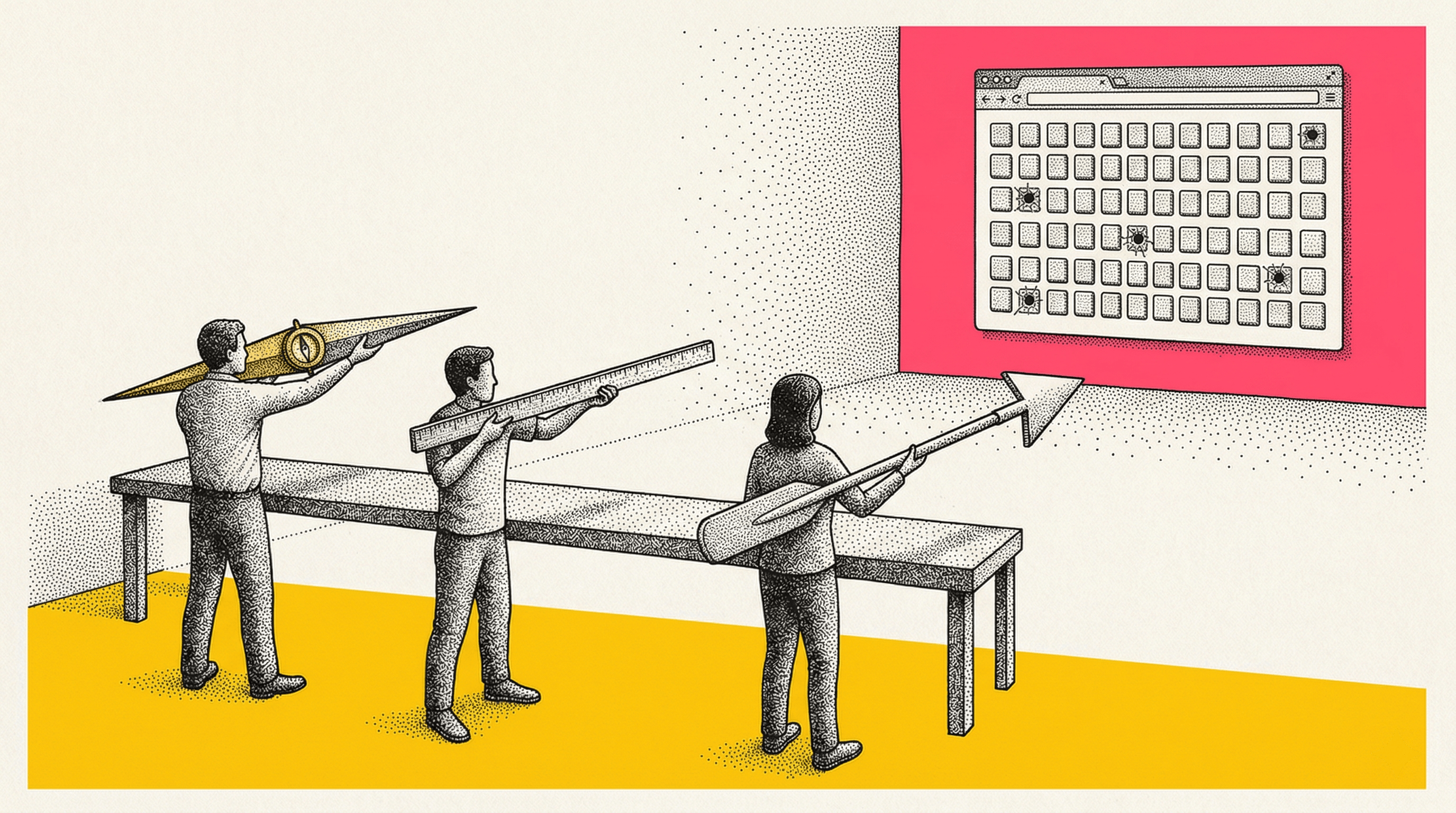
When a QA tester writes "the primary CTA is overlapping the navigation on mobile," that is a clear sentence. The grammar is fine. The intent is obvious. Anyone reading it would understand what the person is trying to say. The problem is that it does not uniquely identify an element.
Which primary CTA? The one in the hero, the one in the sticky bar, or the one in the mid-page module that the client added last Tuesday? Which navigation? The hamburger menu, the breadcrumb, or the bottom tab bar that only appears on iOS? On which breakpoint? At what scroll position? In what authentication state?
The sentence is clear. The target is ambiguous. And the person who wrote the ticket probably does not even know it is ambiguous, because on their screen, at their scroll position, in their browser, there was only one thing it could have meant.
The communication did its job. The artifact that carried it did not.
Good artifacts versus precise artifacts
Most teams pass around some combination of screenshots, URLs, Loom recordings, and written descriptions. These are all good artifacts in the sense that they carry real information. They are not lazy. They are not empty. A screenshot with a red circle and a URL is a genuine attempt to be helpful.
But good is not the same as precise.
A good artifact tells you roughly what someone is looking at. A precise artifact tells you exactly which DOM node they mean, what state it was in, and how to find it again tomorrow.
The gap between those two things is where almost all clarification loops live.
Take a screenshot. It captures the visual state of a page at one moment, from one viewport, at one scroll position. It does not capture the element hierarchy, the CSS selector, the computed styles, or whether the element renders differently when the user is logged in. It does not capture what happened before the screenshot was taken. It is a photograph of a moment, not a reference to a specific element.
A developer who receives that screenshot can see what the reporter saw. But they cannot reliably find the same element in the DOM without opening the page, scrolling to approximately the right spot, and guessing which node matches the visual. If there are several similar elements in the area, they guess wrong some percentage of the time. And nobody finds out until later.
The guess that nobody catches
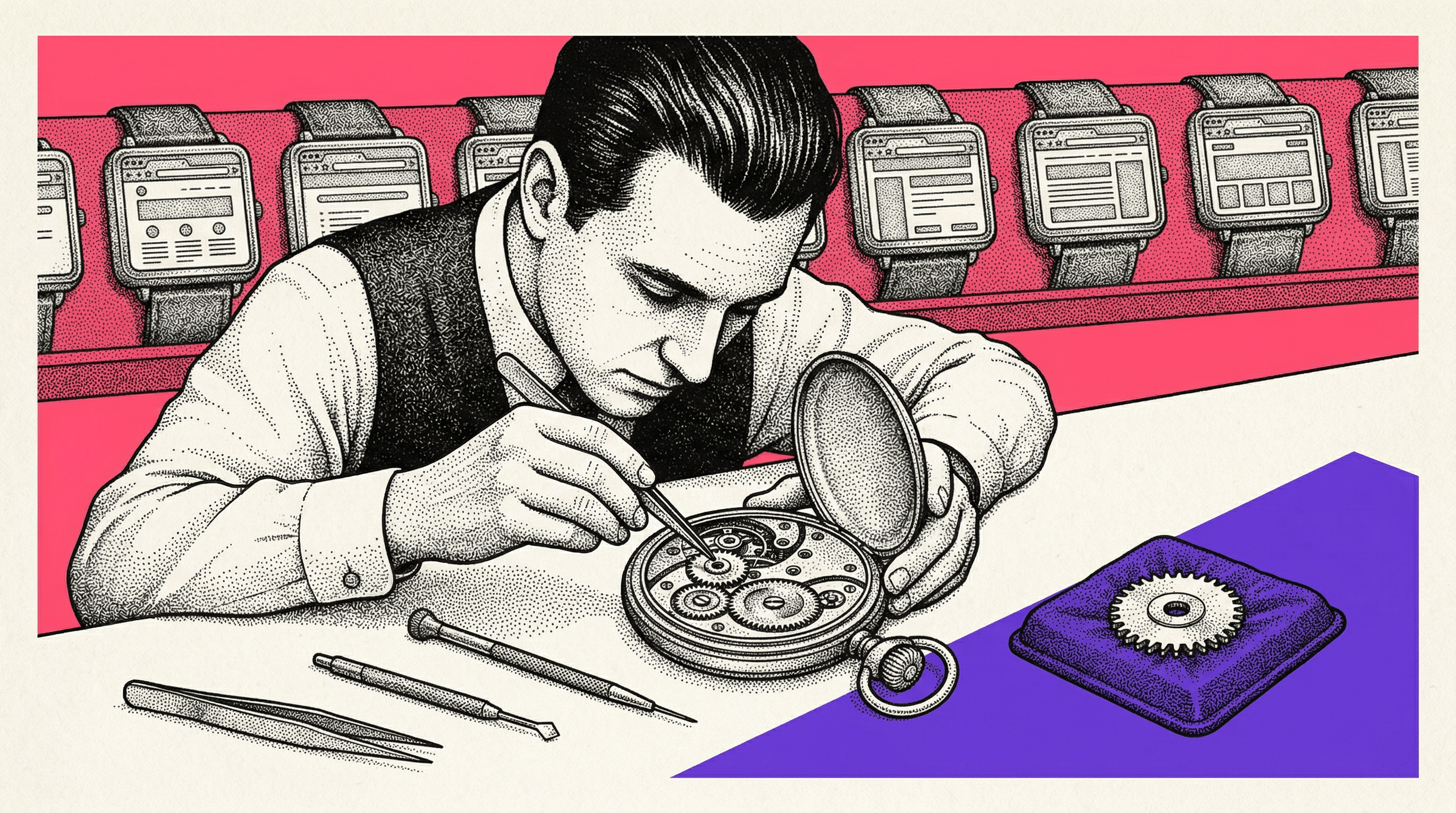
This is the part that bothers me most. When a developer gets a vague reference and guesses correctly, the workflow looks fine. Nobody notices that the handoff was imprecise, because the outcome was right. It feels like communication worked.
But when they guess wrong, the error propagates silently. The developer implements the change on the wrong element. The experiment runs on the wrong target. The QA check verifies the wrong node. And nobody catches it until the results look off, the client notices something weird, or someone happens to re-check the original intent weeks later.
The worst part is that nobody blames the artifact. They blame the developer for misunderstanding, or the reporter for being unclear, or the process for being slow. The root cause, that the handoff artifact left room for multiple valid interpretations, stays invisible.
I have seen this happen with teams that communicate well by every reasonable standard. They are not being careless. They are working with tools that produce good artifacts but not precise ones. The gap between "roughly that element" and "exactly that element" is small enough to seem trivial and large enough to cause real problems.
Why precision is harder than it looks
If you are not a developer, you might wonder why this is hard. You can see the element on the screen. You can point at it. You can describe it in plain English. What more does the developer need?
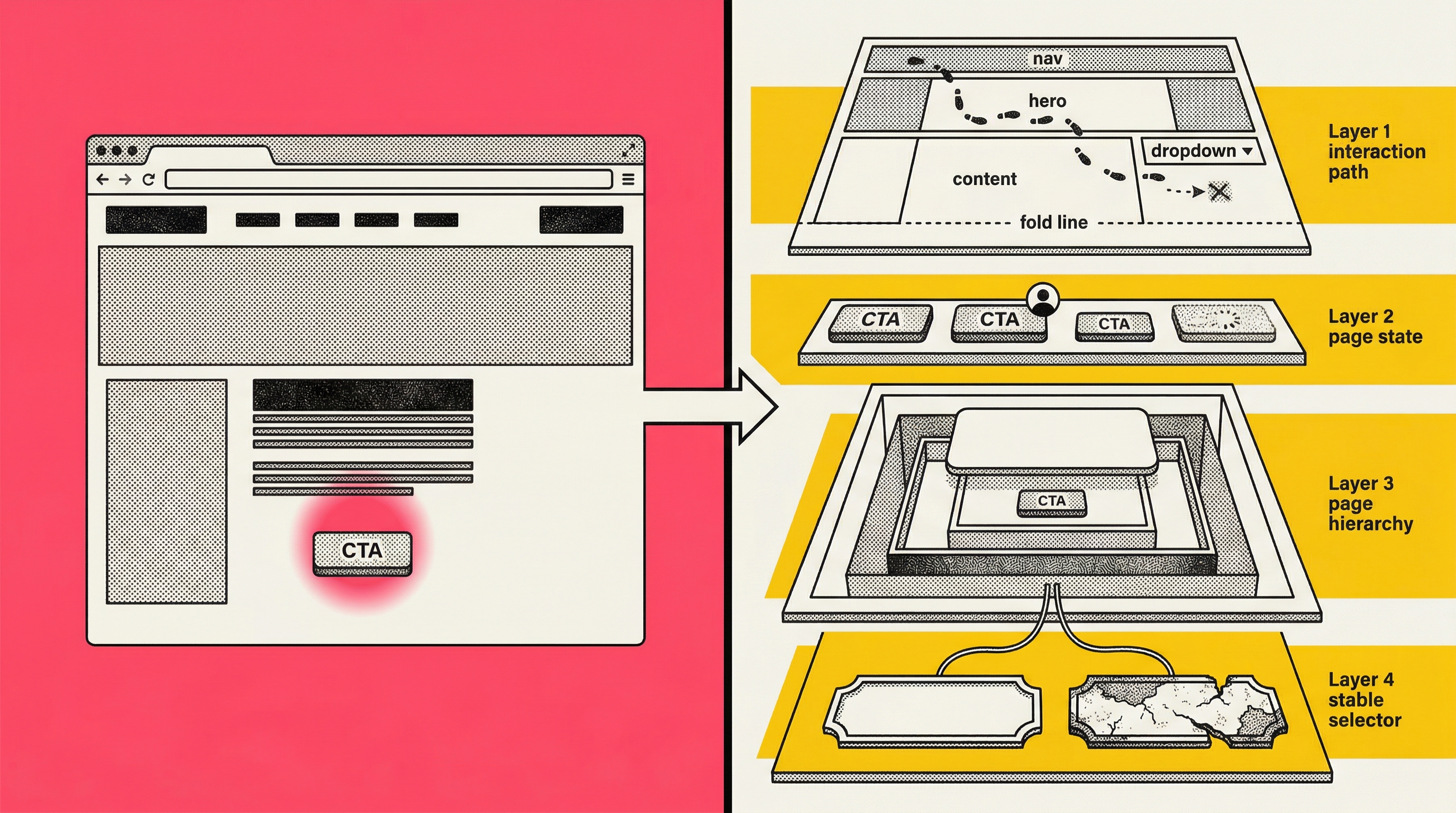
Here is what they actually need to act without guessing:
A stable way to find the element in the DOM.
Not "the blue button in the hero section," but a CSS selector or XPath that points at exactly one node. And ideally, one that will still point at the same node after the next deploy. On modern React or Next.js sites using CSS-in-JS, the class names are hashed at build time. The selector `.css-1xr2bqw` is valid today and meaningless tomorrow.
The element's context in the page hierarchy
Is it nested inside a modal?
Inside an iframe?
Inside a dynamically loaded section that only appears after a specific user interaction?
The developer needs to know not just what the element looks like, but where it lives structurally.
The page state when the issue was observed
Was the user logged in?
Had they scrolled?
Had they interacted with another element first?
The same page can look completely different depending on state, and a screenshot freezes one version without documenting which version it is.
The interaction path that reveals the problem
Some issues only appear after a sequence of actions: click the dropdown, scroll past the fold, hover over the third item, wait 500 milliseconds. A screenshot captures the end state. It does not capture the path that produced it. A Loom recording captures the path as narrated video, but the developer has to watch, guess which frame matters, and manually reconstruct the steps.
None of this is information a reasonable person would think to include in a ticket. The reporter is not being lazy. The browser just does not make this context easy to export, and most handoff workflows do not even acknowledge that it exists.

The vocabulary problem
There is a subtler version of this that I see on agency teams managing multiple clients. The artifact is imprecise, yes, but the language wrapping it makes things worse. Different people on the same team use different words for the same element, and the same words for different elements.
"The hero" means one thing on Client A's site and something different on Client B's. "The CTA" could refer to any of five buttons on a given page. "The form" could be the email signup, the contact form, or the checkout flow. Even "above the fold" depends on the viewport, which depends on the device, which depends on who is looking.
In-house teams build shared vocabulary over months. Agencies reset to zero with every new client. And the vocabulary problem compounds the targeting problem. You are already working with an artifact that is not precise enough, and now the words wrapping that artifact carry different meanings depending on who is reading them.
Everyone is being clear. They are just clear about different things.
What good process can fix
I do not want to make this sound like a problem that can only be solved with software. A lot of targeting failures are process failures, and process is free.
Ticket templates with required fields
If every bug report and element reference must include a URL, a viewport size, a screenshot with the element circled, and a plain-English description of the element's location relative to the page structure, you eliminate the laziest targeting errors. The discipline of filling out the template forces the reporter to think about whether their reference is actually specific enough.
A shared element glossary per client
If your team works on Client A's site regularly, maintain a simple document that maps your internal shorthand to specific elements. "Hero CTA" means the orange button inside the first section below the nav, not the sticky bar. This takes 20 minutes to create and saves hours of ambiguity over the life of the engagement.
Screenshot annotation standards
A red circle is better than nothing. A red circle with an arrow pointing at the specific element, plus a note saying "this specific button, not the one below it," is better still. The annotation is not just highlighting. It is disambiguation.
Right-click, Inspect, copy selector
Teach your non-developer team members to open DevTools and copy the CSS selector. Paste it into the ticket. This alone eliminates a huge share of "which element?" conversations, because the developer can Cmd+F in the DOM and land on the exact node. It takes one training session.
These are real improvements. They cost nothing. They work. Start here.
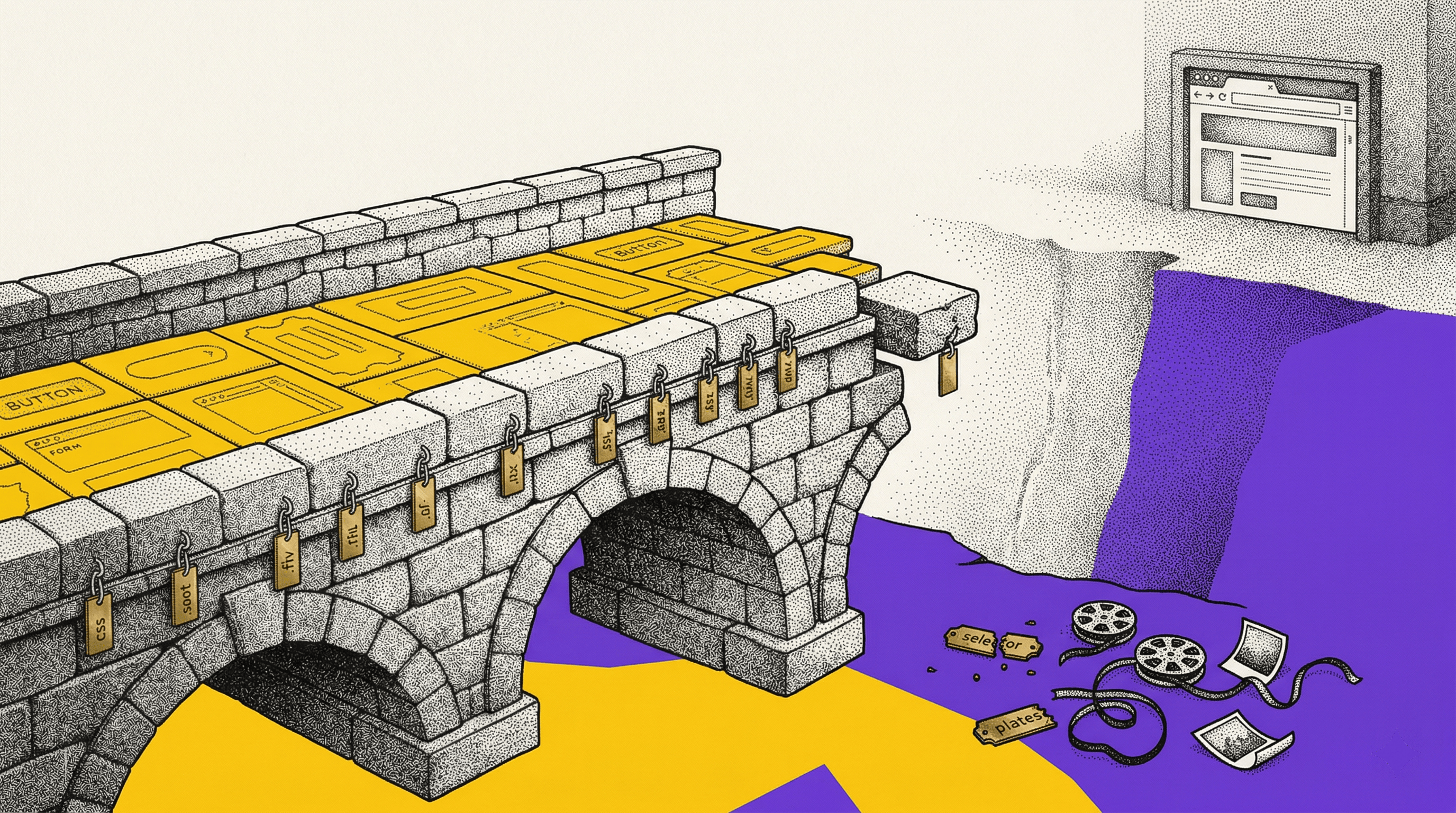
Where process runs out
The process fixes above address roughly half the targeting problem. The half where the reporter had enough information to be precise and just did not include it. Templates, glossaries, and copied selectors fix that. The other half is harder.
A copied selector only works if the selector is stable. On sites using hashed class names, the selector your QA tester copied on Monday will point at a different element, or nothing at all, after Wednesday's deploy. Your tester did everything right. The artifact decayed.
A screenshot with a circled element only works for issues that are visible in a static image. If the bug involves a hover state, a transition, or an element that only appears after a specific interaction sequence, the screenshot captures the wrong moment or none at all.
A Loom recording captures the interaction sequence but delivers it as narrated video. The developer watches, pauses, rewinds, tries to identify the relevant frame, and then manually recreates the steps in their own browser. The context is in there, but it is not actionable. It is buried in a 4-minute recording with no index, no timeline markers, and no way to inspect the DOM at any given frame.
And none of these tools capture the technical metadata a developer needs to act confidently: computed styles, the element's position in the DOM hierarchy, parent chain, scroll offset, viewport dimensions, authentication state. A disciplined reporter can describe some of this in words, but at that point they are spending 10 minutes writing a ticket that the developer will spend 5 minutes re-deriving by opening the browser and looking.
The full targeting problem comes down to this: the tools available for referencing browser elements were designed to help people talk about what they see. They were not designed to produce a reference a developer can act on. Talking about an element and identifying an element are two different things, and most handoff workflows only do the first one.
Communication versus identification
This is the distinction I keep coming back to.
Communication is: "I saw something on the page and I want to tell you about it." It tolerates ambiguity because the receiver can ask follow-up questions. It works fine in a conversation.
Identification is: "I need to give you a reference to a specific element that you can act on without asking me anything." It requires precision. It works in a workflow.
Most handoff tools are designed for communication. Screenshots, Looms, written descriptions. They assume the receiver will fill in the gaps. And often the receiver does fill in the gaps, by guessing correctly, and nobody notices the system is fragile.
The failures only become visible when the guess is wrong. And by then, nobody traces it back to the artifact. It gets logged as a miscommunication. It was a mis-identification.
Teams that frame this as a communication problem try to fix it with more communication. More detail in tickets. Longer Looms. More back-and-forth. And it helps, partially. But the returns diminish fast because adding more words to an artifact does not change what kind of information it carries.
A precise reference to an element, one that includes the selector (stability-scored so you know if it will survive a deploy), the DOM context, the visual state, and the page conditions, does something different from communicating better. It identifies. The developer opens the link, sees the exact element in its full context, and acts. No follow-up. No guessing. No call.
And when the issue involves reproducing an interaction, not just identifying a static element, a DOM-level step replay does what a Loom cannot. It reconstructs the actual page at each moment of the interaction, every click, scroll, input, and DOM mutation, in a scrubbable timeline where each event is labeled and the developer can jump to any point to inspect the page as it existed right then. The reproduction path is not narrated. It is captured as structured data. If the developer needs to recreate it locally, they export the replay as a Playwright test script and run it. The targeting problem for interaction-dependent issues goes from "watch this video and try to figure out what I did" to "here is a link, the third event in the timeline is where the bug appears."
What to do about it
If your team has good people, clear language, and the handoffs still produce confusion, the problem is probably not communication. It is targeting.
Step one
Look at your last 10 clarification loops. How many of them were about which element versus what the person meant? If most of them were about which element, you have a targeting problem. If most were about intent, you have a communication problem. The fix is different.
Step two
Implement the process fixes. Ticket templates, element glossary, annotation standards, copied selectors. These are free and they work for the straightforward cases.
Step three
Pay attention to what is left after the process fixes. If the remaining confusion is about unstable selectors, missing element state, or reproduction sequences, that is the targeting gap that process cannot close. That is where element capture with stability-scored selectors and DOM-level step replays live.
We built Samelogic for that gap. One-click element capture with full DOM context and selector stability scoring. Step replays that record every interaction as structured, inspectable, exportable data. The artifact that comes out works more like an address than a description.
But start with step one. Figure out whether your team actually has a targeting problem before you try to solve it. Plenty of teams just need better ticket templates.
Related workflows
Move from editorial context into the selector, Playwright, and bug-reproduction pages that turn exact UI evidence into action.
 Install the Chrome Extension