A UAT Sign-Off Checklist That Catches Browser State Gaps
Use this UAT sign-off checklist to verify browser transitions, capture failed acceptance criteria, and hand defects to engineering.

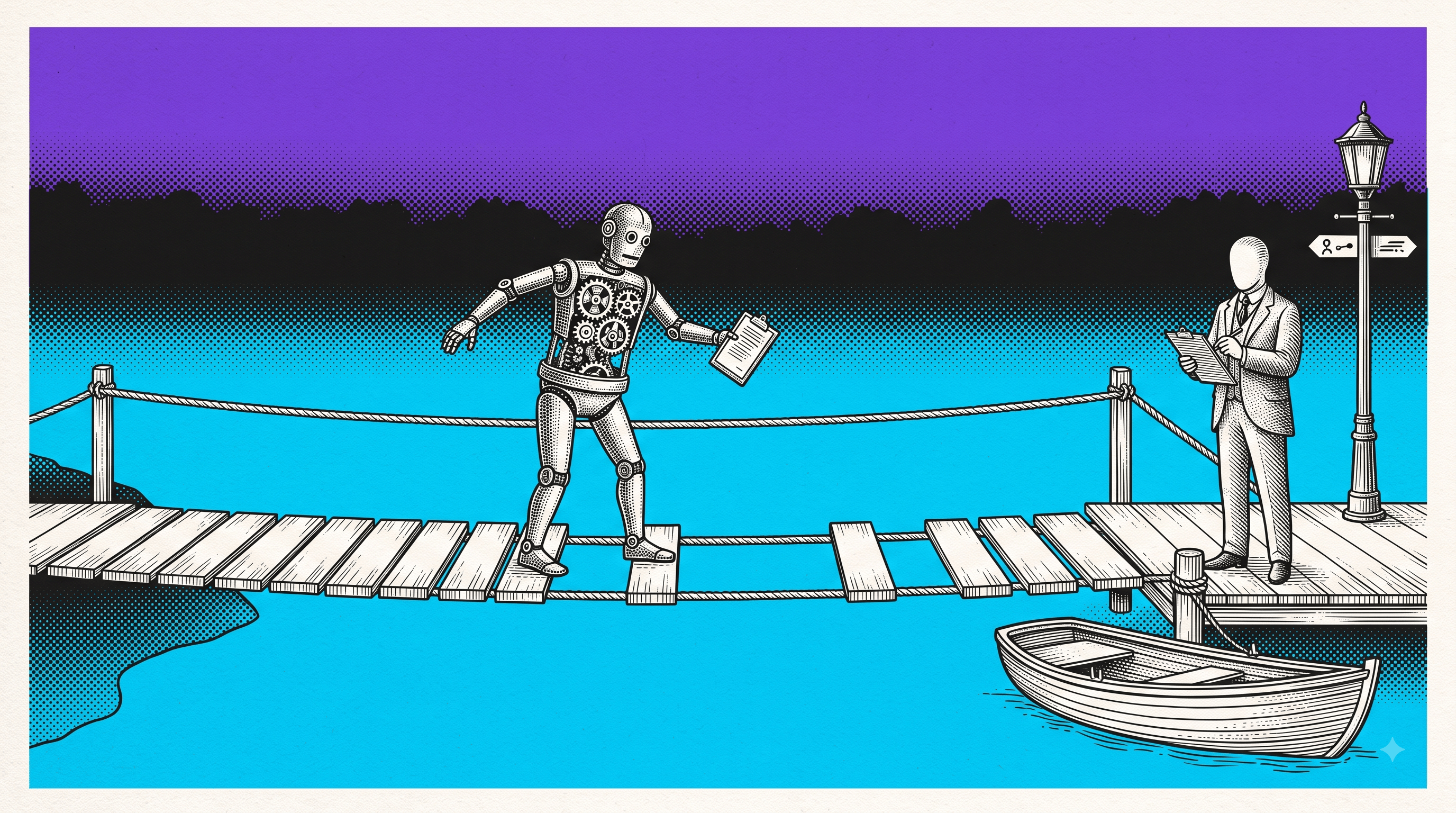
A UAT sign-off should answer one practical question: can the intended user complete the business workflow under realistic conditions?
That sounds obvious. It gets slippery when a browser workflow changes state across several valid screens. The starting screen can look correct. The ending screen can look correct when opened fresh. The transition between them can still be broken.
For state-changing browser work, a useful UAT sign-off checklist must cover more than the final screenshot. It should identify the business role, setup, decisive action, expected result, actual result, and evidence another person can inspect when the scenario fails.
This guide gives you that checklist, a copyable sign-off record, and a controlled example where a fresh-page check passes while the real user path fails.
What UAT sign-off means
User acceptance testing is the final business-facing check that software supports the workflows it was built to serve. BrowserStack describes UAT as real users or business representatives executing realistic scenarios to confirm that the product meets user needs and is ready for deployment.
UAT is not a second unit-test suite. It is not a tour of every screen. It is a decision about whether important business outcomes work for the people, roles, data, and environments that will use them.
A sign-off is the recorded decision at the end of that work. It should state:
which release or build was tested;
who accepted or rejected it and in which business role;
which scenarios were in scope;
which acceptance criteria passed or failed;
which known limitations remain;
where the supporting test evidence lives;
whether the release is approved, conditionally approved, or rejected.
Atlassian's acceptance-criteria guidance makes the same contract concrete: criteria should be clear, testable, outcome-focused, measurable where possible, and independently understandable. If a criterion cannot produce an objective pass or fail, it is not ready to support sign-off.
The UAT sign-off checklist
Use this before asking a stakeholder to approve a browser workflow.
1. Define the business outcome
Write the outcome in user language, not implementation language.
Weak:
Stronger:
The stronger version names the role, transition, and consequential result. It gives the tester something observable to accept.
2. Fix the test scope
Record the exact build, environment, browser, role, account state, feature flags, and data setup. Separate what the release asked QA to cover from what was actually tested and what was not run. If time or access reduced the scope, name who made that decision and why.
This is not paperwork for its own sake. A role, flag, or pending record can decide whether the transition exists at all.
3. Turn requirements into testable acceptance criteria
Each criterion should describe one result that another person can verify.
Avoid packing five outcomes into one sentence. Independent criteria make failures easier to isolate and reduce arguments about what “mostly passed” means.
4. Run the real transition
Do not replace the workflow with a direct link to the final page.
For the example above, the acceptance path is:
Opening a workspace that already has one available seat checks a different condition. It may prove the final screen can render. It does not prove that cancelling an invite updates every dependent control.
5. Read back the consequential result
A click is not the acceptance result. Read the state that the business cares about.
For a seat-release workflow, read back both the visible count and whether the next permitted action is available. For a checkout, read back the order record or confirmation identifier. For a permissions change, verify the affected role can or cannot perform the protected action.
6. Preserve a failed criterion as a receiver-ready defect
When UAT fails, attach the smallest useful handoff:
A stakeholder should not have to translate a failed acceptance criterion into a new bug report from memory.
7. Record the decision and owner
Use one of three outcomes:
approved:
all release-blocking criteria passed;
conditionally approved:
named exceptions are accepted by a named owner with a deadline or mitigation;
rejected:
at least one release-blocking criterion failed.
“Passed with issues” is too vague unless the exceptions, risk owner, and next action are explicit.
A controlled browser-state failure
For this article, the Samelogic team built a synthetic seat-management fixture. It contains no customer data and sends no invitation. The defect is deterministic.
The starting state was 9 occupied seats, 1 pending invitation, and 0 available seats. I cancelled the pending invitation and independently read back the visible count, internal control binding, button state, and result message.
The transition path returned:
I then opened the same one-seat condition through the fixture's fresh-page check. It returned:
Both paths ended with one visible available seat. Only one enabled the next business action.
That is the browser-state gap a final screenshot misses. A tester who opens the end state directly can approve AC3. A user who reaches the state by cancelling an invitation fails AC3. The UAT record needs the transition, not merely the destination.
This is a synthetic demonstration, not a prevalence claim or customer result. Its purpose is to make the sign-off boundary testable.
Copyable UAT sign-off record
Use this in Jira, Confluence, Linear, or your release document:
The template deliberately separates criteria from evidence and QA's recommendation from the release decision. Criteria define what should happen. Evidence shows what actually happened during the accepted or rejected run. The decision fields show who reduced scope, who chose to release, and who owns the remaining risk. That prevents a later production problem from being rewritten as a QA approval that never happened.
When not to sign off
Hold the release decision when:
a release-blocking criterion has no objective result;
the tested role or data does not match the intended users;
the tester skipped a state-changing transition by opening the final page directly;
a failure cannot be handed to engineering without reconstructing the path;
conditional approval has no named risk owner;
the tested build cannot be identified later.
UAT does not need exhaustive technical capture. It needs enough context to defend the release decision and make a failed business scenario executable for the receiver.
Prepare the record for agent-assisted review
Solving agents will increasingly read the UAT or release record before a human investigator, so the record must distinguish observed test results from the business decision to accept untested scope and must identify the accountable owner rather than infer that QA approved the risk.
Extend the existing sign-off record with requested scope, tested scope, not run and why, known defects, QA recommendation, release decision, decision owner, residual-risk owner, expiry or mitigation date, and links to the exact failed browser transition.
Make the transition part of acceptance
A strong UAT sign-off does not say only that the final page looked right. It says that the intended user, under known conditions, completed the consequential browser transition and reached a verified business result.
When the scenario fails, preserve that path before anyone resets the state or opens a clean page. Deliberately start CSS Selector & XPath Finder by Samelogic before repeating the failure so the teammate opening the recording can review the ordered browser path, the failing moment, and the available browser context instead of reconstructing the incident from a final screenshot. The extension does not assign release accountability or prove untested backend state, so keep the decision record above as the source of who accepted the remaining risk.
Sources
Related workflows
Move from editorial context into the selector, Playwright, and bug-reproduction pages that turn exact UI evidence into action.
 Install the Chrome Extension


























