Bug Triage for Browser Issues Engineering Can Act On
Run bug triage with clear severity, priority, evidence confidence, ownership, and a browser report the fixing teammate can act on.

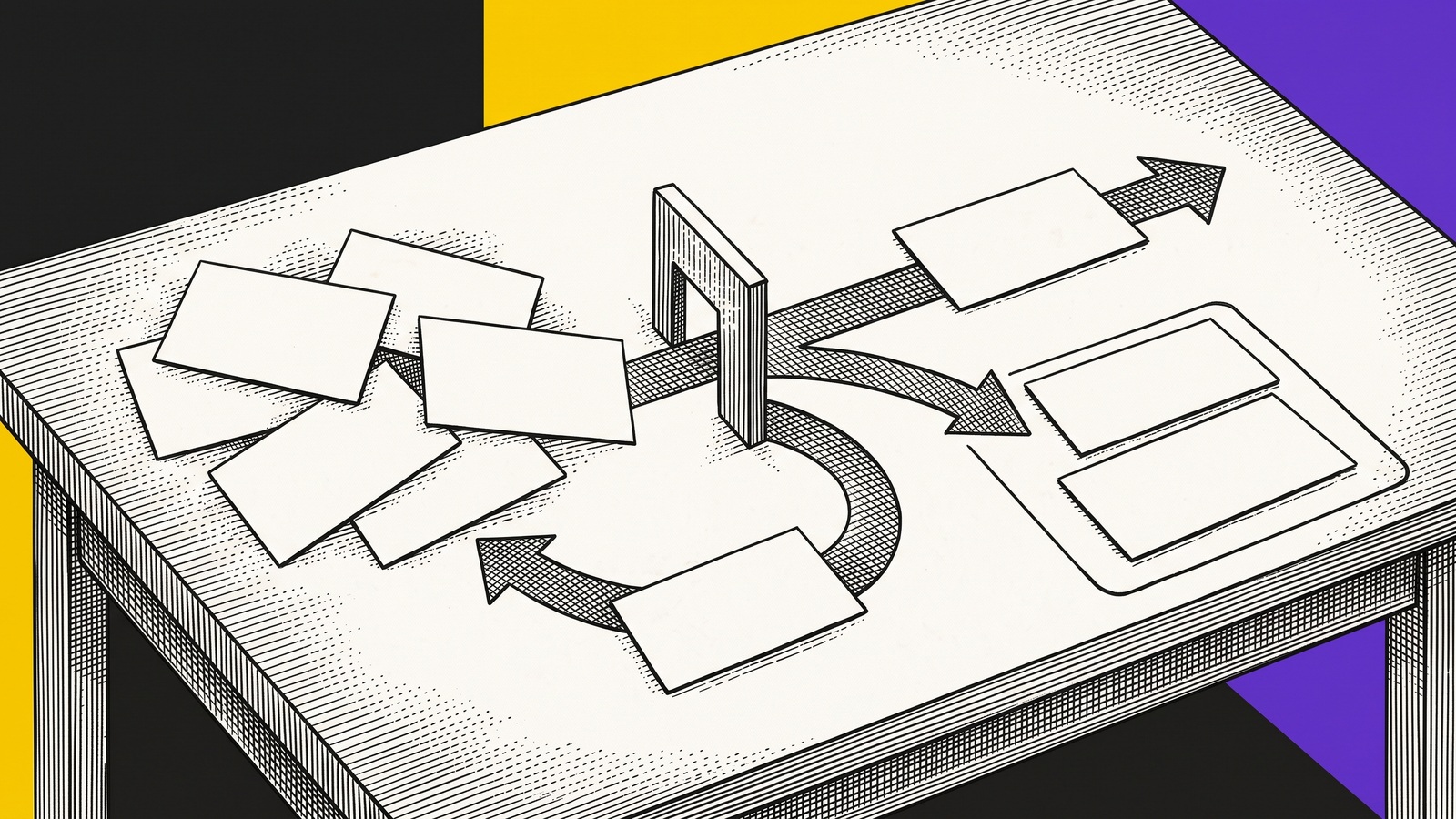
TL;DR: Bug triage is the process of deciding whether a report is valid, how much it matters, what should happen next, and who owns that next action. For browser issues, do not prioritize from the title or final screenshot alone. Separate severity from priority, rate the evidence confidence, preserve the starting state and ordered path, compare a passing control when possible, and leave the fixing teammate with one bounded next test.
A bug queue can look organized while still wasting engineering time. Reports have labels, priorities, and assignees, but the first person opening the issue still has to reconstruct what happened.
Good bug triage does more than sort tickets. It turns an incoming report into a decision.
For each issue, the team should know:
whether the reported behavior is real or still unconfirmed;
who and what the issue affects;
how urgent the response is;
which team owns the next action;
what evidence supports the decision;
what bounded test should happen next.
That is the practical answer to what bug triage means. The rest of the process exists to make those six decisions consistently.
What bug triage means
Bug triage is a structured review of reported defects. The team validates the report, classifies its impact, sets a priority, assigns ownership, and decides the next action.
The Atlassian bug triage guide describes the core job as identifying, categorizing, prioritizing, and resolving bugs efficiently. That definition is useful, but browser issues add a complication: the report may describe the final screen while omitting the earlier state that made the failure possible.
A browser bug can depend on:
the account role active before the failure;
an earlier navigation or browser Back action;
an open tab holding stale state;
a feature flag, locale, permission, or workspace change;
the order of two actions;
a request that appeared successful before a reload exposed the real result.
If triage ignores that path, a severe issue can be downgraded as “cannot reproduce,” while a cosmetic issue with a clear screenshot can receive more attention than it deserves.
Who should join bug triage
The smallest useful triage group usually has four perspectives:
Role | Decision they own | Question they should answer |
|---|---|---|
QA or support reporter | Reproduction and evidence | What exact path produced the first mismatch? |
Product or support lead | User and business impact | Who is blocked, how often, and is there a workaround? |
Engineer | Technical ownership and next test | Which boundary should we inspect first? |
Triage owner | Priority and follow-through | What happens next, by whom, and by when? |
Not every issue needs a meeting. Clear reports can be triaged asynchronously. A short meeting is useful when impact, ownership, or evidence is contested.
The practitioner discussion How do engineering teams actually handle bug triage? reflects a common operating problem: reports arrive through several channels, and teams struggle to decide what belongs in the system of record. The first triage rule should therefore be simple. One issue gets one canonical record, even when Slack, email, support, or a monitoring alert supplied the first signal.
Separate severity from priority
Severity describes the effect of the defect. Priority describes when the team should act.
They often correlate, but they are not the same.
Example | Severity | Priority | Why |
|---|---|---|---|
Revoked user can still approve from a stale tab | Critical | P0 | Permission boundary may be broken |
Checkout reports success but does not save | High | P1 | Core workflow fails with no safe workaround |
Browser Back restores the wrong plan before submit | High | P2 | Wrong result, but the path and workaround are bounded |
Search filter clears after returning from a result | Medium | P2 | Repeated workflow friction with a workaround |
Tooltip clips at one narrow width | Low | P3 | Cosmetic and contained |
Export failure has only a final screenshot | Unknown | Needs evidence | Impact and reproduction path are incomplete |
Priority should also consider customer reach, contractual risk, security, data loss, release timing, and whether a safe workaround exists.
Do not use frequency as the only shortcut. A rare permission failure can outrank a common cosmetic issue. A high-frequency error without meaningful user impact may be noisy rather than urgent.
Add evidence confidence to every decision
Priority answers when to act. Evidence confidence answers how certain the team is about the reported path.
Use three plain levels:
Confirmed: the failing path repeats and a passing control shows the meaningful difference.
Probable: the failure repeats, but the team has not isolated the decisive variable.
Incomplete: the report lacks the starting state, ordered steps, expected result, actual result, or final readback.
This prevents a familiar mistake. The team debates whether an issue is P1 or P2 before establishing what actually failed.
An incomplete report is not automatically invalid. It means the next action is evidence gathering, not fix assignment.
A six report browser triage exercise
We applied the same triage rules to six synthetic browser reports using fake data. The exercise was not customer testing and does not estimate real defect rates. Its purpose was to make the decision sequence explicit.
The rule set was:
P0 for an unauthorized action or data exposure;
P1 for a blocked core workflow with no workaround;
P2 for a meaningful wrong result or repeated workflow problem with bounded scope or a workaround;
P3 for a cosmetic or minor issue;
Needs evidence when impact or reproduction is incomplete.
The six reports produced this decision record:
Report | Decision | Evidence confidence | Next action |
|---|---|---|---|
Revoked member can approve from a stale tab | P0 | Confirmed | Assign immediately and preserve failure plus control |
Checkout success does not survive reload | P1 | Confirmed | Assign persistence boundary and retain readback |
Browser Back restores the wrong plan | P2 | Confirmed | Assign frontend state owner with the passing direct path |
Search filter clears after a detail page | P2 | Probable | Run one navigation control before fix assignment |
Tooltip clips on a narrow viewport | P3 | Probable | Confirm supported viewport and batch with design-system work |
Export failure has only a final screenshot | Needs evidence | Incomplete | Return for start state, steps, expected result, and readback |
The important result is not the labels. It is the different next action attached to each label.
The confirmed P0, P1, and P2 reports can move to an owner because the failure and control are inspectable. The probable reports need one bounded comparison. The incomplete report goes back for the missing reproduction contract instead of entering an endless engineering investigation.
Run the bug triage process in seven steps
The Plane guide to the bug triage process emphasizes a structured review and clear prioritization. For browser issues, use this seven-step version.
1. Establish one canonical report
Merge duplicates and link supporting conversations. Keep one place where priority, ownership, evidence, and the next action are current.
2. Validate the report shape
Require a known start state, environment, ordered steps, expected result, actual result, and final readback. If one is missing, record it explicitly.
3. Identify the first mismatch
Do not begin with the last error message. Ask where the failing path first diverged from a passing path or expected state.
4. Classify impact
Name the affected workflow, user group, data, permission, release, or revenue consequence. Avoid vague labels such as “major” without the affected outcome.
5. Set severity and priority separately
Record both. If the priority differs from the severity, explain the reason, such as a safe workaround, limited reach, security exposure, or release deadline.
6. Assign the next action, not just the final fixer
The next owner may be the reporter who must run a control, the support lead who must confirm customer reach, or the engineer who must inspect a specific boundary.
7. Define the exit from triage
A report leaves triage when it has an owner, evidence confidence, priority, and one bounded next action. “Discussed” is not an exit state.
Use a short bug triage meeting agenda
When asynchronous review is not enough, keep the meeting decision-focused:
new P0 and P1 candidates;
reports with disputed impact;
reports with unclear ownership;
probable reports that need one comparison;
incomplete reports that need better reproduction steps;
aging issues whose priority or context changed;
explicit decisions, owners, and next checks.
Do not read every ticket aloud. The Gluster bug triage documentation frames triage as information gathering and preparing issues for debugging. That is a better model than treating the meeting as a backlog tour.
What changes as solving agents join triage
Over the next 6 to 18 months, solving agents will join bug triage by comparing ordered browser incidents, but they will still need humans to define impact, permission boundaries, and the acceptable final state.
An agent can help group duplicates, compare a passing and failing path, or suggest the first changed boundary. It cannot infer the team's risk tolerance from a final screenshot. It needs structured context: the known start state, ordered actions, expected and actual results, state transitions, first mismatch, controls, permissions, and verified readback.
Teams can prepare now by recording the known start state, ordered actions, expected and actual results, first mismatch, controls, ownership, and verified readback in every high-value browser report.
This does not mean an agent automatically finds the root cause, repairs the defect, or verifies the fix. It means the incident is structured enough for a person or a permitted solving agent to inspect the same claim.
Where deliberate browser recording helps
A browser issue often reaches triage after its most useful context has disappeared. The reporter has refreshed, the role changed, or the stale tab was closed.
When the issue depends on earlier browser state, deliberately start a Samelogic recording before repeating the path. The platform can preserve the ordered browser steps, play back the path, and keep relevant element and browser context near the report. That gives the fixing teammate more than a final screenshot, while the triage record still owns impact, priority, permissions, and the next decision.
Samelogic is not passive session replay and it does not guarantee universal reproduction, automatic diagnosis, or a verified fix. The recording is deliberately initiated for the issue being investigated.
Install CSS Selector & XPath Finder by Samelogic when you need to record a browser path and inspect the failing step before the state disappears.
Copyable bug triage record
A useful triage record is short because the evidence is structured, not because the investigation is shallow. The goal is to make the next decision obvious without forcing the fixing teammate to repeat the whole investigation.
Sources
Related workflows
Move from editorial context into the selector, Playwright, and bug-reproduction pages that turn exact UI evidence into action.
 Install the Chrome Extension


























