Choose the Right BrowserStack Alternative for the Job
Compare each BrowserStack alternative by device coverage, test execution, visual checks, and browser-path handoff before you switch.

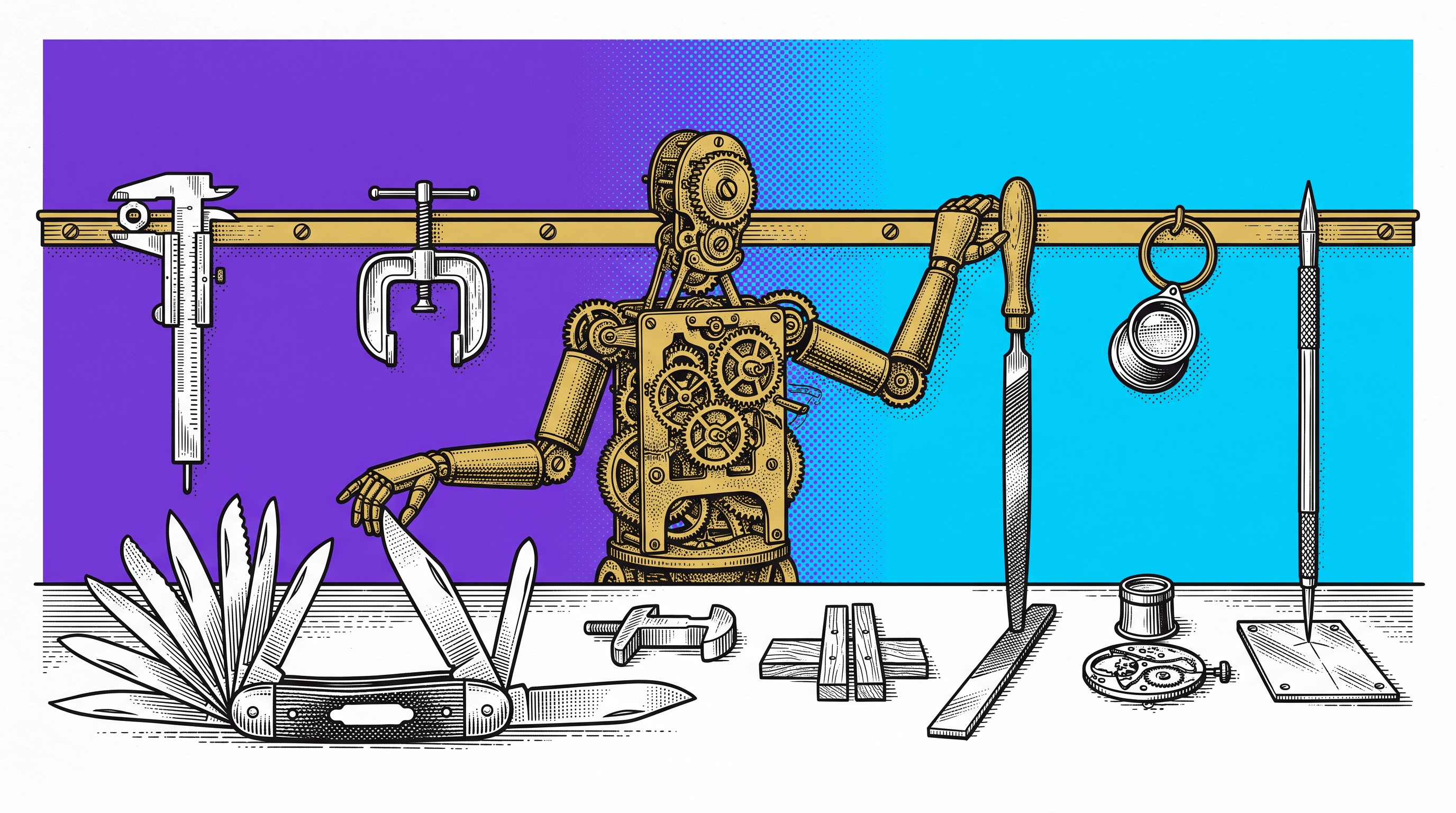
The wrong way to choose a BrowserStack alternative is to start with a list of logos.
Start with the job your team needs to replace.
BrowserStack spans several jobs: interactive testing on real browsers and devices, automated execution, local-environment access, debugging, accessibility checks, bug reporting, and visual testing through products in its wider platform. A local Playwright run can replace one slice of that stack. Selenium Grid can replace another. Neither automatically replaces a real-device cloud, a managed tunnel, a visual review workflow, or a browser-path handoff.
This guide separates those jobs, shows which alternative category fits each one, and gives you a worksheet for testing a shortlist against your own release workflow.
The short answer
Choose the alternative category that matches the constraint you are actually paying BrowserStack to remove.
Your main job | Start with | What it does not replace by itself |
Real phones and desktop browser coverage without owning a lab | A managed device cloud such as Sauce Labs or LambdaTest | Your test design, assertions, and release decision |
Full control over machines, browser versions, and data location | Selenium Grid or an internal device lab | Managed operations, instant device breadth, and vendor support |
Fast Chromium, Firefox, and WebKit automation in CI | Playwright on your own CI or a compatible cloud | A catalog of physical mobile devices |
Visual change review | Percy, Applitools, or another visual regression testing service | Functional outcome verification and device infrastructure unless bundled |
Manual exploratory testing across real devices | A managed live-testing service | Automated regression coverage |
Preserve a stateful browser failure for engineering | A deliberately initiated browser-path capture and handoff tool | Cross-browser infrastructure or a device grid |
The important word is main. Many teams need two categories. For example, a device cloud can expose a Safari-only failure, while a separate handoff object preserves the transition that made the failure reproducible.
What BrowserStack is replacing today
BrowserStack's Live documentation describes interactive website and web-app testing across browsers and devices, including local testing, multi-device testing, debugging, accessibility checks, and bug-report integrations. Its Automate documentation covers remote execution for frameworks such as Selenium, Playwright, Cypress, and Puppeteer.
That means “replace BrowserStack” can refer to at least four different purchases:
access to browser and device infrastructure;
managed execution and parallel capacity;
debugging and test-result evidence;
collaboration around a failure.
If you do not name the purchase, a comparison table becomes misleading. A free test runner may look cheaper because it omits the physical devices and operations you were buying. A managed cloud may look expensive because you compare it with local browser binaries while ignoring queueing, tunnels, maintenance, and support.
A Stack Overflow question asking whether Selenium Grid can be used instead of BrowserStack captures the confusion directly. The useful answer is not a universal yes or no. Selenium Grid and BrowserStack overlap on remote WebDriver execution, but the operating model and surrounding services are different.
Category 1 for managed real-device coverage
Use a managed device cloud when your release risk depends on real hardware, mobile operating-system versions, browser versions, carrier or sensor behavior, or a broad device matrix your team does not want to maintain.
Common BrowserStack alternatives in this category include Sauce Labs and LambdaTest. Evaluate them on the exact matrix you need rather than the total device count in a marketing page.
Ask for a live proof of these cases:
the oldest iOS and Android versions you still support;
the exact Safari, Chrome, Edge, and Firefox versions in your release policy;
local or private-environment access through your network controls;
geolocation, camera, biometric, upload, download, and payment behavior when relevant;
parallel capacity during your busiest CI window;
logs, video, console, network, and artifact retention after a failed run;
accessibility tooling and assistive-technology support if those are release requirements.
Do not choose on nominal coverage alone. A device that exists in a catalog but stays queued during release validation is not useful capacity.
Category 2 for a self-hosted Selenium Grid
Selenium's official Grid documentation defines the core job clearly: route WebDriver commands to remote browser instances so tests can run on multiple machines and in parallel.
A self-hosted Grid is a strong BrowserStack alternative when control matters more than convenience. It can fit teams that need:
browsers inside a restricted network;
data to remain in a controlled environment;
custom machine images or browser policies;
predictable high-volume workloads that justify operating the infrastructure;
unusual integrations a managed service does not expose.
The tradeoff is ownership. Your team becomes responsible for capacity, browser and driver updates, machine health, queue behavior, observability, security patches, and failed-session cleanup. That work does not disappear because the Grid software is open source.
Use this cost comparison instead of license price alone:
A self-hosted Grid is not automatically cheaper. It is more controllable. That can be worth more than the savings when governance or network boundaries are the real constraint.
Category 3 for Playwright in your own CI
Playwright can install and automate specific Chromium, Firefox, and WebKit browser builds. Its projects configuration lets a suite run across browsers, branded channels, and emulated mobile profiles.
That makes Playwright on your own CI a practical alternative when the job is automated browser coverage, not remote physical-device access.
It is a good fit when:
desktop browser engines cover the release risk;
emulated mobile profiles are sufficient for the scenarios in scope;
your team already owns CI runners and test isolation;
you want code-level control over contexts, network behavior, tracing, and assertions;
fast feedback matters more than a wide manual device catalog.
Be precise about the gap. A WebKit project is valuable cross-engine coverage, but it is not the same thing as a physical iPhone running a particular iOS and Safari combination. An emulated viewport is not real device hardware.
A useful migration test is to run one representative workflow in both systems and compare:
Do not migrate the entire suite before this comparison exposes what you would lose.
Category 4 for visual regression testing
If your team mainly uses BrowserStack to find unintended rendered changes, evaluate visual regression testing as a separate job.
Tools such as Percy and Applitools focus on screenshot comparison, review, baselines, and visual diffs. Open-source or framework-native screenshot assertions can also fit smaller suites.
Check four things:
capture fidelity:
fonts, animation, responsive layouts, and dynamic regions;
baseline governance:
who can approve a new baseline and how that decision is audited;
noise control:
masking, thresholds, anti-aliasing variance, and intentional change handling;
workflow fit:
pull-request review, build status, ownership, and links back to the tested scenario.
A visual diff can prove that pixels changed. It does not automatically prove the business action succeeded. Keep a functional assertion or durable result readback beside the image when the workflow changes data, permissions, payment state, or another consequential outcome.
Category 5 for browser-failure handoff
Sometimes the real problem is not browser coverage. The team already found the bug. The expensive part is getting engineering to see the same failure after the test session ends.
That is a different category from a device cloud and from session replay tools used for passive product analytics.
For a useful QA or support handoff, preserve the smallest browser path that explains the failure:
The capture should be deliberately initiated by the tester, support operator, product-team member, developer, or permitted end user. It should not imply continuous background recording.
Samelogic fits this narrow job. It does not replace BrowserStack's real-device cloud. It helps preserve the browser path a fresh-page reproduction skips, then carries that transition toward the receiving workflow. Use it beside device infrastructure when a failure needs to survive the handoff.
The six-job evaluation matrix
The Samelogic team created this matrix for this article so a shortlist can be scored against observable work instead of feature-page language.
Score each candidate from 0 to 3:
0: unavailable;
1: possible with major custom work;
2: works with meaningful limits;
3: works in the required environment and has been verified by your team.
Job | Proof task | Weight |
Real-device access | Run the same checkout on one required iPhone, Android phone, and desktop browser | 5 |
Private-environment access | Reach a staging host through the real network and identity controls | 5 |
Automated execution | Run a representative shard at release-window concurrency | 4 |
Failure diagnosis | Recover the first useful contradiction without rerunning the test | 4 |
Visual review | Approve one intentional change and reject one unintended change | 3 |
Engineering handoff | Send one stateful failure to the receiver without rewriting the path | 4 |
Calculate the weighted result:
weighted score = sum(job score × job weight) / sum(max score × job weight)
Then record cost and risk separately. A high functional score does not cancel a data-residency blocker, an unavailable required device, or an operations burden your team cannot own.
A copyable BrowserStack alternative worksheet
Use this before a trial or migration:
The worksheet forces every candidate to prove the release jobs that matter. It also makes a hybrid decision legitimate. “Keep the device cloud, move desktop automation to Playwright, and improve failure handoff” can be more rational than forcing one product to replace everything.
How to shortlist without wasting the trial
Use this order:
list the current BrowserStack jobs from real usage, not the contract page;
mark physical-device and governance requirements as hard constraints;
choose one alternative category per job;
test the same two or three workflows across the shortlist;
compare failure diagnosis and receiver handoff, not just pass rate;
include operational cost and migration risk;
switch only after the new path passes the release-window proof task.
If a candidate cannot run your required device, reach your staging environment, preserve the failed attempt, or produce a receiver-ready result, stop the evaluation early.
The honest choice
The best BrowserStack alternative may be another managed cloud, a self-hosted Grid, Playwright in CI, a visual testing service, a browser-path handoff tool, or a combination.
Choose by job:
buy managed infrastructure when device breadth and operations are the constraint;
self-host when control and data boundaries justify the maintenance;
use Playwright in CI when browser-engine automation is enough;
use visual tooling when rendered change review is the primary decision;
add a deliberate browser-path handoff when the failure disappears between QA and engineering.
If that last handoff is your gap, Samelogic's bug reproduction workflow is the relevant next step. It supports the transition-preservation job without pretending to be a BrowserStack replacement for device infrastructure.
Sources
BrowserStack Live documentation: https://www.browserstack.com/docs/live
BrowserStack Automate Selenium documentation: https://www.browserstack.com/docs/automate/selenium/getting-started/nodejs
Selenium Grid documentation: https://www.selenium.dev/documentation/grid/
Playwright browser documentation: https://playwright.dev/docs/browsers
Practitioner question about Selenium Grid and BrowserStack: https://stackoverflow.com/questions/78079618/can-i-use-selenium-grid-instead-of-browserstack
Samelogic bug reproduction workflow: https://samelogic.com/workflows/bug-reproduction-tool
Related workflows
Move from editorial context into the selector, Playwright, and bug-reproduction pages that turn exact UI evidence into action.
 Install the Chrome Extension


























