How to Choose a Bug Reporting Tool Your Team Will Actually Use
Compare bug reporting tools by capture, technical context, tracking, integrations, replay, privacy, and the workflow your team needs to improve.

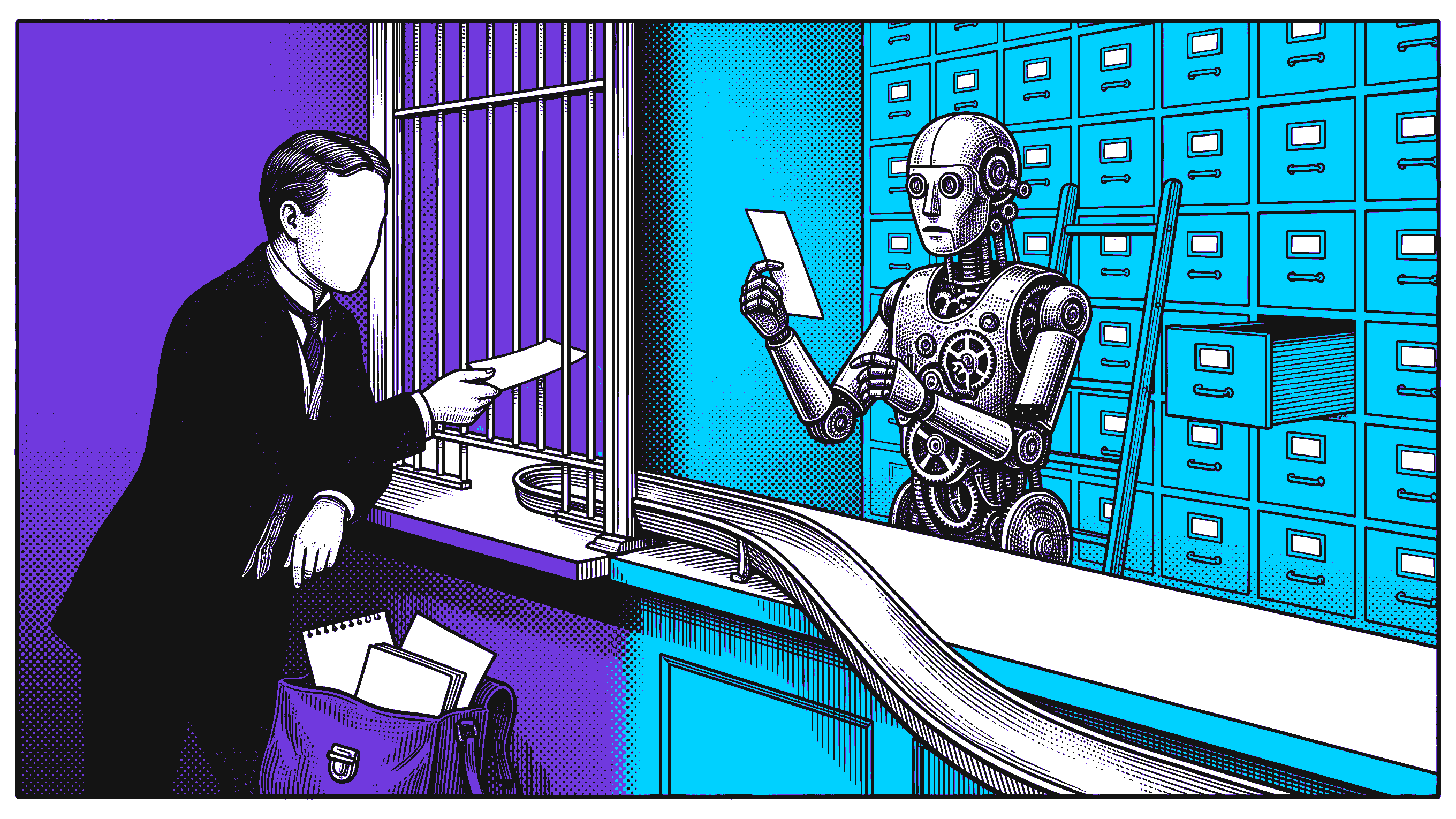
A bug reporting tool should make the next decision easier. It should help the reporter preserve what matters, help the receiver understand the failure, and help the team move the issue from discovery to a verified fix.
That sounds obvious until one product calls itself a bug tracker, another calls itself a screen recorder, and another focuses on website feedback, browser diagnostics, or replay. They can all improve bug reporting, but they own different parts of the workflow.
The fastest way to choose is to stop asking which tool has the longest feature list. Ask which handoff is currently breaking.
This guide compares the main categories, the features that matter, the tradeoffs teams miss, and a practical evaluation you can run before buying.
The short answer
Choose the system from the job:
Use a bug tracker when assignment, priority, status, ownership, backlog visibility, and release workflow are the main problem.
Use a visual feedback tool when clients, designers, or nontechnical reviewers need to point at page-level issues quickly.
Use a browser capture tool when engineering repeatedly asks for steps, console output, failed requests, device details, or the state before the failure.
Use replay-linked evidence when a fresh-page reproduction loses the route, role, timing, account, or prior transition that caused the bug.
Combine tools when the best capture surface is not the system where engineering plans and closes work.
For many teams, the right answer is not one product. It is a capture layer connected to Jira, Linear, GitHub, or another system of record.
Bug reporting and bug tracking are different jobs
A bug reporting tool helps someone describe or capture a defect. Its useful output may include a title, steps, expected and actual results, screenshots, recordings, browser details, console messages, network requests, and a link to the observed path.
A bug tracking tool manages the issue after it exists. It handles fields, assignment, severity, priority, status, workflow, search, backlog planning, notifications, and reporting.
Jira's official bug-tracking page centers capture, assignment, prioritization, workflow, notifications, automation, and integration with development tools.[3] It also says issue details can include descriptions, severity, screenshots, versions, and custom fields.[3]
That makes Jira a strong system of record. It does not mean every reporter will arrive with enough browser evidence to fill the record well.
A capture product can solve the earlier moment. Marker.io describes website feedback with screenshots, annotations, technical metadata, replay, and two-way integrations into project tools.[1] Jam describes screen or screenshot capture with available logs, network requests, user events, device details, and routing into Linear, Jira, or Slack.[5]
The categories overlap, but the ownership is different:
Before evaluating products, mark the step where time, context, or accountability is currently lost.
The five main tool categories
1. Issue trackers
Examples include Jira, GitHub Issues, Linear, Azure DevOps, and similar systems.
They are best when the team needs:
one searchable backlog;
ownership and status;
severity and priority;
custom workflows;
links to branches, pull requests, builds, and releases;
automation and notifications;
portfolio and release reporting.
Their weakness is usually not tracking. It is intake quality. A perfectly configured workflow can still receive a ticket that says only “checkout is broken” with a screenshot.
2. Website feedback and annotation tools
These tools let a reviewer point at a live page, annotate a screenshot, leave comments, and route the result into an existing project system.
They fit:
agency and client review;
website acceptance testing;
design feedback;
content and layout corrections;
nontechnical stakeholders;
large multisite review programs.
Marker.io's current page explicitly positions the product around website feedback, QA, UAT, annotations, technical metadata, replay, and integrations.[1]
The key question is whether your “bug” is mainly visible feedback or a state-dependent product failure. Annotation is excellent for a typo or overlapping control. It may be insufficient for a permission failure that appears only after switching roles and returning through a specific route.
3. Screen and browser context capture tools
These products preserve the observed moment and attach technical details that a reporter may not know how to collect manually.
Jam says its browser and mobile capture can include available console logs, network requests, user events, and device details, then route the result into team tools.[5] Bird Eats Bug, now presented as Bug Capture by BrowserStack, says its reports can include screen recording, click and key input events, console logs, network logs, and system details.[2]
This category is useful when:
support needs to escalate a customer-visible browser issue;
QA wants to reduce the “which browser and what failed?” follow-up;
product managers discover defects while reviewing a build;
a recording communicates timing or interaction better than prose;
engineering needs the first console or request clue.
Check the exact capture boundary. “Technical context” can mean anything from browser version to full request payloads. Verify what is captured, what is omitted, what is redacted, and which plan enables it.
4. Replay-linked reproduction tools
A replay-linked tool preserves the interaction path, not only the final frame. The useful object is a deliberately created test artifact that another person can inspect after the report leaves the browser.
Samelogic's live bug-reproduction workflow describes deliberate capture by QA, support, product, developers, or permitted end users. It preserves the last known-good state, triggering action, first contradiction, exact element, screenshot, DOM context, and replay-linked handoff.[4]
This category fits bugs where:
the failure disappears from a fresh page;
a prior role, route, modal, filter, tab, or data mutation matters;
a screen recording shows the symptom but not the inspectable browser state;
the receiver needs to revisit the exact element or transition;
the capture must travel into an engineering workflow.
This is not a claim that replay replaces a tracker. The tracker still owns assignment and closure. The replayable test artifact improves the evidence attached to that work item.
5. Passive error and monitoring products
Some products also monitor errors or user behavior in the background. Bird Eats Bug's current page, for example, describes background error monitoring alongside deliberate screen recording.[2]
Passive monitoring can be valuable when reporters cannot deliberately reproduce the issue. It raises a different set of privacy, consent, sampling, storage, and noise questions.
Do not confuse passive monitoring with a deliberately initiated QA or support capture. The product, legal, and operational requirements differ.
What we found in five official product pages
For this article, the Samelogic team reviewed five official product pages and coded their visible claims into six workflow dimensions:
issue tracking and workflow;
visual capture;
technical browser context;
replay or action history;
routing to receiving tools;
deliberate capture model.
The dataset covers Jira, Marker.io, Jam, Bird Eats Bug or Bug Capture, and Samelogic. “Not stated” means only that the reviewed page did not make the claim. It is not proof that the capability does not exist elsewhere.
Product | Strongest job on the reviewed page | Visual capture | Technical browser context | Routing or workflow |
|---|---|---|---|---|
Jira | Issue lifecycle and system of record | Screenshots accepted as issue detail | Not stated on reviewed page | Assignment, prioritization, automation, development integrations |
Marker.io | Website feedback, QA, and UAT | Screenshots and annotations | Technical metadata claimed | Project and issue-tracker integrations |
Jam | Browser and mobile context capture | Recording and screenshot | Logs, network, events, and device details claimed | Linear, Jira, Slack, and other workflows |
Bird Eats Bug or Bug Capture | Recording with engineering data | Screen recording | Console, network, system, click, and key data claimed | Issue-tracking, communication, and support integrations |
Samelogic | Deliberate browser-path reproduction | Exact element and screenshot | Selective DOM, selector, console, network, role, account, and timing context | Replay-linked engineering handoff |
This is an official-claim comparison, not a hands-on benchmark. We did not score speed, reliability, integration depth, support quality, or plan limits. Those require a trial against your actual workflow.
The useful conclusion is that “bug reporting tool” is not one uniform category. The products emphasize different objects: a work item, annotated page, recording, browser context bundle, or replayable path.
Ten features worth evaluating
1. Capture friction
Can the actual reporter start from where the bug happens?
Check browser extension, embedded widget, mobile app, support link, API, and manual issue form. A powerful tool that requires every customer or stakeholder to create an account may fail at intake.
2. Reproduction path
Can the output show the complete path from a known-good state to the first wrong state?
Generated steps can help, but read them back. A list that omits a role switch, new tab, route change, or prior mutation can sound precise while remaining unreproducible.
3. Expected and actual results
The tool should make the product contract explicit. Evidence without an expected result leaves the receiver guessing whether the observed behavior is a defect.
4. Technical context
Verify the exact fields:
browser, OS, viewport, device, locale, and build;
console messages;
request URL, method, status, timing, and safe response detail;
DOM or accessibility state;
storage, role, account, flags, and permissions;
exact element and selector context;
timestamps and correlation IDs.
More data is not automatically better. The best capture is selective enough to diagnose the failure without turning every report into an unfiltered archive.
5. Receiving workflow
Can the report create or update the real Jira, Linear, GitHub, support, or project-management item?
Test field mapping, attachments, backlinks, comments, status sync, duplicate handling, reporter identity, and permissions. “Integrates with Jira” can range from a share link to a deeply mapped two-way workflow.
6. Search and deduplication
A good intake process should help teams find a matching issue before creating another one. Evaluate title quality, environment fingerprints, affected versions, related reports, and duplicate merge behavior.
7. Privacy and redaction
Browser evidence can expose personal data, tokens, request bodies, page text, account details, and customer records.
Check:
field and selector redaction;
screenshot and recording masking;
request-body controls;
retention periods;
data region;
role-based access;
deletion and export;
audit logs;
customer or end-user consent model.
Fail the trial if the team cannot explain what the tool stores.
8. Verification after the fix
The workflow should not end when a developer moves the ticket to Done.
Ask whether the original reporter can reopen the evidence, rerun the path, compare the fixed result, attach a regression check, and record who verified the outcome.
9. AI assistance with human review
AI can summarize, rewrite, classify, or suggest reproduction steps. It should not be trusted to invent missing observations.
A current Ministry of Testing discussion captures the practical line well. A junior tester described using AI to organize and phrase reports, while experienced practitioners emphasized reading the output, asking developers whether the reports are useful, preserving the tester's own understanding, and keeping team feedback in the loop.[6]
Use AI to improve expression. Keep observed facts, expected behavior, severity, and causal claims under human review.
10. Adoption by every role
Run the trial with QA, support, engineering, product, and at least one nontechnical reporter if those groups will use it. Measure successful reports, not enthusiastic demo reactions.
A seven-day evaluation your team can copy
Choose three representative failures:
a visible issue such as clipping or wrong copy;
a state-dependent browser failure involving a role, route, or prior action;
a technical failure with a decisive console message or request response.
Then run this protocol:
Record four numbers:
Do not use “bugs reported” as the main success metric. A faster tool can create more low-quality tickets. The better denominator is reports that reach a useful engineering action without unnecessary reconstruction.
Common buying mistakes
Buying a tracker to solve capture
A tracker can organize bad input perfectly. If the main pain is missing browser context, improve intake before rebuilding the workflow board.
Buying capture without checking destination behavior
A beautiful recording that arrives as an unsearchable link in Slack can create a second handoff problem. Test the real integration before purchase.
Treating generated steps as observed truth
AI summaries and event-derived steps can omit state or misname intent. They are drafts until the reporter checks them.
Comparing feature checklists without a hard case
Every serious product looks capable on a generic “submit a bug” demo. Use the failure your current process handles badly.
Ignoring privacy until rollout
Redaction and retention are architecture decisions. They are not cleanup tasks after customer data has already been captured.
Replacing the team's system of record without a reason
If Jira, Linear, or GitHub already works for planning and ownership, keep it. Add a better capture or evidence layer instead of forcing engineering into another queue.
The decision rule
Start with the object your team is missing.
If work disappears, choose stronger tracking.
If reviewers struggle to point at page problems, choose visual feedback.
If developers ask for browser and request details, choose technical capture.
If the bug depends on the path a fresh page removes, choose replay-linked reproduction.
If customer incidents arrive after the fact, evaluate monitoring with the required privacy controls.
Then connect that object to the workflow where the fix is owned.
Samelogic's bug reproduction workflow is the relevant path when a deliberately initiated browser flow needs to preserve the last known-good state, triggering action, first contradiction, and replay-linked evidence for engineering.[4] It is not a universal replacement for Jira, website feedback, device grids, or passive monitoring.
That is the standard for a useful tool comparison. Choose the product that fixes the broken handoff without pretending every bug needs the same evidence.
Sources
[1] https://marker.io [2] https://birdeatsbug.com [3] https://www.atlassian.com/software/jira/features/bug-tracking [4] https://samelogic.com/workflows/bug-reproduction-tool [5] https://jam.dev [6] https://club.ministryoftesting.com/t/bug-reporting-ai-helpful-tool-or-risk-for-testers/87040
Related workflows
Move from editorial context into the selector, Playwright, and bug-reproduction pages that turn exact UI evidence into action.
 Install the Chrome Extension


























