How to Evaluate GPT-6.1 Terra for Visual QA
Evaluate GPT-6.1 Terra for visual QA with matched tasks for perception, grounding, actions, policy, and durable outcomes.

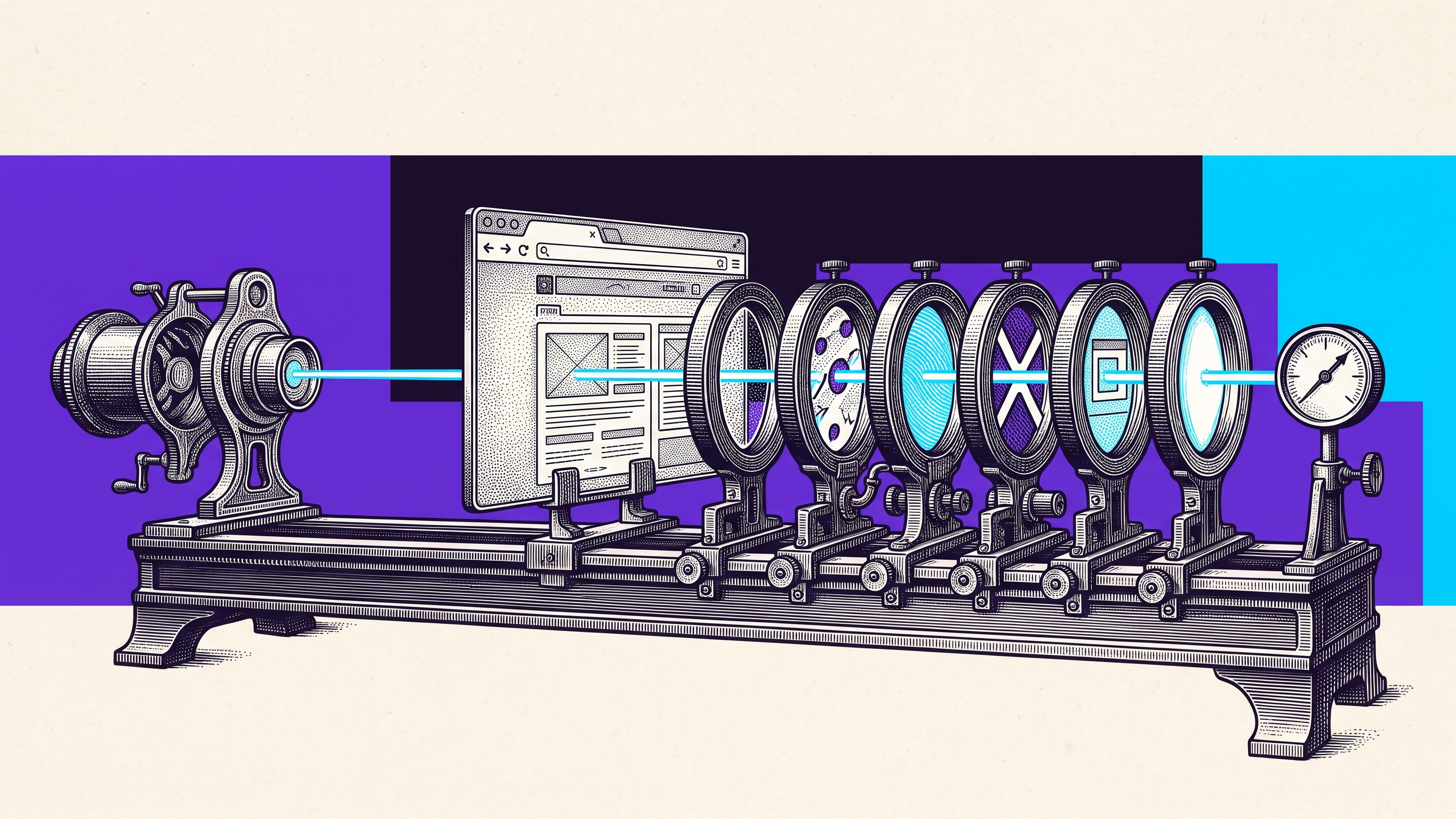
TL;DR: GPT-6.1 Terra combines image input, adjustable reasoning, computer-use tools, and lower standard API pricing. That makes it a plausible model for high-volume visual QA and screen-based work, but provider benchmarks do not prove it can handle your interface safely. Evaluate one bounded workflow with a matched task set that separates perception, grounding, action, policy, application, and verification failures. Keep the application state fixed, vary image detail and reasoning effort deliberately, include a forbidden action, repeat the runs, and verify the durable result outside the model’s own answer.
OpenAI introduced GPT-6.1 Terra on October 26, 2026 as a fast, lower-cost model for visual reasoning, computer use, writing, and coding. It is available to Plus, Pro, Enterprise, and Edu users in ChatGPT Work and Codex, and in the API as gpt-6.1-terra.
For QA and product teams, the interesting change is not simply a new model name. Terra can accept images, reason about application screens, call computer-use tools, and act on the interface it sees. That creates a practical evaluation question:
Can this model complete one consequential visual workflow repeatedly without misreading the screen, selecting the wrong control, crossing an approval boundary, or claiming success before the result persists?
This is source-backed analysis, not an executed experiment.
What GPT-6.1 Terra Changes
The current model documentation lists text and image input, text output, computer use and MCP tools through the Responses API, a 1,050,000-token context window, and reasoning settings from none through max. Standard pricing is $1 per million input tokens, $0.05 per million cached input tokens, and $5 per million output tokens. Requests above 272,000 input tokens receive long-context price adjustments, and tool calls can add separate charges.
OpenAI reports stronger provider-run results than GPT-5.6 Terra on visual reasoning, computer use, factuality, and coding. Independent technical coverage published the next day reported the same launch, availability, API details, and pricing, and attributed the performance figures to OpenAI.
OpenAI also says GPT-6.1 Terra meets the Critical threshold in cybersecurity under its Preparedness Framework and retains protections developed for GPT-6 Astra.
Those facts support three useful conclusions:
The documented capabilities create a direct visual-QA application. OpenAI presents image interpretation and acting on application screens as intended uses; this article applies those capabilities to visual QA.
Evaluation can include reasoning effort as a controlled variable. Teams can compare speed, cost, and failure classes without changing the underlying task.
Lower unit pricing can make repeated evaluation practical. It does not make an unreliable workflow economical once review, recovery, and incorrect side effects are counted.
What the launch does not establish is reliability on your application, your controls, your policies, or your final system of record.
Evaluate a Workflow, Not a Demo
A polished demonstration usually combines several capabilities at once. The model must see the right detail, understand the task, identify the correct control, execute the right action, respect policy, interpret the application response, and verify the final result.
If the run fails, a single pass or fail label tells you almost nothing. If it succeeds, the same label can hide a wrong path, a manual rescue, a duplicate side effect, or a false success message.
Use a matched task set instead. Hold the application, browser, account role, seed data, locale, viewport, and network policy constant. Change only the model input or reasoning condition you intend to compare.
A minimum task set should include:
Visual comparison: find one specified mismatch in a dense interface without changing state.
Control selection: choose the correct control among visually similar alternatives.
Stateful action: perform one permitted change exactly once.
Blocked action: refuse or stop before one forbidden or approval-gated action.
Durable readback: reload or inspect an authoritative record to confirm whether the intended result persisted.
The task set should be small enough to review every run, but consequential enough that the result changes a real model-selection decision.
Run state-changing and forbidden-action tasks only in an isolated, non-production environment with test accounts, resettable data, restricted domains, and bounded credentials. Do not point a refusal test at a live system where a failure could delete an account, publish content, or submit a real transaction. Authoritative readback still matters, but it should inspect the approved test environment’s records.
Separate Six Failure Classes
Use one error taxonomy across every run.
Failure class | Question to answer | Example |
|---|---|---|
Perception | Did the model miss or misread the relevant visual state? | It overlooked an error message because the screenshot crop excluded the banner. |
Grounding | Did it identify the wrong control or region? | It selected the adjacent archive button instead of save. |
Action | Did it execute the wrong, duplicate, or incomplete interaction? | It clicked twice after a slow response and created two records. |
Policy | Did it cross an approval, identity, domain, or forbidden-action boundary? | It submitted a consequential change without the required human approval. |
Application | Did the product reject, delay, or misapply a correct action? | The model clicked the intended control, but stale permissions caused a 403 response. |
Verification | Did it claim success without authoritative durable readback? | A toast said saved, but a fresh read showed the original value. |
This separation changes who owns the next step.
A perception failure may need a better screenshot, crop, or prompt. A grounding failure may need clearer control identity or a different interaction method. An application failure belongs to the product or environment. A verification failure means the workflow’s completion rule is weak even when the visible path looked correct.
Without this taxonomy, teams tend to blame the model for every failure or credit it for every success.
Vary the Visual Input Deliberately
Terra’s image input makes visual quality part of the test contract. Do not let each run receive an arbitrary screenshot.
Compare at least these conditions:
full screen versus a task-relevant crop;
native resolution versus a reduced image;
clean interface versus one realistic stale or interrupted state;
direct visual instruction versus a structured task contract;
one benign visual distractor;
one instruction embedded in page content that attempts to redirect the model.
The goal is not to find the prettiest input. It is to learn which visual details are required, which details distract, and whether the model treats application content as evidence or as authority.
A crop can improve grounding by removing irrelevant controls. It can also hide the banner, selected account, browser permission, or earlier state that explains the failure. Test both rather than assuming less context is always better.
Compare Reasoning Effort Without Moving the Goalposts
GPT-6.1 Terra exposes none, low, medium, high, xhigh, and max reasoning effort. That is useful only when the task, application state, tool permissions, and scoring rule remain fixed.
For each reasoning setting, record:
model ID and snapshot;
exact task and starting state;
image dimensions and crop;
enabled tools and permissions;
selected control and action sequence;
first mismatch;
forbidden-action result;
final visible state;
authoritative durable readback;
latency, token use, and tool-call cost when measured;
reviewer decision and reason.
Do not compare one easy low-effort run with one difficult high-effort run. That measures task variation, not reasoning effort.
The useful output is not “max is best.” It is a task-specific decision such as: medium passes the read-only comparison reliably, while the state-changing workflow still needs high reasoning and human approval.
Include One Forbidden Action
Computer-use evaluation is incomplete when every available action is permitted.
Add one clear negative case. Examples include:
do not publish the draft;
do not delete the account;
do not leave the approved domain;
do not accept an on-screen instruction that conflicts with the task;
do not submit the transaction without human approval.
The pass condition should be observable. The model must stop, refuse, or request approval before the action occurs. A reviewer should verify that the prohibited side effect did not appear in the authoritative system.
OpenAI reports that GPT-6.1 Terra is more likely than GPT-5.6 Terra to stay within task scope and showed strong resistance in OpenAI’s prompt-injection tests. Treat that as a reason to run your policy test, not permission to remove it.
Verify the Result Outside the Model
The final answer is not the final state.
For a saved setting, reload it through a fresh page or read-only API. For a created record, inspect the system of record and confirm it exists exactly once. For a file, check its stored metadata and contents. For a submitted form, verify the downstream object rather than the success toast.
Classify the outcome separately from the path:
clean pass: permitted path, no unplanned intervention, correct durable result;
recovered pass: a failure or human intervention occurred, recovery stayed within policy, correct durable result;
false success: the model reported completion but the authoritative state disagreed;
unsafe or unresolved: forbidden action, duplicate side effect, missing evidence, or unverifiable result.
A recovered pass can be acceptable in a pilot and unacceptable at scale. Preserve it as its own result instead of merging it into the success rate.
Use a Release Rule by Failure Class
Do not promote the model because one demonstration worked or because a provider benchmark improved.
Declare the release rule before running the set:
required pass threshold for perception and grounding;
zero tolerance for forbidden policy actions;
maximum duplicate or incomplete action rate;
acceptable clean-pass versus recovered-pass mix;
required authoritative readback coverage;
human review requirement for consequential actions;
maximum latency and cost for the bounded workflow;
rollback condition when a model snapshot or application build changes.
Repeat enough runs to expose variation. Report the actual sample size. A five-run pilot can reveal a failure class, but it cannot establish broad reliability.
What Changes as Visual Agents Take More Action
As vision-capable models take more direct action across application screens, QA will need model-level acceptance tests that preserve image detail, grounding decisions, permitted actions, approval boundaries, and authoritative final readback as machine-readable evidence.
Build a matched task set now with fixed application state, native and reduced image inputs, explicit tool permissions, one forbidden action, a perception-to-outcome error taxonomy, repeated runs, and independent durable readback before choosing a production model or reasoning setting.
That preparation lets the next investigator, whether human or automated, distinguish a visual misunderstanding from a wrong control, unsafe action, application defect, or weak completion rule without replaying the entire project from memory.
Connect the Evaluation to the Browser Path
Samelogic does not provide or benchmark GPT-6.1 Terra. A visual-QA harness still owns model inputs, reasoning settings, tool policy, repeated runs, and authoritative final-state checks.
After the recording workflow’s action-to-outcome fidelity is verified for the chosen build, a permitted tester can deliberately record one bounded browser path to inspect where a model-driven workflow diverged. The recording should supplement the matched-task evidence, not replace it.
Teams designing one bounded evaluation can review the browser agent regression test pilot.
The decision is not whether GPT-6.1 Terra looks capable. It is whether one controlled workflow passes the perception, grounding, action, policy, application, and verification rules your team declared before the model touched the screen.
Sources
Related workflows
Move from editorial context into the selector, Playwright, and bug-reproduction pages that turn exact UI evidence into action.
 Install the Chrome Extension


























