Playwright Passes Locally but Fails in CI
Use a controlled browser-surface check to separate Playwright product failures from binary, display, environment, timing, and CI differences.

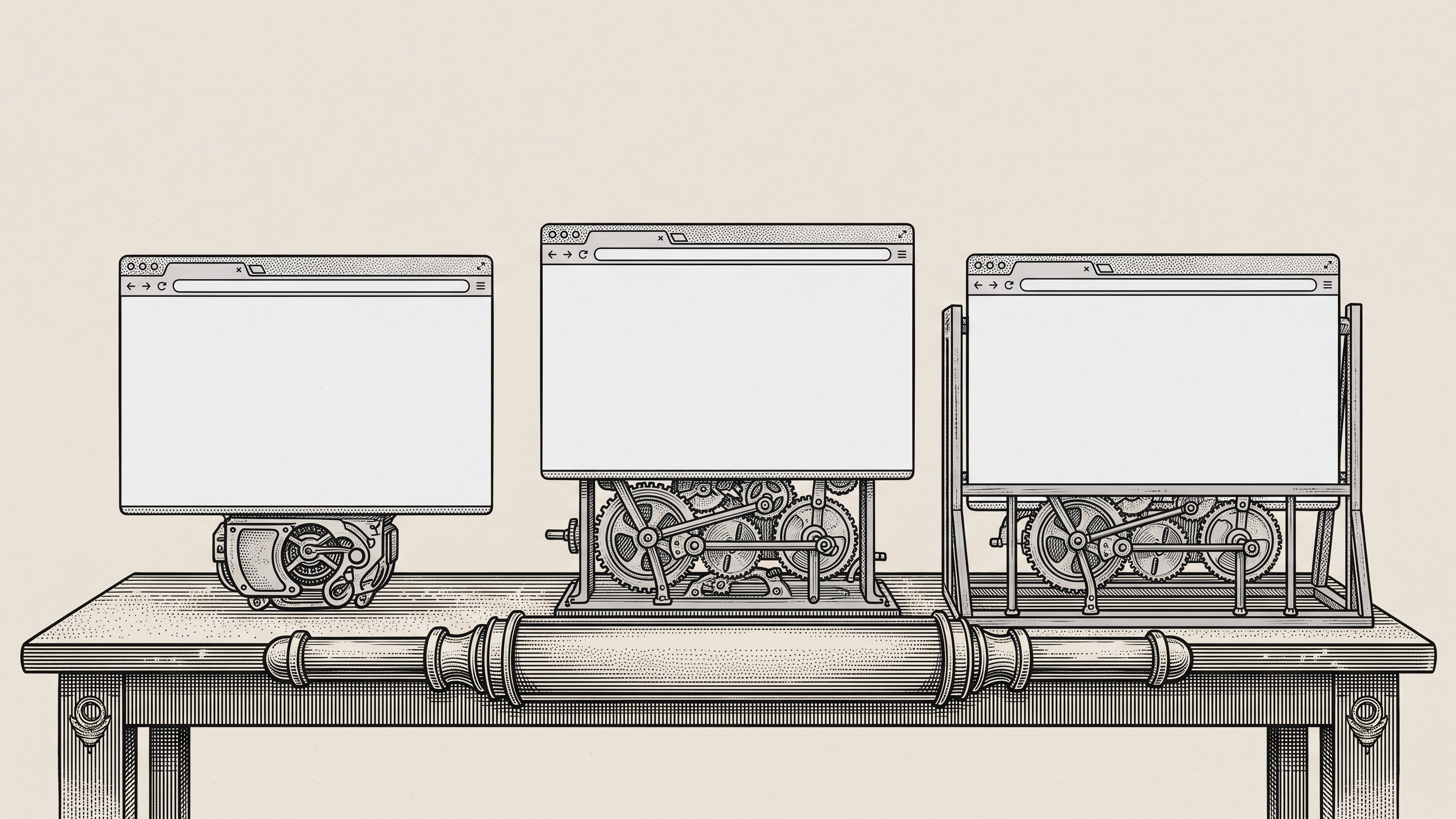
TL;DR: A local pass and CI failure do not prove headless mode is the cause. In 180 controlled trials across Chromium headless shell, unified headless, and headed Chromium under Xvfb, all runs passed, while browser identity and timing still differed. Preserve the first failure, match the executable and environment, find the first mismatch, and verify durable state before changing the test.
A Playwright test passes on your laptop, fails in CI, then passes when you rerun it in headed mode. It is tempting to call that a headless-browser bug, but the local and CI runs may use different browser binaries, operating systems, fonts, display servers, worker counts, authentication state, CPU pressure, and launch arguments.
The real debugging question is: Which variable changed before the first mismatch appeared?
Playwright headless is not one browser surface
Playwright can run Chromium through three distinct surfaces:
Default headless shell uses a separate
chromium_headless_shellexecutable.Unified headless Chromium uses the full Chromium executable with
channel: "chromium"and no visible window.Headed Chromium uses that same full Chromium executable with a visible display, or Xvfb on Linux CI.
The difference matters because a local headed pass and a default CI headless failure may not be the same browser with one visibility setting changed. They can be different executables with different launch paths and observable identities.
Here is the basic configuration difference:
On Linux CI, headed Chromium also needs a display server such as Xvfb.
What we tested
We built a synthetic fixture with no customer data and no external requests. Every trial started from a clean browser and fixture state.
The fixture tested:
save, reload, and UI readback;
an independent final-state readback from the fixture server;
focus and visibility;
popup and new-tab behavior;
prompt, confirm, and alert behavior;
fixed viewport and device scale;
font availability and measurement;
element geometry;
deterministic canvas and WebGL output;
five screenshots;
console and network telemetry;
a finalized Playwright trace.
We ran the same fixture in two lanes:
a pinned local Linux container;
GitHub Actions using the same digest-pinned image.
Each lane ran 30 clean trials on each browser surface. That produced six cells and 180 primary trials.
Within each lane, the three surfaces ran in seeded, counterbalanced order on one host. That reduced warmup and time-of-run bias. The browser executable, version, hash, channel, mode, launch arguments, image digest, viewport, fonts, GPU path, worker configuration, and evidence files were validated before a result could pass.
What 180 runs showed
All 180 trials passed.
Environment | Browser surface | Passed | Duration p50 | Duration p95 |
|---|---|---|---|---|
Local container | Headless shell | 30/30 | 3.35 s | 3.59 s |
Local container | Unified headless | 30/30 | 4.34 s | 4.72 s |
Local container | Headed under Xvfb | 30/30 | 4.53 s | 4.95 s |
GitHub Actions | Headless shell | 30/30 | 2.34 s | 2.43 s |
GitHub Actions | Unified headless | 30/30 | 2.94 s | 3.16 s |
GitHub Actions | Headed under Xvfb | 30/30 | 3.04 s | 3.18 s |
There were:
no failed trials;
no excluded trials;
no first mismatches;
no durable-state disagreements;
no popup or dialog differences;
no canvas or WebGL differences;
no font, viewport, device-scale, or geometry differences;
no fixed-state screenshot differences.
Every trial produced the same behavioral parity vector.
This does not mean headed and headless are universally identical. It means our controlled fixture did not reproduce a behavioral difference under the pinned environment.
The browsers still had different identities
The successful outcomes did not erase the execution-surface differences.
The default headless surface used:
Unified headless and headed mode both used:
The shell had a different executable SHA-256 from the full Chromium browser. Its user agent also exposed the full HeadlessChrome/140.0.7339.186 version, while unified headless used HeadlessChrome/140.0.0.0 and headed mode used Chrome/140.0.0.0.
All three reported Chromium 140.0.7339.186, but they were not interchangeable identities.
The timing also differed. Within each lane, the headless shell was roughly 25% to 35% faster than the two full-Chromium surfaces. Headed Chromium was only slightly slower than unified headless in this fixture.
Do not turn those timings into a universal benchmark. The experiment used a small synthetic workflow, one pinned browser release, one container image, and software-rendered WebGL through SwiftShader.
What this means when CI turns red
A local headed pass does not explain a CI headless failure. It only proves that another execution path passed.
Before changing waits or rerunning the pipeline, compare these facts:
Variable | What to record |
|---|---|
Browser identity | Executable path, SHA-256, version, channel, and mode |
Launch behavior | Effective command line and headed or headless flags |
Runtime image | Operating system, container image digest, and architecture |
Display and rendering | Xvfb, viewport, device scale, fonts, and GPU renderer |
Test pressure | Worker count, CPU, memory, retries, and shard configuration |
Application state | Account, fixture, authentication, feature flags, and service readiness |
Failure evidence | First mismatch, trace, screenshots, console, and network records |
Final outcome | Independent durable-state readback |
If several of those change at once, “headless issue” is not yet a diagnosis.
A practical debugging sequence
1. Keep the first failure
Do not let a retry replace the original evidence. Preserve the first trace, screenshots, logs, browser identity, and worker settings.
A green retry can mean the first run changed state, warmed a cache, reduced pressure, or simply avoided a race.
2. Match the browser surface
Reproduce the exact CI executable and channel locally when possible. If CI used the default headless shell, a headed full-Chromium rerun is useful for observation but not for parity.
Add a second controlled run with channel: "chromium" if you need to compare the shell with unified headless.
3. Match the environment before changing the test
Use the same Playwright version, browser revision, image digest, fonts, viewport, locale, timezone, worker count, and test data.
Change one variable at a time. Otherwise a passing run cannot tell you which difference mattered.
4. Find the first mismatch
The final timeout is often late evidence.
A screenshot can show the expected element after the locator deadline has already expired. The useful question is what first disagreed: application readiness, authentication, browser state, network response, rendered geometry, or the test oracle.
Playwright traces are especially useful here because they preserve the completed action timeline, DOM snapshots, console output, and network activity.
5. Verify the durable result
A successful click or green assertion does not always prove that the intended record, file, job, or payment state exists.
Read the final state from an independent endpoint, database-safe test interface, or admin view. Keep browser success and durable success as separate assertions.
The useful conclusion is narrower than “headed versus headless”
Our experiment found parity, not a mode-caused defect.
That negative result is useful because it shows why browser provenance belongs in a CI failure report. The three surfaces produced the same behavior here, but they still differed in executable, launch mode, user agent, and timing.
When a Playwright test passes locally but fails in CI, treat the browser surface as one controlled variable among several. Do not blame headless mode until the browser binary, environment, test pressure, application state, and first mismatch have been isolated.
Browser and coding agents will make generated tests more common, increasing the need to preserve browser provenance and first-mismatch evidence when local and CI results disagree.
Record the executable, version, channel, mode, image, worker configuration, first mismatch, and independent durable-state readback now.
Samelogic helps teams deliberately record browser paths and preserve the context engineers need for review. It does not automatically diagnose the cause, repair the test, or guarantee reproduction. If a failure depends on a particular interaction sequence, record that path with CSS Selector & XPath Finder by Samelogic before a rerun or debug session changes the evidence.
Sources
Related workflows
Move from editorial context into the selector, Playwright, and bug-reproduction pages that turn exact UI evidence into action.
 Install the Chrome Extension


























