Playwright MCP: Setup, Tools, Test Generation, and How to Verify the Run
Learn how to install Playwright MCP, use accessibility snapshots and browser tools, choose profiles, generate tests, and verify durable browser outcomes.

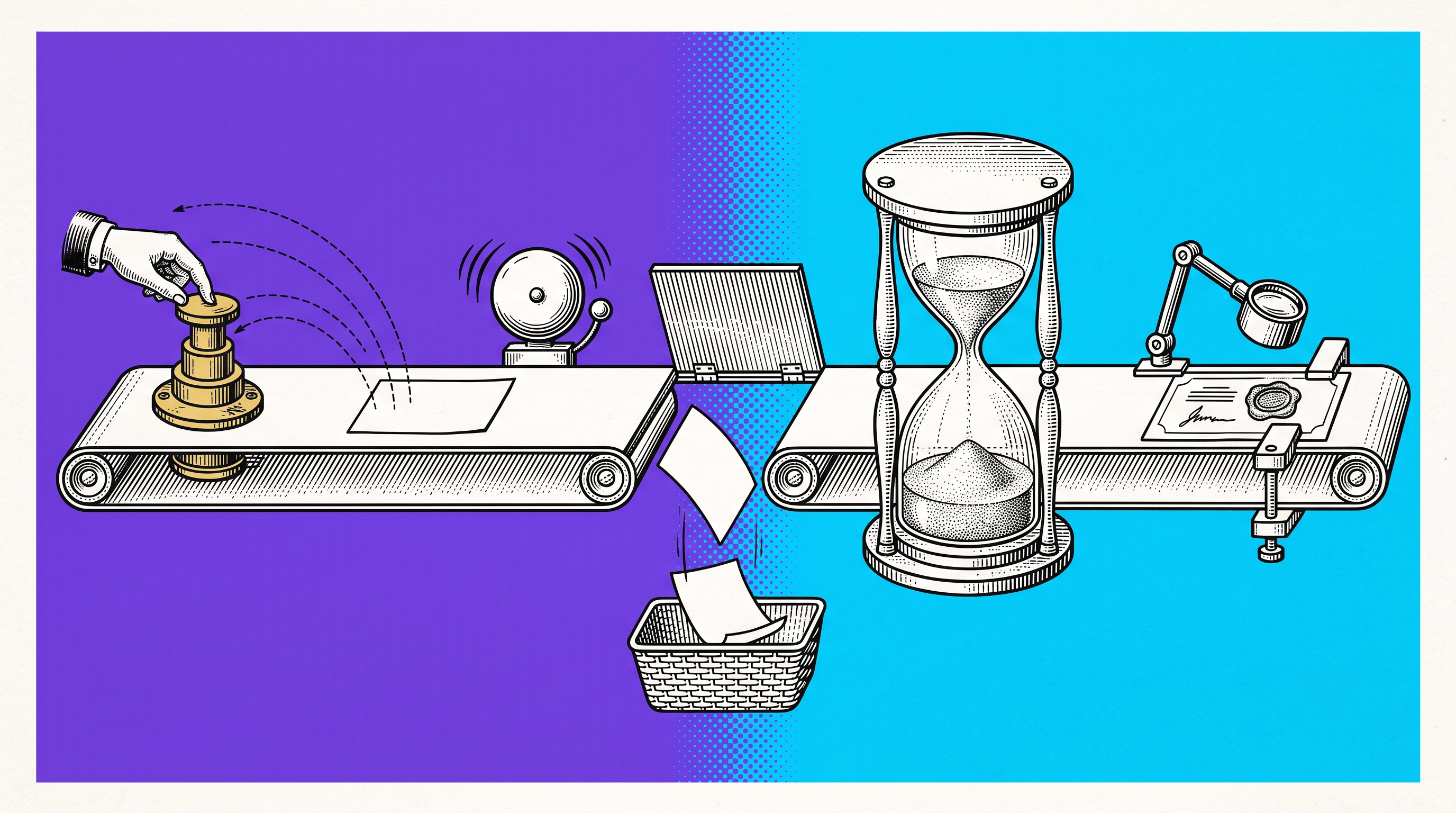
A browser agent opens checkout, clicks Place Order, and sees an “Order submitted” status. The click worked. The tool call returned. The agent reports success. Fifteen seconds later, inventory validation finishes and the page changes to “Order failed: inventory changed.”
That gap is the practical challenge behind Playwright MCP. The server gives an AI assistant a powerful, structured way to inspect and operate a browser. It does not decide which business outcome matters, how long that outcome must remain true, or what evidence a receiving team needs. You still have to design that verification contract.
This guide covers Playwright MCP setup, tools, profiles, testing workflows, security, and a repeatable method for verifying what the browser agent actually accomplished.
What is Playwright MCP?
Playwright MCP is Microsoft's Model Context Protocol server for browser automation. It exposes browser capabilities as structured tools that an MCP-compatible AI client can call. Instead of guessing screen coordinates, the assistant receives an accessibility snapshot containing roles, names, text, and element references. It can then navigate, click, type, fill forms, switch tabs, inspect network activity, read console messages, and capture screenshots.
The important distinction is that Playwright MCP is an interaction layer. It helps an AI model operate the browser. It is not automatically a test strategy, an assertion policy, or a durable record of the business result.
Playwright MCP answers “how can the agent use the browser?” Your test design must still answer “what outcome proves the work succeeded?”
Install and configure Playwright MCP
The current official documentation requires Node.js 20 or newer and an MCP client such as VS Code, Cursor, Windsurf, Claude Code, Claude Desktop, Codex, or another compatible client. The standard configuration is:
Cursor can use the same command through its MCP settings. Claude Desktop and other clients use their normal MCP configuration location. The exact file path varies by client, so check that client's documentation rather than copying a path from an unrelated setup.
Useful server options
Headed or headless: the official server opens a visible browser by default; use headless mode for unattended runs when visual observation is unnecessary.
Browser selection: choose Chrome, Firefox, WebKit, or Edge when the workflow requires a specific engine.
Profile choice: use an isolated profile for repeatable testing, a persistent profile for a known session, or a browser connection when an existing session is explicitly intended.
Capabilities: enable only the capabilities the client needs. A smaller tool surface is easier to reason about and safer to operate.
Confirm the current options against the official Playwright MCP setup guide and the Microsoft repository.
How snapshots and element references work
A typical loop has four steps:
The client asks the server to navigate to a URL.
The server returns a structured accessibility snapshot.
The model chooses a named element reference and calls an interaction tool.
The client requests another snapshot or assertion to inspect the result.
The agent can fill e12 and click e18 without image coordinates. This works especially well for applications with meaningful labels and roles. Poor accessibility can make the snapshot less expressive, so accessible product markup improves both human use and agent control.
Core tool groups
Group | Examples | What to verify afterward |
|---|---|---|
Navigation | open, back, forward, reload | final URL, page identity, expected account or tenant |
Interaction | click, type, fill, select, drag | persisted state, not only accepted input |
Observation | snapshot, screenshot, console, network | agreement between visible state and backend result |
Session | tabs, cookies, storage state, profiles | correct identity and intended isolation boundary |
Developer tools | tracing, assertions, code execution | least privilege and a reproducible output |
Choose the browser profile deliberately
Profile choice changes the meaning of a successful run. A checkout completed in a clean test profile is not equivalent to a checkout completed in a long-lived employee browser. Cookies, feature flags, prior navigation, permissions, local storage, and account state can all change the path.
Isolated profile: best for repeatable test generation and controlled demonstrations.
Persistent profile: useful when the same authenticated state must survive, but it introduces hidden history.
Existing browser connection: appropriate only when the user has intentionally authorized work in that exact session.
Record which profile mode was used, which account was active, and whether authentication was restored from storage. Otherwise, a receiver may be unable to reproduce a path that depended on invisible session history.
Use Playwright MCP for testing without confusing exploration with a test
Playwright MCP is useful for exploratory testing, generating candidate test flows, inspecting unfamiliar interfaces, and letting an agent gather evidence before it edits code. It can also run assertions and Playwright code. The server's ability to perform an action does not make the action a stable regression test.
A production-quality test still needs:
a defined starting state;
a business outcome stated before the run;
stable locators and explicit assertions;
a bounded waiting policy;
cleanup or isolation;
failure evidence a receiver can inspect;
repeatability in CI without an LLM improvising the goal.
A good operating pattern is to let MCP explore and explain the interface, then convert the accepted flow into an ordinary Playwright test where the inputs, assertions, and environment are version controlled.
A four-stage method for verifying a browser-agent run
Do not accept a successful tool call as proof of a successful workflow. Verify four separate stages.
Action acceptance: did the intended element receive the click, text, or selection?
Immediate UI response: did the page acknowledge the action without an error or unexpected transition?
Durable business outcome: after asynchronous work settles, does the resulting state still match the goal?
Receiver-ready evidence: can another person identify the account, prior state, path, failure, and final result without repeating the investigation?
The last stage matters when the run crosses team boundaries. A browser agent may know which refs it used, but engineering needs the path and outcome in a form that survives after the agent's context disappears.
Controlled experiment: accepted action, failed outcome
On August 8, 2026, the Samelogic team ran a small local browser fixture to isolate this distinction. The page contained one Place order button and one live status region. The button's handler immediately displayed “Order submitted,” then changed the status to “Order failed: inventory changed” after delayed validation.
The observed sequence was:
A snapshot immediately after the click supported a success report. The durable read did not. No selector failed, and the browser tool worked correctly. The verification policy was the missing piece.
The fixture is intentionally tool-agnostic. The lesson applies to Playwright MCP because the model decides when it has gathered enough evidence. A reliable prompt or test plan should name the durable outcome and the readback point before the run begins.
A better agent instruction
This instruction separates the action from the business result and tells the agent exactly what evidence the receiver expects.
Security and operating boundaries
Browser automation can access authenticated sessions, private data, and consequential actions. Treat the MCP client and server as an execution boundary, not a harmless research plugin.
Use test accounts and isolated profiles by default.
Limit tools and domains to the task whenever the client supports it.
Do not expose production credentials in prompts, screenshots, traces, or artifacts.
Require explicit approval for purchases, deletion, publication, account changes, or external messages.
Review redirects, downloads, uploads, and cross-origin navigation.
Store authentication state as a secret and rotate it when the environment changes.
Keep arbitrary code execution disabled unless the client is trusted and the task requires it.
The official documentation describes the unsafe Playwright code tool as equivalent to remote code execution. That capability should not be enabled casually.
Playwright MCP versus Playwright CLI and Playwright tests
Use case | Best starting point | Reason |
|---|---|---|
Agent explores an unfamiliar UI | Playwright MCP | structured snapshots and browser tools support an iterative loop |
Coding agent works inside a large repository | Playwright CLI or project tooling | shell output and versioned code can be more compact and direct |
Repeatable CI regression | Normal Playwright test | deterministic inputs, assertions, retries, traces, and reviewable code |
Authenticated one-off investigation | MCP with an explicitly selected profile | the agent can inspect and operate the live state with authorization |
Durable cross-team handoff | Playwright plus a replayable test artifact | the receiver needs the path, context, failure, and final result after the run ends |
These tools complement one another. MCP is a strong control surface for an agent. A normal Playwright test is a stronger long-lived regression contract. A replayable test artifact is useful when the result has to move from the runner or agent to another team.
Practical checklist
Install the official server and pin or review upgrades for controlled environments.
Choose the profile and account before navigation.
State the business outcome before the first tool call.
Use accessible names and roles instead of brittle visual coordinates.
Check the immediate UI response and the durable state separately.
Inspect console and network evidence when the outcome depends on asynchronous requests.
Convert accepted exploratory flows into version-controlled Playwright tests.
Preserve the transition when another team must reproduce or act on the result.
Frequently asked questions
Does Playwright MCP need a vision model?
No. Its normal interaction model uses structured accessibility snapshots. Screenshots and visual capabilities can still be useful when appearance itself is part of the assertion.
Can Playwright MCP generate tests?
It can help an agent explore a page, identify actions, run Playwright code, and produce a candidate flow. Review the locators, starting state, assertions, cleanup, and waiting policy before treating generated code as a regression test.
Should Playwright MCP use my normal browser profile?
Usually not. Prefer an isolated test profile. Connect to an existing authenticated browser only when that exact session is intentionally part of the task and the account owner has authorized the action.
How do I know the agent actually succeeded?
Define the durable business outcome first. Verify it after asynchronous work settles, ideally after a reload or independent readback. Capture enough path and environment context for a receiver to inspect the result.
Sources and next steps
Samelogic captures the browser path a fresh-page reproduction skips and packages the last known-good state, actions, transitions, failure, and selected evidence into a replayable test artifact. Use it when an important MCP or Playwright run has to survive beyond the agent's context and reach QA, support, or engineering.
Related workflows
Move from editorial context into the selector, Playwright, and bug-reproduction pages that turn exact UI evidence into action.
 Install the Chrome Extension


























