Test Automation Tools for Web Apps and How to Choose the Right Stack
Compare web test automation tools by job, coverage, maintenance, and failure evidence, with a practical selection table and browser-state example.

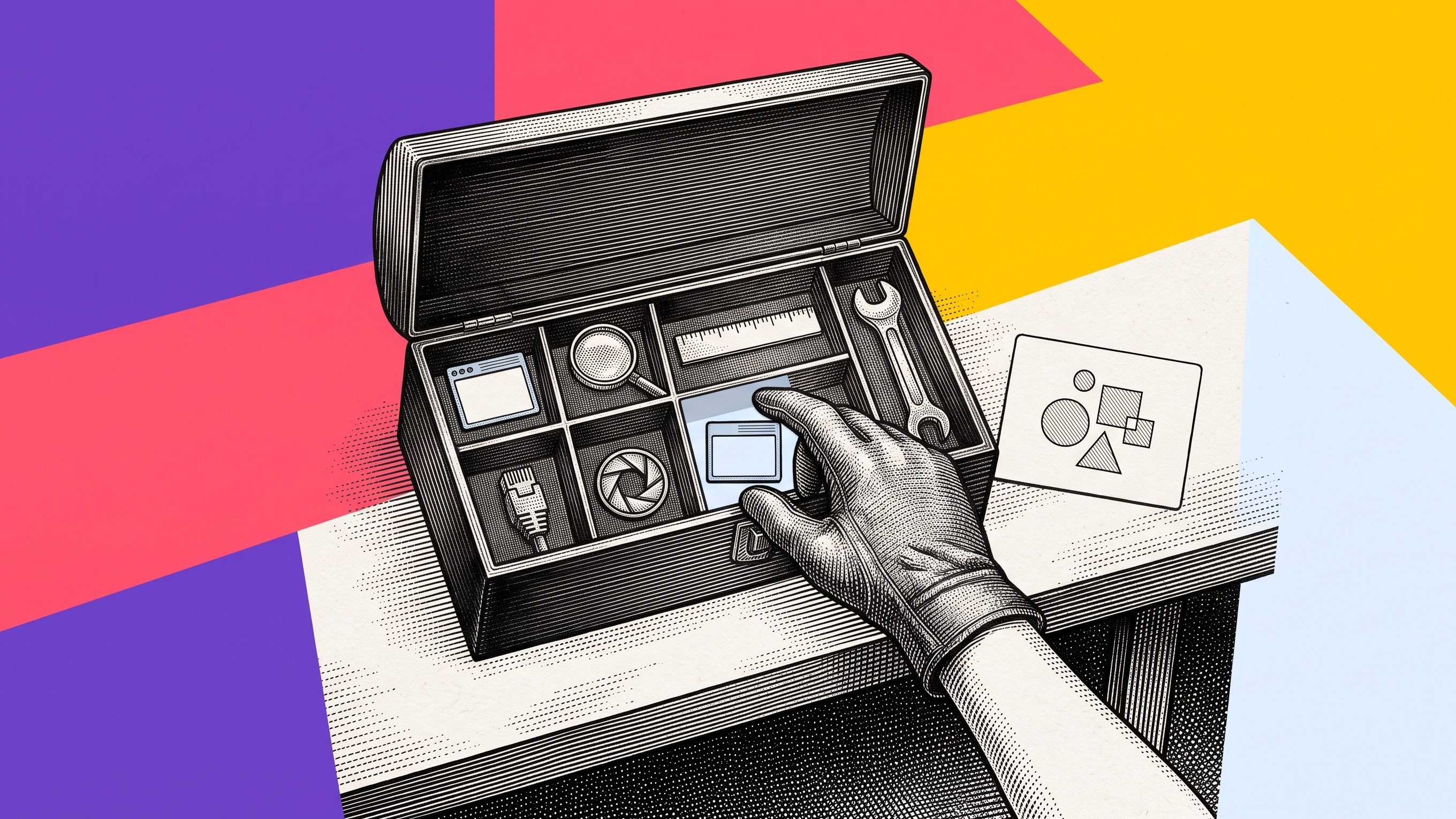
The best test automation tool is the one that proves the failure your team actually needs to catch. For most modern web teams, start with a browser runner such as Playwright for critical user flows, add fast unit and component tests close to the code, use API checks for service contracts, and add visual testing only where appearance is part of the requirement. Use a cloud browser grid when device and browser coverage is the job. Keep a separate path for deliberately recording browser bugs that automated checks did not anticipate.
That is the short answer. The mistake is treating test automation tools as interchangeable products on one long leaderboard. A unit runner, browser runner, device grid, visual checker, API collection runner, and bug-recording tool solve different parts of the quality problem.
This guide compares the main tool categories, shows where Playwright, Selenium, Cypress, Vitest, Newman, Chromatic, BrowserStack, and Samelogic fit, and gives you a practical way to choose a stack without buying the same capability twice.
Choose the job before the brand
Start by naming the failure you want to detect and the person who must act on the result.
A developer broke a calculation or state transition. Use unit or component tests.
A service changed its response contract. Use API tests.
A user can no longer finish a browser flow. Use end-to-end browser tests.
A layout changed unexpectedly. Use visual regression testing.
The workflow fails only on a certain browser, operating system, or device. Use a browser and device grid.
A support or QA teammate found a browser problem the suite never modeled. Deliberately record the steps and browser context so the engineer can inspect the path.
A stack is useful when each layer has a clear job. It becomes expensive when every tool is expected to generate tests, run browsers, store screenshots, manage cases, diagnose failures, and document manual bugs.
Test automation tools by job
Job | Tool category | Examples | Strong when | Main limit |
|---|---|---|---|---|
Test functions and business logic | Unit and component runner | Vitest, Jest | Fast feedback and precise failures | Does not prove a full browser journey |
Check service contracts | API runner | Newman, Playwright API testing | Fast, stable checks below the UI | Misses browser rendering and interaction state |
Test critical web journeys | Browser runner | Playwright, Cypress, Selenium | Real interaction across pages and browser APIs | Suites require maintenance and cannot anticipate every field incident |
Compare appearance | Visual testing | Chromatic and screenshot-diff services | Layout, styling, and component-state changes | A pixel change may not explain the action that caused it |
Cover browser and device combinations | Cloud grid | BrowserStack and similar services | Managed infrastructure and broad environment coverage | Infrastructure does not decide which workflow deserves a test |
Preserve an unmodeled browser problem | Deliberate bug recording | Samelogic and bug-reporting tools | Captures the ordered path for human review | Complements automated checks rather than replacing a test runner |
No single row wins every job. The right question is not “Which platform has the most features?” It is “Which failure must this layer detect, and what should the next person receive?”
A practical starting stack for a web app
A small web team rarely needs a large platform on day one. A sensible starting point has four layers.
1. Unit and component tests for fast feedback
Use a runner such as Vitest or Jest for functions, state reducers, validation, data transformations, and components that can be exercised without a complete browser journey.
These tests should be numerous, quick, and close to the code. When they fail, the developer should get a narrow message that points to the broken contract. Do not push every rule into a browser test just because the browser is closer to the user. Slow, broad tests are harder to diagnose and more expensive to maintain.
2. API tests for important service boundaries
Use an API runner for authentication contracts, permissions, validation, idempotency, and integrations. Newman runs Postman collections from the command line, which makes existing API checks usable in continuous integration.
Playwright also supports API testing, so teams already using it may keep browser setup and service preconditions in one codebase. The choice matters less than the contract: status, body, side effects, and durable readback should all be explicit.
3. Browser tests for critical journeys
Use a browser runner for the flows where rendering, navigation, browser storage, focus, uploads, downloads, popups, or multiple pages matter.
Playwright is a strong default for a new web project because it supports Chromium, Firefox, and WebKit, includes isolation, auto-waiting, tracing, and parallel execution, and uses one API across browser engines.
Cypress offers an interactive runner and a development experience many frontend teams find approachable. It is a reasonable fit when its browser model and language choices match the application and team.
Selenium remains important for teams with established WebDriver suites, broad language needs, legacy systems, or infrastructure built around its ecosystem. Replacing a working suite for trend value alone is usually wasteful.
A practitioner discussion about test automation tools for web applications reflects this tradeoff. Several participants favored Playwright for a new web project, while others kept Selenium for legacy coverage or chose Cypress for modern applications. The useful part of that discussion is not a universal winner. It is the repeated request to clarify the application, mobile needs, language, budget, and team experience first.
4. A path for browser problems outside the suite
Automated tests cover known risks. Support, QA, product, and customers still encounter browser paths the suite never modeled.
For those cases, a screenshot captures the ending but often loses the setup. A conventional text report depends on someone remembering the action order. A deliberately started Samelogic recording can preserve the browser steps and available technical context for review. It is not a replacement for Playwright, Selenium, or Cypress. It helps turn a newly discovered path into something an engineer can inspect and, when appropriate, convert into a regression test.
The team behind Samelogic built CSS Selector & XPath Finder to support this browser QA workflow. Use it when the missing object is the path behind a browser problem, not when you need a general test runner or device cloud.
A controlled browser-state example
We built a fake support queue to test a failure that a final screenshot cannot explain.
The page contains six synthetic tickets split across two pages. A tester selects one ticket on page one, moves to page two, selects another ticket, and then presses Back. The interface returns to page one and shows two selected items, but the bulk Assign to me button is disabled.
The controlled verification checked three facts:
The first ticket remained selected after pagination.
The second ticket could be added on page two.
Returning to page one preserved both selections while the bulk action became disabled.
A screenshot of the disabled button proves the final appearance. It does not reveal whether the first selection persisted, whether the second selection occurred on another page, or whether Back exposed the contradiction.
Different tools answer different questions:
Question | Best first tool |
|---|---|
Did the selection reducer produce the correct state? | Unit test |
Did the API accept both ticket IDs? | API test |
Did pagination and Back produce the wrong browser state? | Browser test |
Did the disabled style change unexpectedly? | Visual test |
Does it fail only on Safari or a specific device? | Browser grid |
What exact path did a tester take before the button became disabled? | Deliberate browser recording |
This is why tool selection should start from the missing proof. If the browser test can reproduce the sequence deterministically, add it to the suite. If the failure was discovered outside the suite, preserve the original path first, then reduce it into the smallest stable automated test.
For a deeper list focused specifically on diagnosis rather than the full automation stack, see the best tools for reproducing front-end bugs.
When to add visual regression testing
Add visual tests when appearance is part of the product contract: design systems, responsive layouts, charts, emails, complex components, or brand-sensitive surfaces.
Chromatic builds on Storybook, Playwright, and Cypress tests and compares rendered UI states. That makes it useful when the question is whether the interface changed visually across commits, components, viewports, or browsers.
Do not use visual snapshots as a substitute for behavior checks. A screen can look correct while saving the wrong data, and a harmless font-rendering change can create noise. Define which regions matter, stabilize dynamic content, and assign a human reviewer for meaningful changes.
Our guide to visual regression testing without noisy screenshot diffs covers that boundary in more detail.
When to pay for a browser grid
A cloud grid is justified when environment coverage is the bottleneck. Typical signals include:
contractual browser support across several engines or versions;
mobile browser and real-device requirements;
failures that appear only under a specific operating system or device profile;
parallel capacity that your own infrastructure cannot provide economically;
a need to centralize run logs and environment evidence for a distributed team.
BrowserStack Automate, for example, offers managed browser and device combinations plus integrations for Playwright and Selenium. That is a different job from deciding which tests to write or preserving a new manual browser path.
If your team needs one or two current desktop browsers in continuous integration, begin with the runner's bundled browser support. Add a grid when measured coverage or capacity needs justify it, not because a comparison page placed it at the top of a list.
How to compare finalists
Once you have selected the tool category, score finalists against the work your team actually owns.
Coverage
List the browsers, devices, authentication methods, domains, frames, downloads, extensions, APIs, and accessibility checks the product requires. Mark must-have and optional coverage separately.
Reliability
Run the same representative flows repeatedly. Measure false failures, retries, timeouts, and failures that cannot be explained from the output. A tool is not reliable merely because it has automatic waiting. Application state, test data, network behavior, and third-party dependencies still matter.
Diagnosis
Break the flow on purpose. Ask whether the output identifies the first meaningful mismatch or only the final failure. Review screenshots, traces, logs, DOM snapshots, network events, and the exact assertion. Our Playwright Trace Viewer workflow shows how to inspect one browser run from the first action to the contradiction.
Maintenance
Change a locator, move a component, alter test data, and add one new workflow branch. Count the edits and review time. Generated tests can accelerate a first draft, but the team still owns locator quality, assertions, fixtures, and cleanup.
Team fit
Consider supported languages, debugging habits, code review, CI experience, and who handles failures. The easiest demo is not always the easiest system to maintain after six months.
Cost
Include licenses, cloud minutes, parallel workers, storage, test data, engineering maintenance, and failure-triage time. Free software can still create an expensive operating burden. A paid service can be efficient when it removes infrastructure your team does not want to own.
Run a matched-flow pilot before standardizing
Do not choose from a feature matrix or test count alone. Run the incumbent and candidate stack against the same representative workflows with the same starting data, permissions, browsers, and expected results.
A current practitioner evaluating a three-month automation pilot asked how to measure maintenance, failure investigation, manual-tester independence, total cost, and business value beyond pass rates. Another QA team described manually combining several reporting views because its manual and automated results did not create one useful coverage and risk picture. Those are different tool evaluations, but they point to the same decision: the pilot must prove operating value, not merely produce more automated cases.
Use 12 to 15 representative flows when the pilot is large enough. For a smaller evaluation, begin with these three:
one stable create, read, update, and delete journey;
one stateful path involving roles, permissions, stale sessions, or asynchronous integrations;
one failure-prone end-to-end path that crosses a browser and service boundary.
Implement the same flows in the incumbent and candidate stack. Preserve the first failed attempt instead of replacing it with a clean rerun. Then score the pilot with evidence from the same work.
Measure | What to record | Why it changes the decision |
|---|---|---|
Time to first reliable test | Hands-on setup time until the test passes for the right reason | Separates a quick demo from a maintainable workflow |
Maintenance per release | Minutes spent updating locators, data, fixtures, and assertions | Shows the cost after initial creation |
Failure classification | Time to decide whether a red run is product, automation, data, environment, or infrastructure | Measures how quickly the team reaches a trusted diagnosis |
Specialist corrections | Changes required from the person who knows the framework best | Reveals hidden dependence on scarce expertise |
Independent ownership | Whether a manual tester can update and run the test after a short handoff | Tests whether the tool broadens practical ownership |
Coverage parity | Whether the candidate preserves the incumbent's important assertions and environments | Prevents a faster pilot from quietly reducing protection |
Reporting usefulness | Whether a teammate who did not write the test can understand the first mismatch and next action | Tests the handoff, not just the dashboard |
Total ownership cost | Licenses, cloud usage, infrastructure, maintenance, and diagnosis time | Supports a keep, complement, or replace decision |
Do not collapse these measures into one invented score. A team may accept higher license cost for faster trusted diagnosis, or keep its current runner while adding a narrow tool for manual-tester ownership. Record the tradeoff directly.
Check whether reporting survives the handoff
Dashboards help when they expose coverage, execution, defects, and useful failure categories. For example, UiPath Test Manager reports include coverage, defect, and execution views and distinguish technical failures from functional failures. Its quality dashboard centers automation rate and test coverage.
Those measures are useful, but the pilot still needs a receiver test. Give several failed runs to a teammate who did not build the test and ask whether they can answer:
Which user flow and starting state were under test?
What was expected, and what actually happened?
Where did the first meaningful mismatch occur?
Was the likely cause product behavior, automation, data, environment, or infrastructure?
Which browser, account role, build, and relevant service state were involved?
What should engineering inspect next?
Does the final durable state agree with the screen or assertion?
If the teammate must rerun the test, open several systems, or ask the author to explain the report, the reporting layer has not yet earned the handoff.
Prepare the stack for agent-maintained tests
As agents generate and maintain more tests, tool pilots will be easier to inflate with test volume while trusted diagnosis and receiver understanding remain bottlenecks; buyers will need matched-flow evidence showing whether an independent human or solving agent can classify the failure and verify the durable result.
Run the same representative flows in the incumbent and candidate stack, preserve the first failed attempt, separate product, automation, data and environment causes, and record maintenance time, specialist corrections, independent diagnosis, coverage parity, reporting usefulness and total ownership cost before a keep, complement or replace decision.
That preparation is useful now. It gives a human reviewer the same structured context a solving agent will need later: known starting state, ordered actions, expected and actual results, the first mismatch, permission boundaries, and verified readback.
A simple decision rule
Use this order:
Need fast logic feedback? Start with unit and component tests.
Need service-contract confidence? Add API tests.
Need real browser interaction? Add Playwright, Cypress, or Selenium.
Need appearance review? Add visual regression testing.
Need environment breadth? Add a browser and device grid.
Need to preserve an unexpected human-discovered path? Add deliberate browser recording and turn valuable cases into automated regressions later.
You do not need one platform that claims to do everything. You need a stack in which every tool has a clear failure to catch, a clear output, and a clear next person who can act on it.
When a failed run does not preserve the decisive browser path, deliberately start a recording with CSS Selector & XPath Finder by Samelogic before repeating the issue. Use the ordered steps, failing moment, and available browser context to help the teammate inspect what the automation report missed. The current verified product evidence covers local recording and playback on fake data. It does not yet prove private save, secure teammate delivery, independent repeat use, or a guaranteed diagnosis.
Sources
Related workflows
Move from editorial context into the selector, Playwright, and bug-reproduction pages that turn exact UI evidence into action.
 Install the Chrome Extension


























