How to Test Cursor Cloud Agent Environments Before You Scale
Test Cursor Cloud Agent environments with an acceptance contract for builds, repositories, secrets, controls, cleanup, and failure routing.

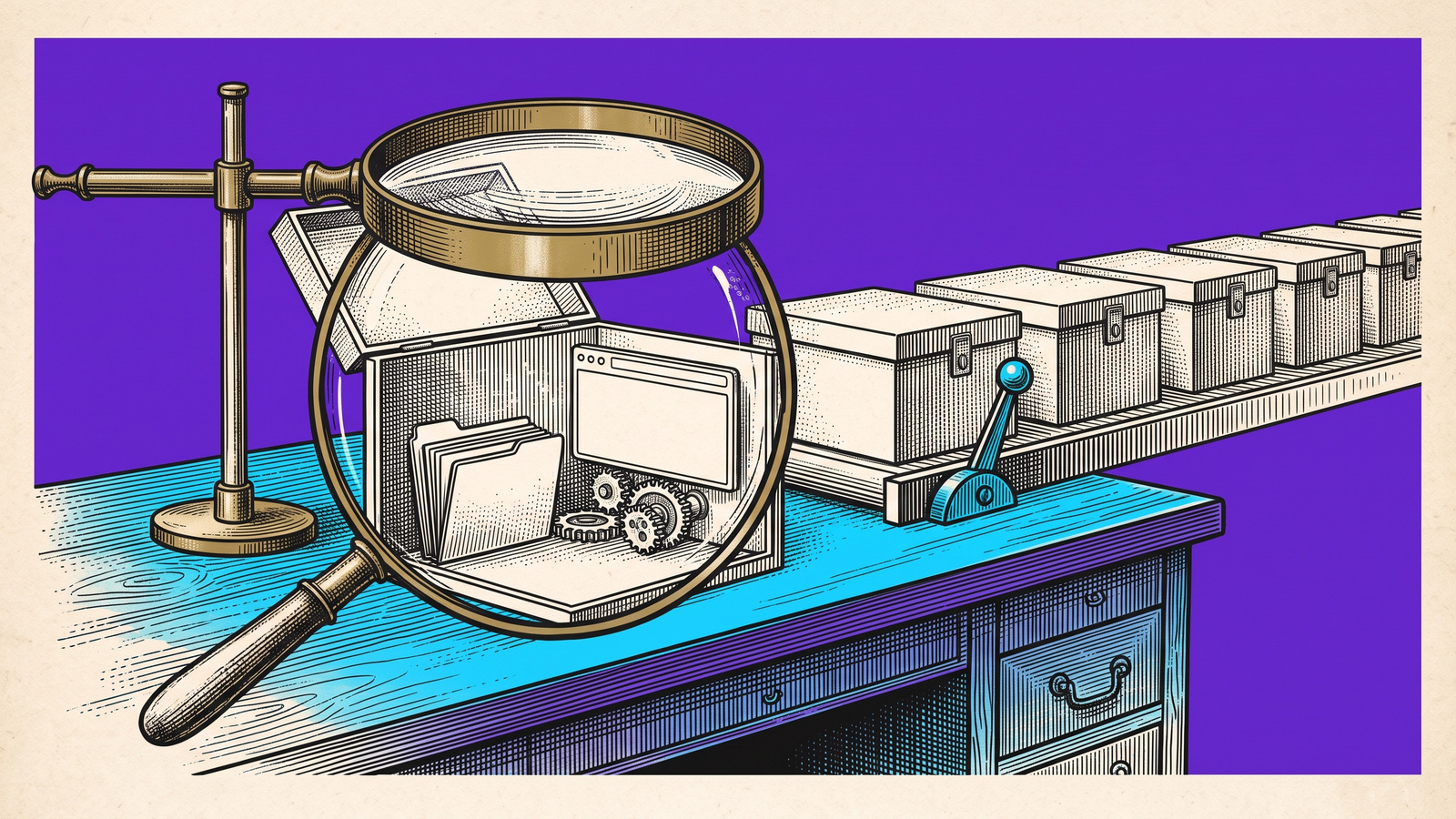
TL;DR: Cursor’s Environments API turns cloud-agent setup into a programmable system. That makes it easier to launch more agents, but it also makes a bad repository set, stale build, missing dependency, wrong secret policy, or dirty test state easier to repeat. Before judging the agent, require an environment acceptance check that records the active build, intended repositories, runtime, approved secret names, seed state, direct control result, cleanup, and first mismatch.
Cursor put its Environments API into beta on October 16, 2026. Teams can now create and manage the environments used by Cursor Cloud Agents programmatically. Cursor also reports faster loading for large environments.
The important change is not that cloud-agent environments suddenly exist. In May, Cursor introduced reusable multi-repository environments, build secrets, version history, and environment validation, and improved Dockerfile-based configuration. The new API turns that setup into something a team can create, inspect, update, and remove through an operating workflow.
That changes the testing boundary. If an environment is wrong, a capable agent can still fail. If the environment is inconsistent, a weak agent can appear to pass by luck. And if setup becomes automated across many repositories, the same hidden defect can spread across many runs before anyone notices.
This is source-backed analysis, not an executed experiment.
What the Environments API Changes
Cursor’s current Cloud Agents API documentation lists operations for creating, listing, reading, updating, and deleting environments. It also exposes environment history, builds, active-build inspection, and environment-secret management.
Those capabilities give teams useful control points:
Environment identity: Which environment did the agent use?
Build identity: Which environment build was active when the run started?
Change history: What changed between a passing run and a failing run?
Repository composition: Did the environment contain the intended repositories and versions?
Secret policy: Which approved secret names were available, and at what scope?
Cleanup: Was the environment reset or removed after the run?
The API does not automatically make those checks part of your evaluation. Teams still need to record the active build and other run conditions when they launch a task, then connect that record to the result.
Cursor’s May environment release explains why this matters. Cloud agents may need cloned repositories, installed dependencies, credentials for internal tools, and access to build systems. Cursor also introduced environment version history, scoped secrets, audit logs, and validation. Those features are operational inputs. They are not proof that a particular agent run started from the intended state.
Independent coverage of the October release attributes the large-environment loading figure to Cursor’s changelog. This article makes the same distinction. We did not execute the beta API or measure environment loading speed.
Run a Direct Control on the Active Build
A cloud-agent evaluation should begin with a direct control. Use the same environment without asking the agent to solve the task. Confirm that a known path can reach the expected result.
For a browser-facing repository, the control might be:
Start the documented application command.
Open the expected local or preview URL.
Sign in with the approved fake account and role.
Perform one known browser path.
Read the result from the page and the system of record.
Reset the data and confirm the starting state is restored.
If the direct control fails, stop. Do not score the agent yet.
A missing package, stale service, wrong branch, expired credential, broken seed script, or unavailable dependent repository is an environment failure. Calling it an agent failure sends the team toward the wrong fix.
The reverse matters too. A direct control can pass while the agent still takes a prohibited route, changes the wrong record, skips a required check, or reports success before the result persists. Environment acceptance is the first gate, not the final verdict.
A Copyable Environment Acceptance Contract
Use one contract per environment build and task family.
Field | What to record | Why it matters |
|---|---|---|
Environment | Environment name or ID and active build ID | Identifies the exact setup used by the run |
Repositories | Intended repository set, branch or commit, and required relationships | Prevents a run against the wrong code or an incomplete multi-repository workspace |
Runtime | Language, package manager, dependency lockfiles, services, browser, locale, and timezone | Makes hidden execution differences visible |
Secrets | Approved secret names, scope, and access boundary, never secret values | Confirms the task had the required access without exposing credentials |
Start state | Account role, seed data, feature flags, database state, and expected page state | Defines what the agent inherited before its first action |
Direct control | Known path, expected result, actual result, and readback source | Proves the environment can support the task before the agent is scored |
Agent policy | Required actions, permitted tools, forbidden actions, timeout, and budget | Separates a valid route from an unsafe or wasteful one |
Outcome | Expected durable result and independent readback | Prevents a transient success message from becoming a pass |
Cleanup | Reset command, deleted resources, remaining changes, and final state | Stops one run from contaminating the next |
First mismatch | Earliest point where expected and actual state diverged | Routes the failure to the right owner |
Do not copy secret values into this record. Keep identifiers, approved names, scope, and access results. The acceptance contract should explain the run without turning the test report into another credential store.
Classify Failures Into Four Buckets
A single pass or fail label is too compressed for cloud-agent work. Use four failure classes.
1. Environment Failure
Use this when the direct control cannot complete in the same environment because of setup: repositories, build, dependencies, credentials, fixtures, or dependent services.
Examples include:
an intended repository is missing;
the active build is stale;
dependency installation is incomplete;
the documented start command fails because of setup;
the approved fake account lacks required access;
seed data or a dependent service is unavailable.
The next owner is the environment definition, build, dependency, or test-fixture owner. Do not tune the agent prompt first.
2. Agent Path Failure
Use this when the direct control passes, but the agent takes an incorrect or prohibited route.
Examples include:
editing the wrong repository;
using an unapproved tool;
changing a second record;
skipping a required review step;
retrying a consequential action without an idempotency check.
The environment worked. The agent’s plan, tool policy, or task contract did not.
3. Application Failure
Use this when the intended path executes, but the application produces the wrong result.
Examples include:
the browser shows success while the saved value remains unchanged;
a role or feature flag produces the wrong state;
the API accepts a request but the application loses the update;
after an application change, the direct control and the agent run fail at the same browser transition while the environment build, repositories, and fixtures match the last accepted run.
Route this to the application owner with the exact build, state, path, and first mismatch.
4. Verification Failure
Use this when the agent may have succeeded, but the result cannot be checked independently.
Examples include:
only the agent’s final message says the task is complete;
the test reads the same transient page state that the agent produced;
no fresh reload, database read, API check, or other durable readback exists;
the evidence does not identify the environment build or account context.
An unverifiable run is incomplete, not passed.
Compare Passing and Failing Runs by Build
Programmatic environment management becomes most useful when a team compares runs instead of treating every failure as isolated.
For each meaningful run, retain:
environment ID;
active build ID;
build creation time;
repository revisions;
dependency or configuration change;
direct-control result;
agent result;
failure class;
first mismatch;
cleanup result.
Then ask a narrow question: what changed between the last accepted build and the first rejected build?
Environment history can help reduce a large investigation into a bounded comparison. If the last accepted build and first rejected build used different repository revisions, package locks, secrets, or setup scripts, investigate those differences before changing the agent model or prompt.
This does not prove causality by itself. It creates a testable shortlist.
Decide When Programmatic Environments Are Worth It
The beta API is most useful when setup is repeated enough to justify a contract and lifecycle.
Good candidates include:
many repositories with a shared agent workflow;
parallel agents that need the same controlled starting point;
regulated or security-sensitive environments where version history and scoped access matter;
recurring browser tasks that depend on roles, flags, seed data, locale, or multiple services;
evaluation programs that compare models or agent policies under the same conditions.
A small team running one occasional task may not need an environment fleet. A reviewed Dockerfile, explicit setup command, and one direct control may be sufficient. Programmatic management adds value when repeatability, scale, governance, or comparison matters more than the added operating surface.
What Changes as Environment Creation Becomes an API Operation
As environment creation becomes an API operation, cloud agents will increasingly launch in disposable, versioned environments without a human watching setup; environment identity and acceptance checks must become part of the machine-readable test contract.
That contract should travel with the task. Another person or agent should be able to tell which build ran, what repositories and policies were expected, whether the direct control passed, where the first mismatch appeared, and whether cleanup succeeded.
Record the environment ID and active build, repository set, dependency and secret policy, seed data, browser and locale, direct control result, cleanup state, and first mismatch before judging agent quality.
Connect the Environment to the Browser Outcome
Samelogic does not manage Cursor environments. For a browser-facing agent task, the bounded Samelogic pilot can use the agreed environment version as one condition around a browser path deliberately recorded by a permitted person and an independently checked result.
That separation matters. Cursor manages the cloud environment and agent workflow. The test contract defines the acceptable start and finish. A deliberate browser recording can preserve the observed path for review, but it does not prove that the environment was configured correctly or that the final result persisted. Teams evaluating this pattern can review the browser agent regression test pilot.
The practical rule is simple: accept the environment first, then score the agent, then verify the application result independently.
Sources
Related workflows
Move from editorial context into the selector, Playwright, and bug-reproduction pages that turn exact UI evidence into action.
 Install the Chrome Extension


























