Testing Role and Permission Changes in Stale Browser Sessions
Use a seven-step QA matrix to test permission revocation across an active browser tab, server authorization, durable state, and a fresh session.

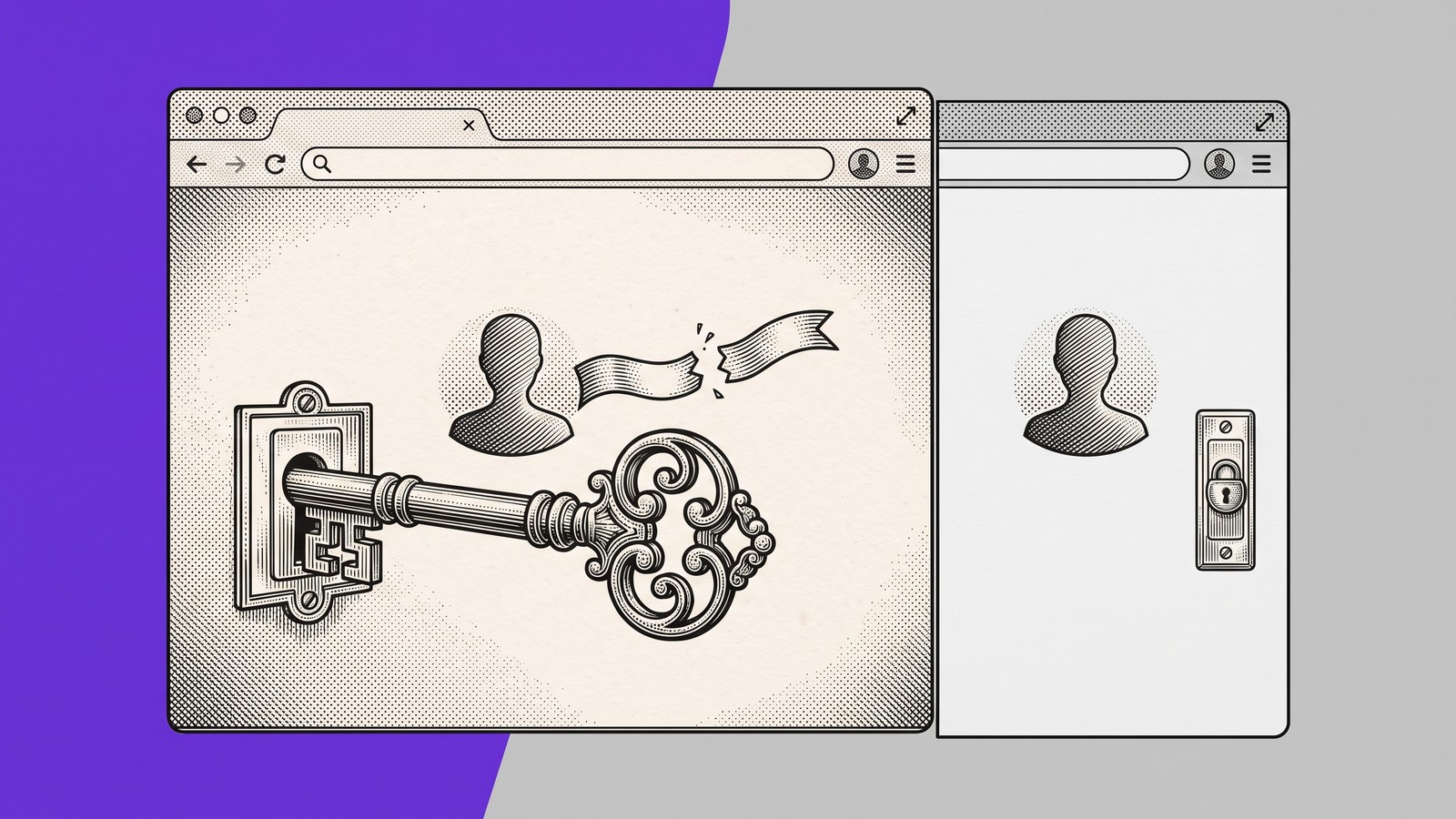
A fresh login can prove that an admin sees an export button and a viewer does not. It cannot prove what happens when an admin becomes a viewer while the original browser tab stays open.
That transition is where permission defects become difficult to explain. The server may know the new role while the browser still holds old claims, cached user data, stale component state, or an event handler created under the previous role. A refresh can remove the contradiction before QA records it.
TL;DR: Test permission changes as transitions, not isolated roles. Keep the original user tab open, revoke access from a separate admin tab, inspect the stale UI before refreshing, attempt the restricted action once, verify the server response and durable state, then compare a fresh restricted page.
Why fresh-page permission tests miss the transition
Most authorization test plans begin with a static matrix:
An admin can export.
A viewer cannot export.
An editor can modify but not delete.
Those checks are necessary, but each begins from a clean state. Real applications also move people between states. A manager revokes access. A subscription expires. An employee changes teams. An incident response process disables a privileged role while the person still has the application open.
The browser does not necessarily become a clean viewer at the same instant the server record changes. Different layers can update at different times:
The authoritative role changes.
The active session learns about the change.
Visible role text updates.
Privileged controls disappear or become disabled.
Existing callbacks, cached queries, and route guards adopt the new state.
The server evaluates the next request.
The attempted write either appears or does not appear in durable storage.
Practitioner questions about custom claims remaining stale until the token refreshes and synchronizing updated claims with an active frontend show the implementation pressure behind this test. A role can change in the system of record while the active client continues to operate with earlier authorization context. The exact refresh mechanism varies by stack, so QA should observe the transition instead of assuming a particular token lifecycle.
Client visibility is not the authorization boundary. The OWASP Authorization Cheat Sheet recommends validating permissions on every request and building tests for authorization logic. Hiding a button improves the experience. The server decision enforces access.
Four states every role-change test must separate
A useful report keeps four kinds of evidence distinct:
Rendered UI: What role, controls, routes, and values the open page displays.
Browser-held state: What claims, cache, component state, or control binding the active session still uses.
Server authorization: Whether the next request is permitted or denied under the application's documented contract.
Durable result: Whether an export, file, job, charge, or other side effect was actually created.
A visible privileged control does not prove an authorization bypass. A denied request does not prove that no side effect was created. A clean fresh page does not prove that an already-open page handled revocation correctly.
The test must observe all four layers.
A seven-step matrix for active-session revocation
Step | Test | Evidence to keep |
|---|---|---|
1 | Establish the clean privileged baseline | Displayed role, control visibility, authorized response, and expected durable side effect |
2 | Establish the clean restricted baseline | Restricted identity, hidden or disabled control, denied direct request, and no durable side effect |
3 | Preserve the active privileged session | Original route, user ID, role, control state, and relevant session or token timing |
4 | Revoke access from a separate admin session | Actor, subject, old role, new role, timestamp, and authoritative role readback |
5 | Inspect the stale browser before refreshing | Visible role, remaining controls, browser-held permission state, and first contradiction |
6 | Attempt the formerly privileged action once | Request, documented denial behavior, error handling, and authorization or audit event |
7 | Verify final state and compare a fresh session | Final role, every possible side effect, denial record, and clean restricted-page behavior |
This matrix covers revocation from a privileged role to a restricted role. The inverse transition, such as viewer to admin, is a useful follow-up because delayed permission expansion creates a different user experience and risk profile.
What our controlled experiment showed
We built a Samelogic-owned synthetic fixture with two users and two primary tabs:
Jordan Lee operated the admin page.
Maya Chen used the workspace page.
Maya began with the server role
admin.Her already-open workspace bound the export control to that initial role.
Jordan changed Maya from admin to viewer in the separate admin tab. Maya's existing tab synchronized its visible role label to viewer, but the export button remained visible and retained its original admin binding.
Maya attempted one export. In this fixture, the server checked its current role state, returned HTTP 403, and did not create an export.
Durable readback confirmed:
Maya's final role was
viewer.The export count remained
0.One denial was recorded.
The denied request carried the stale
admincontrol binding.
A newly opened viewer page hid the export control. All 14 browser assertions passed, confirming that the controlled fixture behaved as designed.
The valuable result was not simply that a button stayed visible. The experiment separated four facts that one screenshot would collapse:
The already-open tab rendered Maya as a viewer.
The export control still carried an admin-era binding.
The server denied the action.
Durable state contained no export.
The fresh viewer page supplied the control condition. It showed that the restricted interface worked during clean initialization while the in-session transition remained inconsistent.
How to run the test without erasing the evidence
Define the authorization contract first
Name the starting role, ending role, restricted action, expected server behavior, and expected durable result before opening the browser.
For example:
Given Maya is an admin with an active workspace tab, when Jordan changes Maya to viewer, Maya must not create an export. The request must follow the application's denial contract, and durable state must contain zero new exports.
Keep the UI expectation separate from the security expectation. “Export is hidden” and “export is denied” are different assertions.
Prove both clean baselines
Open a fresh privileged session and confirm the action is available. Open a fresh restricted session and confirm it is absent or disabled. Where safe, attempt the restricted request directly and verify the expected denial and final state.
These baselines tell you whether the defect belongs to the role definition or to the transition between roles.
Preserve the original user tab
Open the subject user's privileged page before revocation. Do not refresh it, sign out, navigate away, or replace its token unless token refresh is the behavior you are testing.
Record the user ID, role, route, visible controls, relevant flags, and token issue time when available. The objective is to preserve the browser state created under the earlier permission.
Change access from another context
Use an independent admin context to change the subject user to the restricted role. Confirm that the authoritative backend state now reports the new role.
Avoid performing the role change inside the subject user's tab. Mixing administrator and subject actions in one context can introduce unrelated identity, cache, and navigation behavior.
Capture the first contradiction
Return to the original tab before refreshing. Check more than the visible role label:
Is the privileged control still visible?
Is it enabled?
Does its event handler still run?
Does a cached menu or route expose the action?
Did the role update while the control did not?
Did a token refresh, websocket event, polling response, or state-store update occur?
Capture the earliest inconsistent state. A later screenshot may show a corrected page and erase the path engineering needs.
Attempt the restricted action safely
Use synthetic data or a non-destructive target. Trigger the formerly privileged action once. Record the request, response status, response body, and relevant correlation or audit identifier.
Assert the application's documented denial behavior rather than prescribing 403 universally. Some systems use 401, 403, a redirect, or a structured application error.
If the UI remains stale but the server denies the request, you have a frontend consistency defect while server enforcement holds. If the server accepts the request, stop and treat it as an authorization failure.
Read back durable state
Do not infer success or failure from a toast. Query the system of record, an admin view, or a purpose-built test endpoint. Verify the user's final role, every possible restricted object or side effect, and any denial or audit event.
A denial response and the final stored result are separate assertions. An asynchronous job, file, export, or partial record could exist even when the browser reports failure.
Compare a fresh restricted page
Open a new page or context as the same restricted user. Verify that the role matches the server and that the privileged action is hidden or disabled.
If both stale and fresh pages are wrong, investigate shared authorization or rendering logic. If only the already-open page is wrong, focus on invalidation, refresh, subscriptions, cached queries, and component lifecycle paths.
What to include in the defect report
A useful stale-permission report should include:
starting role and final role;
who changed the role and where;
original user-tab route and whether it remained open;
visible role before and after synchronization;
privileged control visibility, enabled state, and binding when observable;
request method, endpoint, and response status;
durable object count or state readback;
denial or audit event;
fresh-page comparison;
the exact point where a refresh would hide the defect.
Avoid reporting only “viewer still sees export.” That leaves engineering to guess whether the problem is visual, interactive, server-side, or durable.
What this experiment does not prove
This experiment demonstrates one synthetic stale-permission failure class. It does not establish that customer data was exposed, that every application uses the same token-refresh behavior, or that a specific frontend component caused the stale control.
The server in this fixture denied the attempted export, and no export record was created. The fixture was deliberately designed to make the mismatch observable. It is not customer validation and should not be presented as a production incident.
Browser permission testing is becoming a state-transition contract that people and solving agents can inspect across the UI, session, server decision, and final state.
Teams can test clean roles, revoke access during an active session, preserve the first UI contradiction, verify server enforcement, and read back the durable result now.
Preserve the permission transition with Samelogic
Samelogic deliberately records browser actions and preserves replayable context. For a stale-permission test, that can retain the path from the known-good privileged role through revocation, the first stale-control mismatch, the denied action, and the fresh restricted-page comparison for engineering inspection.
Samelogic does not automatically diagnose the cause, repair authorization logic, guarantee reproduction in every environment, passively capture earlier activity, or generate a complete test suite. It helps teams retain the browser evidence they deliberately record so the transition can be reviewed without reducing the report to one final screenshot.
Record the permission-transition path with CSS Selector & XPath Finder by Samelogic.
Sources
Related workflows
Move from editorial context into the selector, Playwright, and bug-reproduction pages that turn exact UI evidence into action.
 Install the Chrome Extension


























