React Key Bugs That Make the Wrong Row Change
Learn how React keys preserve record identity, why index keys break reordered lists, and how to reproduce a wrong-row bug with a controlled test.

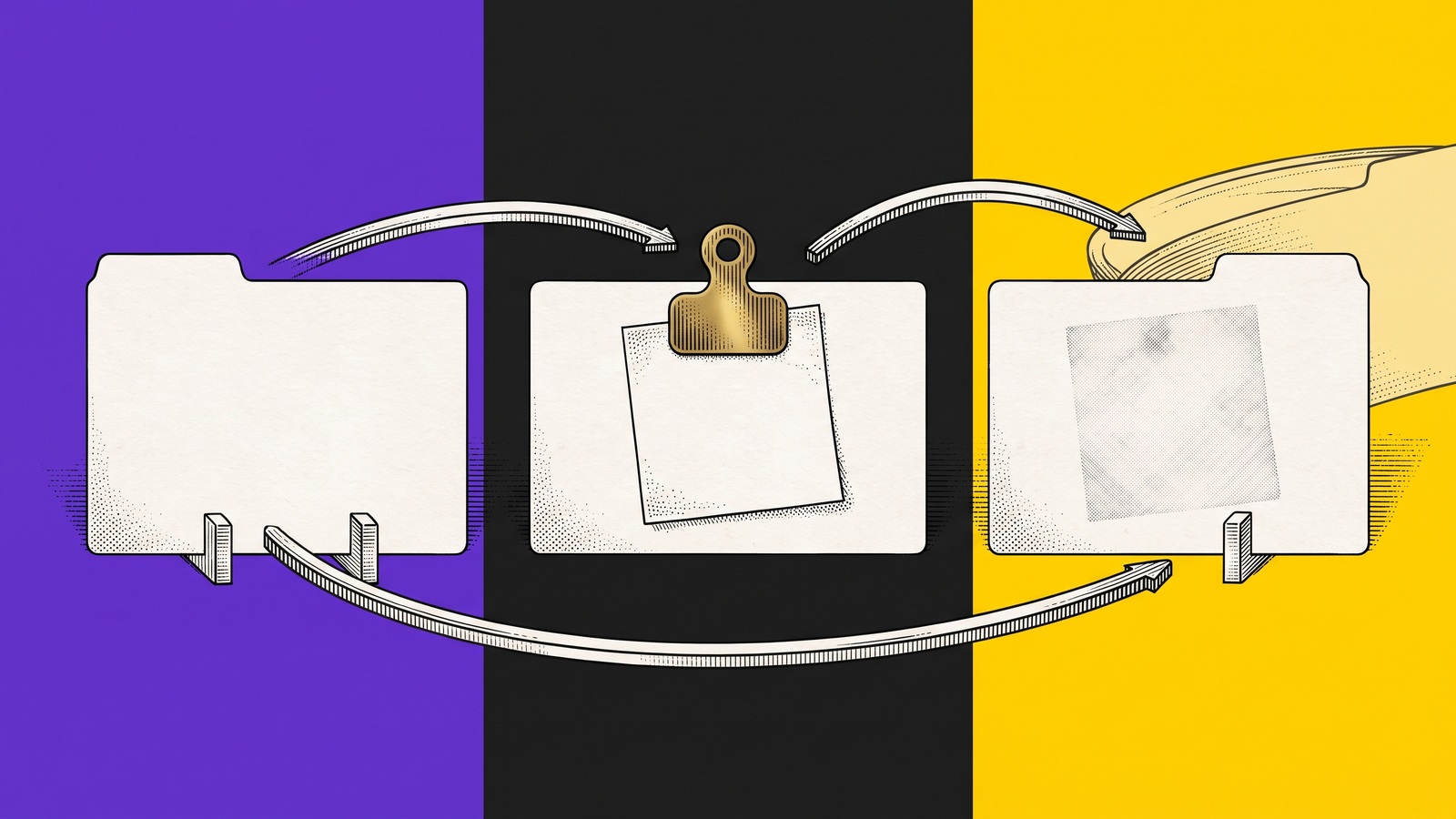
TL;DR: A React key tells React which rendered component belongs to which data record across inserts, deletes, filters, and reordering. In our controlled three-row experiment, an index key moved a note from
CASE-441toCASE-443when the list reversed. A stable record ID kept the note withCASE-441. If the wrong row changes after a filter or sort, inspect identity before blaming the input, event handler, or API.
A support agent adds a private note to one case. The list is filtered or sorted. The note now appears on another case.
The API payload may be correct. The input component may be correct. The browser may have done exactly what the code asked. The broken part is often the relationship between a rendered row and the record it represents.
In React, that relationship is expressed through the key prop.
This guide explains what a React key does, why array indexes fail in dynamic lists, how to reproduce the wrong-row bug, and what evidence helps the teammate fixing it.
What a React key actually does
A React key is a stable identity label for an item among its siblings. React uses it while reconciling one render with the next.
When a list changes, React has to decide which previous component instance corresponds to each new item. That matters because a component instance can hold local state, focus, selection, pending input, or child state.
A useful key answers this question:
Is this the same underlying record as before, even if its screen position changed?
The official React guidance says keys should come from the data and remain stable. A database ID, case number, order ID, or other domain identifier is usually appropriate.
A key is not:
a CSS selector
a DOM
ida value passed to the child as a normal prop
a replacement for application-level state design
proof that the backend saved the correct record
It is the identity contract React uses between renders.
Why index keys break changing lists
This pattern looks harmless:
It can be acceptable for a truly static list that will never reorder, filter, insert, or delete. That condition is less common than it sounds.
The index describes a position, not a record. If CASE-441 starts at position 0 and the list reverses, position 0 may now contain CASE-443. React sees the same key, 0, and can preserve the component instance at that position. Local state from the first record can appear under the third record.
Use a stable record identity instead:
Now the component instance follows item.id when the order changes.
The controlled wrong-row experiment
We built a small fake-data React list with three support cases:
Record | Initial position | Local state used in the test |
|---|---|---|
| 0 |
|
| 1 | empty |
| 2 | empty |
The experiment used the same components and browser actions for both versions. Only the key strategy changed.
Load the three cases in the order
441, 442, 443.Enter the note on
CASE-441.Reverse the visible list to
443, 442, 441.Read which record now owns the note.
The result was direct:
Key strategy | Record holding the note after reorder | Result |
|---|---|---|
|
| wrong record |
|
| expected record |
This was a controlled synthetic experiment, not customer data and not a claim that every wrong-row bug is caused by keys. It demonstrates one precise failure mechanism under a repeatable state transition.
The important detail is that the visible text and the local input state followed different identities. A final screenshot can show the wrong note, but it does not show when the identity split occurred.
A practical debugging sequence
When a user reports that an action affected the wrong row, debug the transition rather than only the final screen.
1. Freeze the starting state
Record the exact items, order, filters, sort direction, pagination state, and relevant permissions. If the list came from an API response, keep the record IDs that reached the browser.
2. Identify state ownership
Ask where the incorrect value lives:
local component state
form-library state
a parent object keyed by record ID
a global store
a server response
cached query data
Index-key bugs are especially visible when state lives inside each row component.
3. Capture the first structural change
The useful action is often not the final click. It may be:
reversing the sort order
applying a filter
removing an item
inserting a new item above the target
moving between pages
replacing temporary IDs after a save
The first mismatch is where a component instance becomes attached to the wrong record.
4. Inspect the key at the map site
Do not inspect only the row component. The key is assigned where the collection is rendered.
Look for index keys, random values, timestamps, context-dependent strings, duplicated IDs, or keys that change when display state changes.
5. Rerun with a stable domain ID
Change only the identity strategy and repeat the same browser path. Keep the starting records and actions constant. If the failure disappears, you have isolated the key behavior without claiming a broader fix than the test supports.
Choosing a good React key
Use a value that is unique among siblings and stable for the lifetime of the record.
Candidate | Usually safe? | Why |
|---|---|---|
Database or domain record ID | yes | follows the underlying record across renders |
Composite of stable record fields | sometimes | useful when no single stable ID exists |
Array index | only for static lists | follows position when the collection changes |
| no | creates a new identity on each render |
Editable label or title | usually no | changes with display content and may not be unique |
Temporary client ID | yes, with care | must remain stable until reconciled with the saved record |
Do not generate a new key during render. If new records need client-side identity, assign the ID when the record is created and preserve it.
Tests that catch identity bugs
A snapshot test of the initial list will not catch this class of problem. The test has to change the collection while state exists.
At minimum, cover these transitions:
type into a row, then sort
select a row, then filter
expand a row, then insert an item above it
edit a row, then delete a sibling
create an optimistic row, then replace its server ID
restore a removed record and verify state is not silently transferred
Assert the record identity and the state together. For example, verify that the note remains under CASE-441, not merely that a note input still exists.
A browser test should also read the final visible order and the target record ID. That makes the expected and actual result explicit for the engineer reviewing the failure.
What the key fix does not prove
Stable keys fix the component identity contract. They do not establish that:
the API updated the correct database row
stale cached data was invalidated
permissions were applied correctly
an optimistic update reconciled with the server
every local state bug is resolved
a finished regression test now covers the whole workflow
If the stable-key rerun still fails, continue through event payloads, mutation variables, cache updates, and server readback. The identity fix narrows the investigation. It does not replace it.
Preparing browser incidents for solving agents
As solving agents take on more frontend investigation over the next 6 to 18 months, they will need record identity, ordered browser actions, the first state mismatch and a verified final readback, not only a DOM snapshot or a passing rerun.
That changes the incident format. A future investigation should not hand an agent a screenshot labeled "wrong row." It should provide the starting records, the key strategy, the exact reorder or filter action, the expected record, the actual record, the relevant permission boundary, and the result of a bounded rerun.
Teams can prepare now by using stable domain IDs as React keys and preserving a compact incident record with the known start state, exact reorder or filter action, expected record, actual record, permission boundary and final-state readback.
The same structure helps a human engineer today. It also gives a solving agent less room to confuse screen position with record identity later.
Record the transition that moves the state
A wrong-row report becomes useful when the teammate opening it can see the state before the reorder, the action that changed the list, and the first record mismatch.
A deliberately started Samelogic recording can preserve the ordered browser path around the reorder, the affected list item and the failing moment so the teammate opening the recording can compare what changed without treating the recording as automatic root-cause analysis. The current product direction is to make this browser context easier for people and solving agents to inspect, while the controlled React experiment above remains the proof for this specific key behavior.
Install CSS Selector & XPath Finder by Samelogic when you need to deliberately record the browser steps behind a changing-list bug and preserve the relevant element context for the handoff.
Sources
Related workflows
Move from editorial context into the selector, Playwright, and bug-reproduction pages that turn exact UI evidence into action.
 Install the Chrome Extension


























